
Salesforce has been a core platform for CRM operations for many years. However, businesses today face an important decision: whether to continue using Salesforce Classic or move to the Salesforce Lightning Experience, making the comparison of Salesforce Lightning vs Salesforce Classic increasingly relevant for modern organizations.
Classic is known for its familiarity and stable, straightforward interface, while Lightning offers a more modern CRM experience with improved design, enhanced productivity tools, and better mobile accessibility. It is widely recognized that most organizations today are gradually shifting toward more modern CRM interfaces due to efficiency and usability improvements.
This blog provides a detailed Salesforce platform comparison guide, exploring the key differences between Classic and Lightning. It looks at how each version impacts productivity, reporting capabilities, mobile usability, and workflow automation.
Understanding Salesforce Lightning and Salesforce Classic
What Is Salesforce Classic?
Salesforce Classic is the original CRM interface. It provides basic navigation, reporting, and workflow features. While it remains functional, Classic has limitations in mobile accessibility, dashboard customization, and modern productivity enhancements. Many legacy users still rely on Classic for its simplicity, but it lacks the innovation needed for today’s digital workplace.
What Is Salesforce Lightning Experience?
Salesforce Lightning Experience is the modern interface designed to improve usability and efficiency. It includes Lightning App Builder, Lightning Web Components, and enhanced dashboards. Lightning supports CRM platform modernization by offering better customization, workflow efficiency, and mobile accessibility.
Why Salesforce Introduced Lightning
Salesforce introduced Lightning to address Classic’s limitations. Businesses needed a platform that could modernize CRM operations, improve user adoption, and streamline daily workflows. Lightning was designed to enhance reporting visibility, support mobile workforces, and deliver a modern CRM interface aligned with digital workplace needs.
How the Platform Has Evolved Over Time
Since its launch, Lightning has evolved with features like dynamic dashboards, AI-driven insights, and improved application performance. Salesforce continues to invest in Lightning Development Services, ensuring the platform supports long-term CRM modernization trends.
User Interface Differences Between Salesforce Lightning and Classic
Salesforce Lightning and Salesforce Classic differ significantly in how users interact with the platform. These differences impact usability, productivity, and overall user experience, especially for teams managing large volumes of CRM data.
Feature Comparison Overview
| Feature | Salesforce Classic | Salesforce Lightning |
| Navigation | Text-heavy, tab-based navigation with limited flexibility | Modern, intuitive navigation with customizable menus and app launcher |
| Design | Basic, outdated interface with minimal visual hierarchy | Clean, responsive design with cards, icons, and structured layouts |
| Homepage | Static layout with limited personalization | Dynamic homepage with dashboards, components, and real-time insights |
| Workspace Organization | Dense and cluttered page layouts | Modular, component-based workspace for better task flow |
| Accessibility | Limited mobile optimization and responsiveness | Fully mobile-friendly with a consistent cross-device experience |
Navigation and Layout Comparison
Salesforce Classic relies on a traditional tab-based navigation system where users access modules through a fixed menu structure. While functional, it can feel rigid and less efficient when switching between multiple tasks.
Salesforce Lightning introduces a modern navigation experience with the App Launcher, customizable navigation bars, and quick access panels. Users can personalize their workspace by pinning frequently used apps and switching contexts more efficiently. This reduces the number of clicks needed to complete common CRM tasks and improves overall workflow speed.
Visual Design Improvements
One of the most noticeable upgrades in Lightning is its visual design. Classic uses a more text-heavy layout with limited styling, which can make large datasets harder to scan.
Lightning replaces this with a clean, modern interface that uses cards, icons, color coding, and structured sections. This improves readability and helps users identify key information at a glance. The design is also responsive, meaning it adapts smoothly to different screen sizes and devices, improving usability across desktops, tablets, and mobile phones.
Homepage Customization Features
In Salesforce Classic, the homepage is relatively static and offers limited customization options. Users typically see a standard dashboard with minimal flexibility to customize content based on their role or priorities.
Lightning, on the other hand, introduces a highly customizable homepage experience. Organizations can build role-based dashboards that display real-time metrics, task lists, performance charts, and key business insights. Users can also add components such as calendars, reports, and productivity widgets. This makes the homepage more action-oriented and relevant to daily workflows.
Workspace Organization Enhancements
Classic tends to display information in long, dense page layouts, which can make navigation and data management more time-consuming. Users often need to scroll through large sections to find relevant fields or actions.
Lightning improves this by introducing a component-based layout system. Each page is divided into modular sections such as related lists, highlights panels, and quick actions. This structure helps reduce clutter and allows users to focus on the most important tasks without unnecessary distractions. It also supports faster workflow execution, especially for sales and service teams.
Accessibility and Usability Improvements
Salesforce Classic offers limited support for mobile devices and smaller screens, which can restrict productivity for users working remotely or in the field.
Lightning is designed with a mobile-first approach. It provides a consistent experience across desktops, tablets, and smartphones. Features such as touch-friendly navigation, responsive layouts, and Salesforce mobile app integration ensure that users can access critical CRM data anytime, anywhere. This significantly improves usability for distributed teams and field employees.
Productivity Features Available in Salesforce Lightning
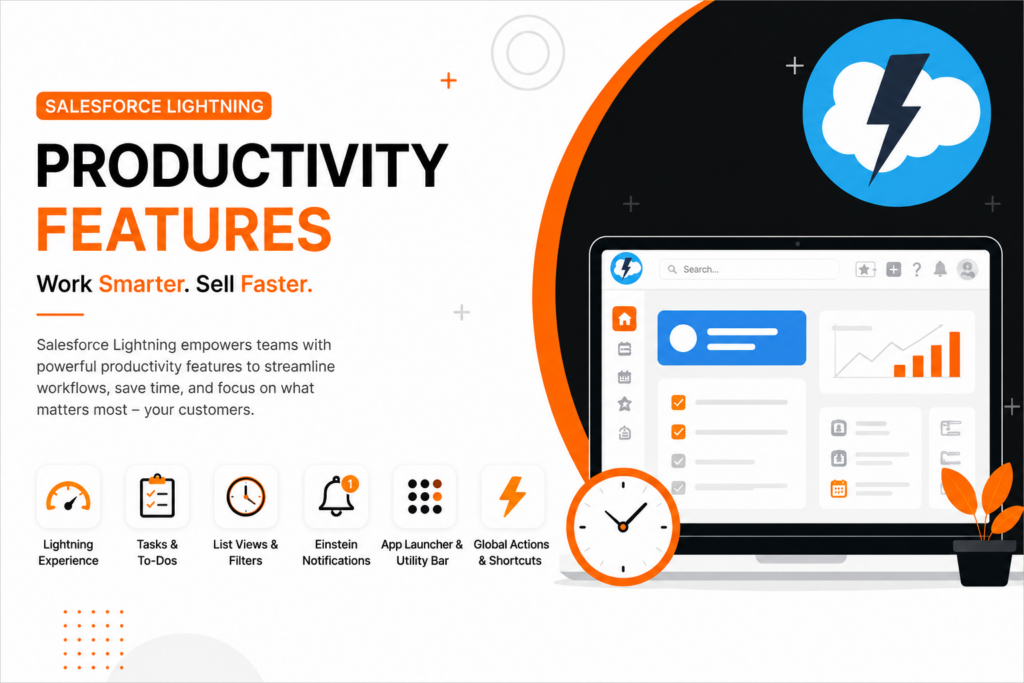
Salesforce Lightning was designed to modernize CRM workflows and significantly improve day-to-day productivity. Compared to Salesforce Classic, it introduces a set of intelligent tools that reduce manual effort, streamline navigation, and help teams work more efficiently across sales, service, and marketing functions.
Kanban Views for Pipeline Management
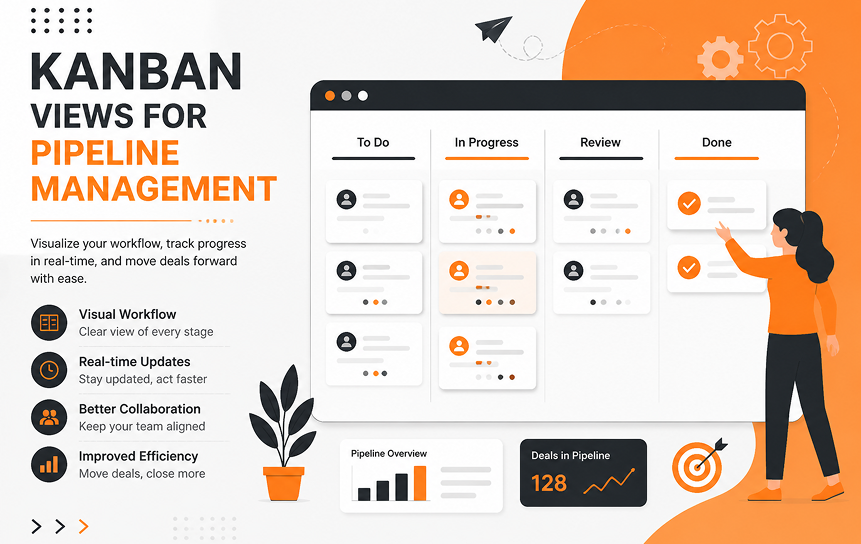
Lightning includes a Kanban view that visually represents sales pipelines in a drag-and-drop format. This allows sales teams to manage opportunities more intuitively by moving deals across stages such as Prospecting → Qualification → Negotiation → Closed Won.
Instead of relying on lists or reports, users can instantly see the status of all deals in one place. This visual approach makes it easier to identify bottlenecks, prioritize high-value opportunities, and maintain pipeline momentum. It also gives managers a quick snapshot of team performance without needing to run separate reports.
Dynamic Dashboards
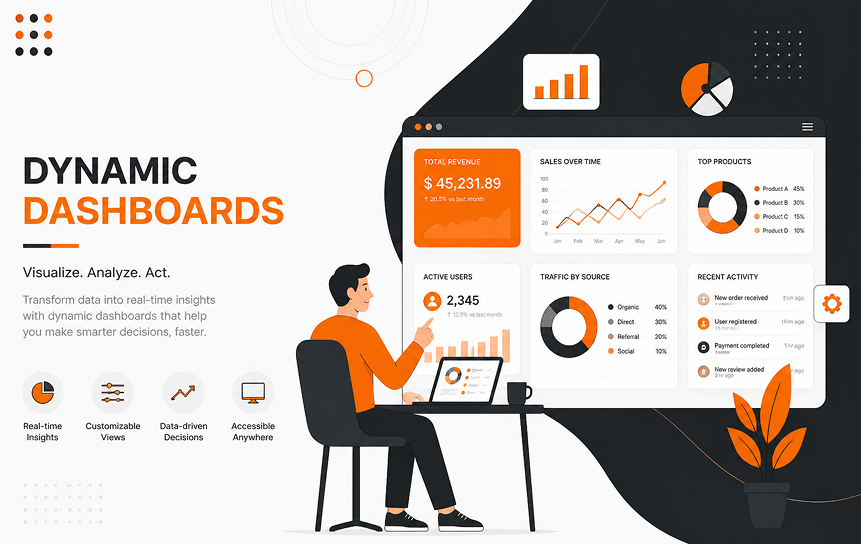
Unlike the static dashboards in Salesforce Classic, Lightning dashboards are more interactive and can reflect near-real-time updates. This means changes in opportunities, leads, or service cases are reflected much faster.
Sales teams and leadership can monitor key performance indicators such as pipeline health, revenue forecasts, campaign effectiveness, and case resolution metrics in one unified view. This improves decision-making speed and reduces dependency on manually refreshed reports, making reporting more actionable and accessible.
Activity Timeline Functionality
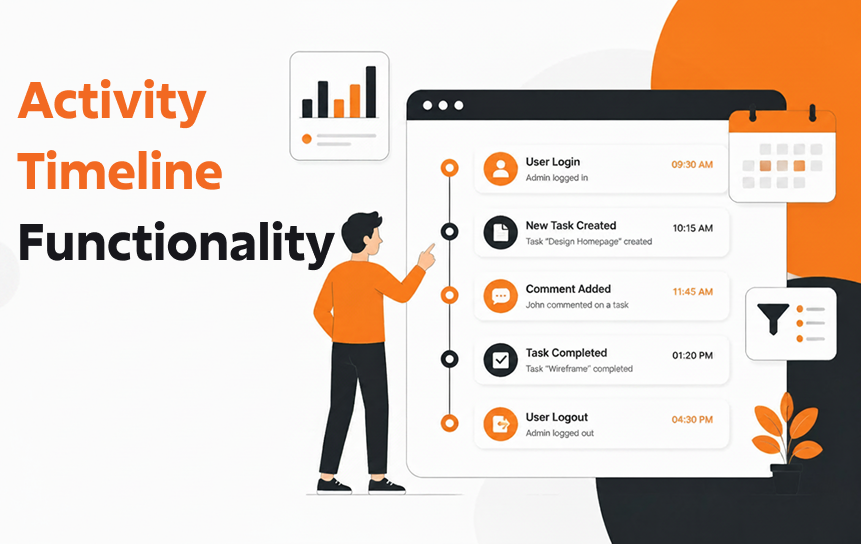
The Activity Timeline in Salesforce Lightning consolidates all customer interactions into a single chronological view. Emails, phone calls, meetings, notes, and tasks are automatically organized in sequence.
This helps users quickly understand the full context of a customer relationship without switching between multiple tabs or records. It also reduces the risk of missed follow-ups, as all upcoming and past activities are clearly visible in one place. In contrast, Salesforce Classic often requires manual tracking across different sections, which can slow down daily workflows.
Path and Guidance Features
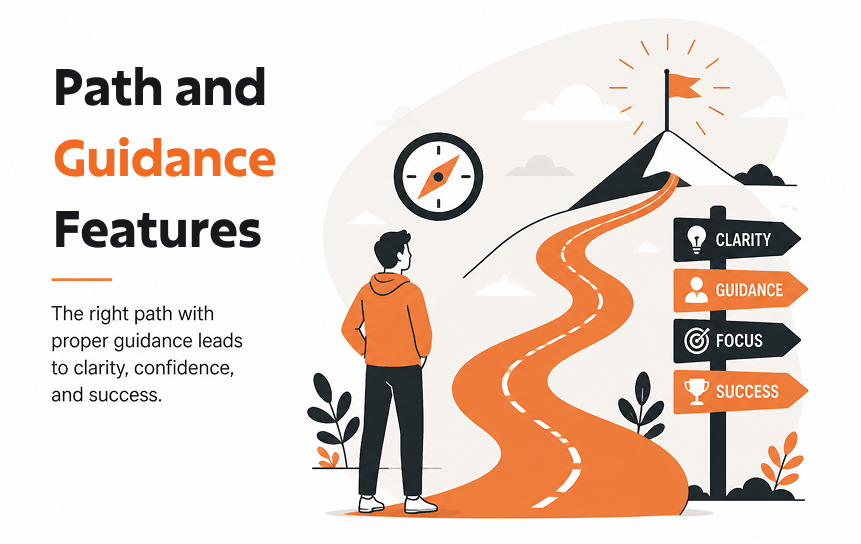
Salesforce Lightning Path provides guided workflows for sales and service processes. It visually breaks down each stage of a process and highlights key actions required at every step.
For example, during the Negotiation stage of a deal, users may see recommended actions, required fields, or best practices to improve closing success. This ensures that teams follow a consistent process across the organization while also helping new users understand workflows more quickly. It also improves overall adoption by providing contextual guidance directly within the CRM.
Enhanced Search Capabilities
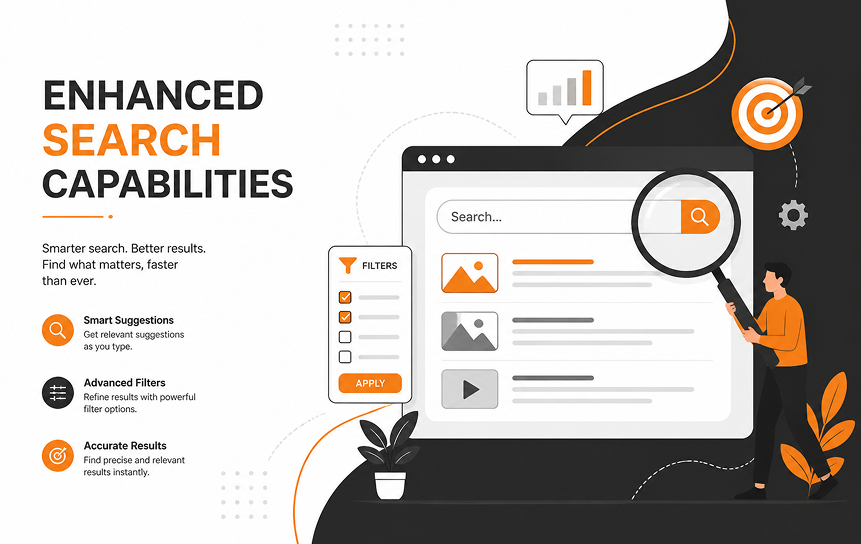
Lightning offers a significantly improved global search experience compared to Classic. It uses predictive search, smarter indexing, and refined filters to help users find records faster.
Users can search across leads, accounts, contacts, opportunities, and even custom objects with fewer clicks. The system also surfaces more relevant results at the top, reducing time spent manually scanning through records. This is especially useful for large organizations where data volume is high and quick access to information is critical for productivity.
Reporting and Analytics Comparison
Reporting is one of the most critical differences between Salesforce Lightning and Classic. Lightning offers advanced visualization, real-time insights, and executive-level reporting, while Classic remains basic.
| Feature | Salesforce Classic | Salesforce Lightning |
| Dashboards | Static, limited customization | Dynamic, interactive dashboards |
| Reporting Tools | Basic charts and tables | Advanced visualization with filters and drill-downs |
| Data Refresh | Manual updates required | Real-time data synchronization |
| Executive Insights | Limited visibility | AI-driven insights and customizable executive dashboards |
| Collaboration | Minimal | Enhanced collaboration with shared dashboards |
Dashboard Capabilities in Classic
Classic dashboards provide basic charts and graphs. They are functional but lack interactivity, making them less effective for modern CRM operations.
Lightning Reporting Enhancements
Lightning dashboards are dynamic and customizable. Users can filter data, drill down into reports, and share dashboards across teams. This improves collaboration and enhances reporting visibility.
Data Visualization Improvements
Lightning supports advanced visualization tools such as bar charts, funnel views, and comparison tables. These features improve user experience design and help executives make informed decisions.
Real-Time Business Insights
Lightning dashboards update in real time, ensuring businesses always have the latest information. Classic dashboards often require manual refreshes, which delays decision-making.
Executive Reporting Benefits
Lightning supports executive reporting with customizable dashboards, predictive analytics, and AI-driven insights. This improves operational visibility and supports digital workplace strategies.
Mobile Experience Differences
Mobile accessibility is one of the most significant differences between Salesforce Lightning vs Salesforce Classic. In today’s digital workplace, supporting mobile workforces is essential, and Lightning was designed with this in mind.
| Feature | Salesforce Classic | Salesforce Lightning |
| Mobile App Support | Limited functionality | Full integration with Salesforce Mobile App |
| Dashboards | Not optimized for mobile | Mobile-friendly, dynamic dashboards |
| Field Team Tools | Basic record updates | Real-time updates, offline access, GPS integration |
| Remote Work Enablement | Weak support | Strong support for remote and hybrid teams |
| Cross-Device Consistency | Inconsistent layouts | Seamless experience across desktop, tablet, and mobile |
Salesforce Mobile Accessibility
Classic offers limited mobile support, while Lightning integrates seamlessly with the Salesforce Mobile App, ensuring cross-device consistency. This allows employees to access dashboards, workflows, and approvals on the go.
Mobile Productivity Features
Lightning supports mobile dashboards, approvals, and workflow automation. For example, a sales manager can approve a discount request directly from their phone, improving workflow efficiency.
Field Team Benefits
Field teams benefit from Lightning’s mobile accessibility. They can update customer records, log visits, and access product information in real time. Classic lacks these advanced mobile features.
Remote Work Enablement
Lightning supports remote work by providing mobile-friendly layouts and real-time synchronization. This ensures employees can collaborate effectively, even outside the office.
Cross-Device Consistency
Lightning ensures consistent experiences across desktop, tablet, and mobile. Classic’s interface is not optimized for multiple devices, limiting usability.
Automation and Workflow Capabilities
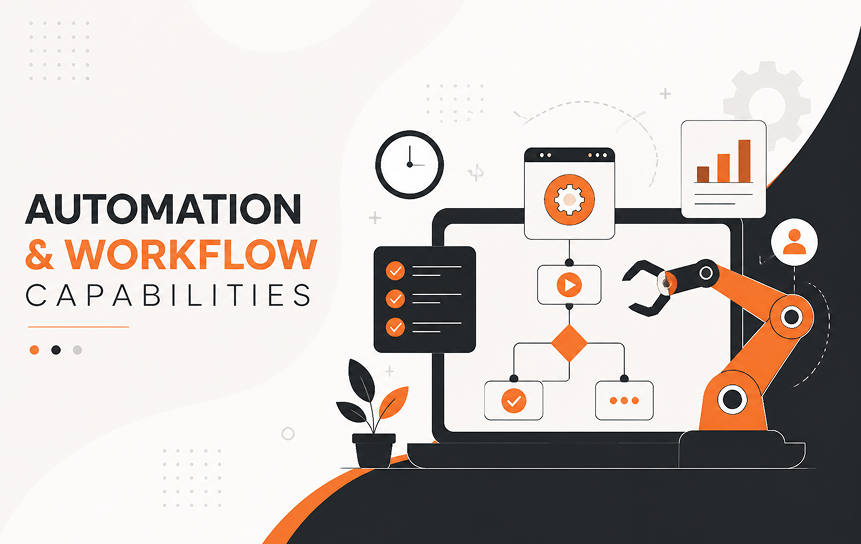
Automation is another area where Lightning significantly outperforms Classic. Businesses today require scalable automation to streamline daily workflows and support complex processes.
| Feature | Salesforce Classic | Salesforce Lightning |
| Workflow Rules | Basic automation | Advanced automation with Flow Builder |
| Approval Processes | Limited flexibility | Enhanced approvals with mobile notifications |
| Process Builder | Not available | Visual process design with drag-and-drop |
| Scalability | Struggles with complex workflows | Supports enterprise-level automation |
| Integration Support | Limited | Strong integration with Salesforce Workflow Automation content |
Process Management in Classic
Classic offers basic workflow rules and approval processes. While functional, they lack flexibility and scalability for modern enterprise needs.
Modern Automation Tools in Lightning
Lightning provides advanced automation tools, including Flow Builder and Process Builder. These tools allow businesses to design workflows visually, making automation easier to manage.
Flow-Based Process Design
Lightning Flow enables complex workflows with drag-and-drop design. For example, a customer onboarding process can automatically trigger emails, assign tasks, and update records. Classic does not support flow-based automation.
Approval Workflow Enhancements
Lightning improves approval workflows with mobile approvals and real-time notifications. Managers can approve requests instantly, reducing delays and improving workflow efficiency.
Automation Scalability
Lightning automation scales with enterprise needs, supporting complex workflows and integrations. Classic struggles with scalability, making it less suitable for large organizations.
Challenges Businesses May Encounter During Transition
Switching from Salesforce Classic to Salesforce Lightning is not just a technical upgrade, it’s a cultural and operational shift. While Lightning offers clear advantages, businesses often face challenges during migration.
| Challenge | Impact | Example | Solution |
| User Training Requirements | Low adoption if users are unfamiliar | Sales reps resist new Kanban views | Provide guided training and Salesforce Customization Services |
| Change Management Considerations | Resistance to change | Employees prefer Classic’s familiar layout | Use phased rollouts and clear communication |
| Legacy Feature Compatibility | Some Classic features are not available | Custom Visualforce pages may break | Review configurations before migration |
| Custom Configuration Reviews | Risk of errors | Custom workflows may not align with Lightning Flow | Audit and adjust with Salesforce Integration Services |
| Adoption Monitoring Strategies | Poor ROI if adoption is low | Teams revert to Classic | Track usage metrics and provide ongoing support |
User Training Requirements
Transitioning requires training to improve user adoption. Without it, employees may resist Lightning’s new interface. Businesses should invest in Salesforce Development Services to create tailored training programs.
Change Management Considerations
Change management is critical. Employees often prefer Classic’s familiar layout. Clear communication, phased rollouts, and leadership support help improve adoption.
Legacy Feature Compatibility
Some legacy features in Classic may not exist in Lightning. For example, certain Visualforce pages may not render correctly. Businesses must review compatibility before migration.
Custom Configuration Reviews
Enterprises should audit customizations to ensure they align with Lightning Flow and Lightning Web Components. Salesforce Integration Services pages often assist with this process.
Adoption Monitoring Strategies
Monitoring adoption ensures employees use Lightning effectively. Businesses should track login frequency, dashboard usage, and workflow adoption to measure success.
Future Outlook for Salesforce Lightning
Salesforce Lightning is not just a replacement for Classic; it represents the future of CRM modernization. Salesforce continues to invest heavily in Lightning, ensuring it evolves with business needs.
| Trend | Description | Business Impact |
| Ongoing Platform Innovation | Continuous updates to Lightning features | Keeps CRM aligned with modern needs |
| AI-Driven Experiences | Predictive analytics and intelligent recommendations | Improves decision-making and workflow efficiency |
| User-Centric Development | Focus on usability and customization | Enhances user adoption and productivity |
| Long-Term CRM Modernization Trends | Support for digital workplace and mobile workforces | Ensures scalability and enterprise readiness |
Ongoing Platform Innovation
Salesforce continues to release new Lightning features, ensuring businesses benefit from modern CRM interface improvements and workflow efficiency.
AI-Driven Experiences
Lightning integrates AI-driven insights, helping businesses predict customer behavior, identify risks, and improve reporting visibility.
User-Centric Development
Salesforce focuses on user-centric design, improving usability and productivity enhancements. This ensures employees can streamline daily workflows and access information faster.
Long-Term CRM Modernization Trends
Lightning supports digital workplace evolution, mobile accessibility, and hyperconnected enterprise ecosystems. This ensures enterprises remain competitive in the long run.
Conclusion
The debate of Salesforce Lightning vs Salesforce Classic is ultimately about modernization and long-term business growth. Classic provides stability and familiarity, but it lacks the advanced features required for today’s digital workplace. Lightning, on the other hand, delivers a modern CRM interface, productivity enhancements, mobile accessibility, and workflow automation that streamline daily operations and improve user adoption.
For businesses aiming to modernize CRM operations, Lightning offers clear advantages: dynamic dashboards, Kanban pipeline views, AI-driven insights, and mobile consistency across devices. Transition challenges such as training, change management, and legacy compatibility can be overcome with proper planning, Salesforce Development Services, and Salesforce Integration Services.
By investing in Salesforce Lightning Development and leveraging Salesforce Workflow Automation, enterprises can ensure scalable operations, secure integrations, and improved collaboration. Lightning is not just the future of Salesforce; it is the foundation for building a hyperconnected, efficient, and user-centric CRM ecosystem.
Contact us to learn more about how we can help you seamlessly migrate to Salesforce Lightning and optimize your CRM strategy for long-term success.
FAQs
-
What is the main difference between Salesforce Lightning and Salesforce Classic?
The main difference lies in user experience and functionality. Lightning offers a modern, visually rich Salesforce user interface with dynamic dashboards, advanced Salesforce productivity tools, and strong mobile accessibility. In contrast, Classic provides a simpler, text-based layout with limited customization and fewer built-in productivity enhancements. This is one of the most significant distinctions when evaluating Salesforce Lightning vs Salesforce Classic.
-
Why is Salesforce Lightning considered more modern?
Lightning is considered more modern because it includes powerful Salesforce Lightning features such as Kanban views, enhanced search, AI-powered insights, and customizable dashboards. These Salesforce Lightning user experience improvements simplify CRM navigation, increase user adoption, and support employees working across multiple devices and locations.
-
Are all Salesforce features available in Classic?
No. Many newer capabilities are only available in Lightning. Features such as Lightning Web Components, Flow Builder, advanced dashboards, and other enhanced Lightning platform capabilities are exclusive to Lightning. A detailed Salesforce Classic comparison often highlights these feature gaps, as Classic is supported but no longer receives the same level of innovation.
-
How does Lightning improve productivity?
Lightning improves productivity through advanced workflow tools such as Kanban pipeline management, activity timelines, workflow automation, and dynamic dashboards. These Salesforce Lightning productivity features improve collaboration by helping teams access information faster, reduce manual tasks, and work more efficiently. In addition, built-in Salesforce productivity tools help streamline day-to-day CRM activities.
-
Is Salesforce Classic still supported?
Yes, Salesforce Classic is still supported. However, Salesforce focuses most of its new development efforts on Lightning, introducing new features, automation capabilities, and platform enhancements there first. Because of increasing Salesforce Classic limitations, many organizations are evaluating whether businesses should switch to Salesforce Lightning to better support long-term growth and modernization goals.
-
What are the biggest advantages of Lightning Experience?
Lightning offers a more intuitive user experience, stronger mobile accessibility, advanced reporting, and scalable automation capabilities. These advantages represent some of the most valuable Salesforce Lightning benefits over Classic, helping businesses improve collaboration, gain better visibility into performance metrics, and take full advantage of modern Lightning platform capabilities.


