
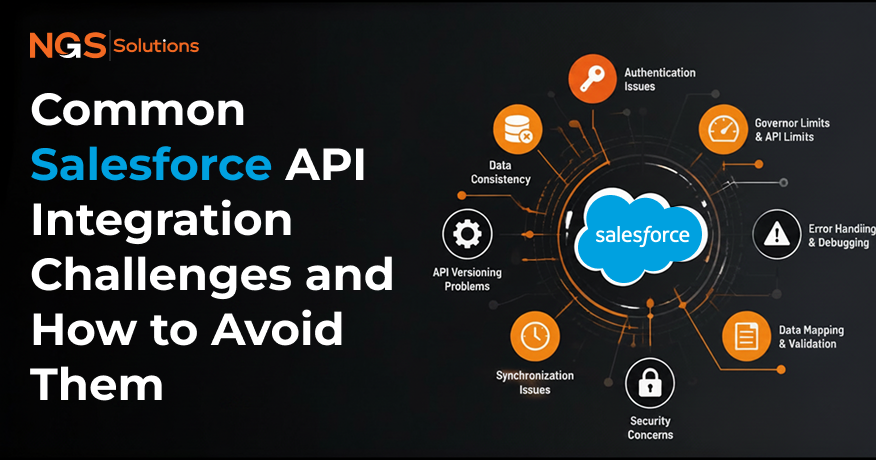
Many businesses around the world use Salesforce to manage their customer relationships. However, integrating it with other systems often causes problems that disrupt workflows, reduce data accuracy, and slow operations.
Industry reports suggest that nearly 40% of CRM integration projects experience delays or failures due to API-related issues. This is where professional Salesforce development solutions become essential, helping organizations design, manage, and optimize reliable integrations. This blog explains common problems that businesses face when using Salesforce APIs. It also highlights why these challenges matter and how businesses can solve them using proven strategies.
By the time you finish, you will understand the risks involved as well as the best ways to ensure Salesforce connectivity, data synchronization, and enterprise system integration are working efficiently. These insights help improve performance and reduce integration risks across digital ecosystems over time.
Why API Integrations Are Important for Modern Businesses
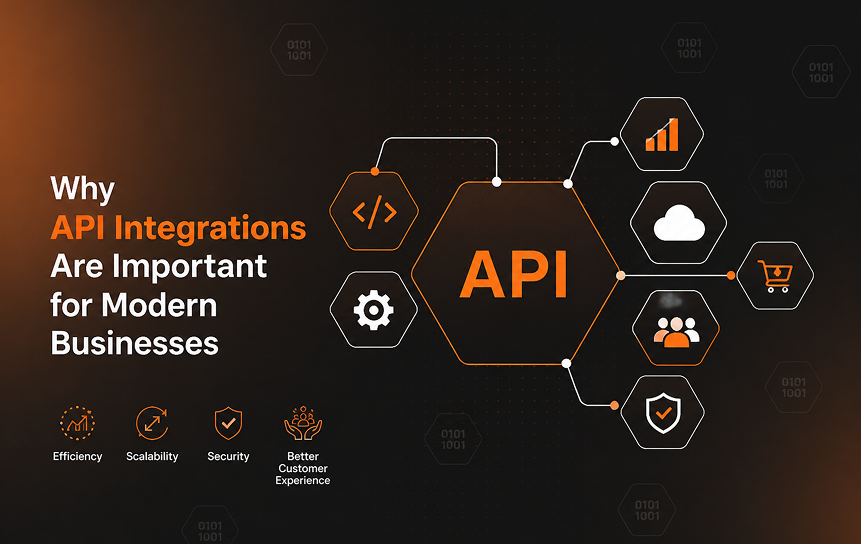
API integrations are the foundation of digital business operations. They allow organizations to connect multiple business systems, synchronize customer data, and streamline information exchange. Without strong integrations, companies risk data silos, inconsistent reporting, and poor customer experiences. For enterprises using Salesforce, APIs ensure that CRM data flows seamlessly across applications, supporting scalable operations and secure API connections.
Eliminating Data Silos
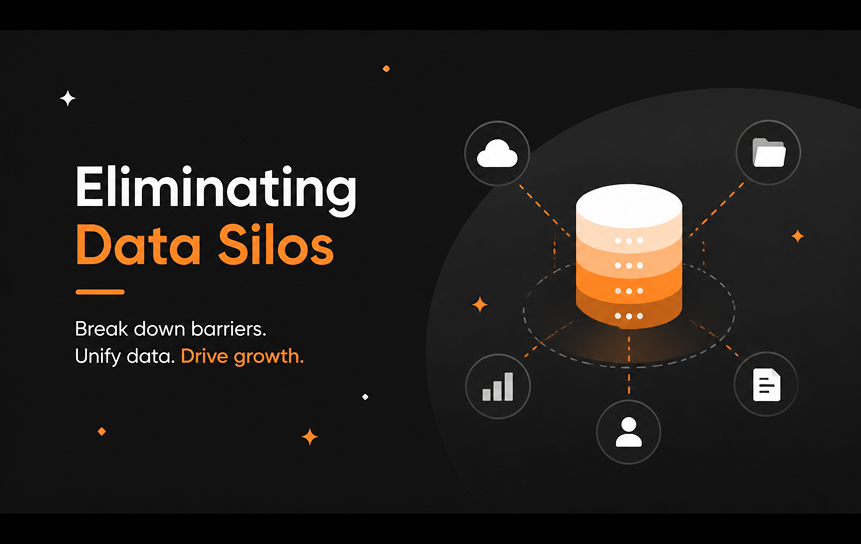
Data silos occur when information is trapped in separate systems, making it difficult to gain a unified view of customers. Salesforce API integration helps reduce data silos by enabling system interoperability and application connectivity. When APIs are properly implemented, customer records, sales data, and support tickets can be synchronized across enterprise applications, improving data consistency and decision-making.
Creating Connected Workflows
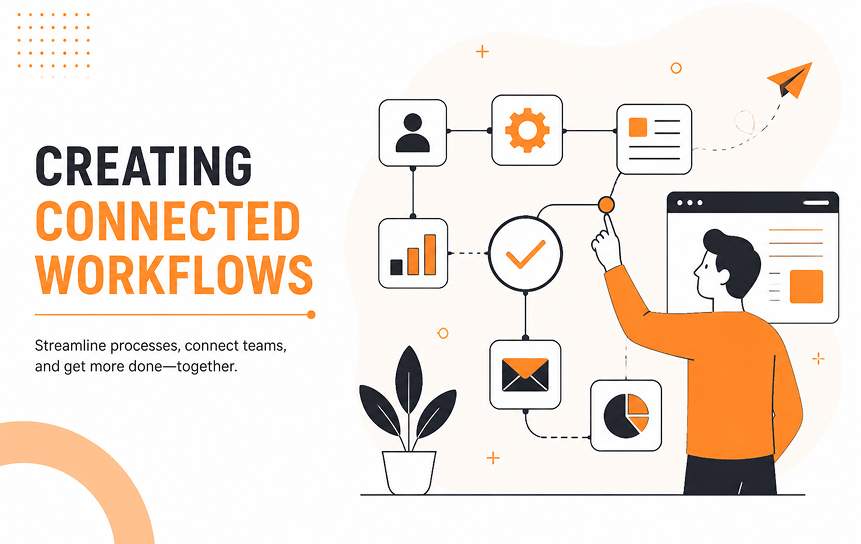
Disconnected workflows often lead to manual processes and errors. Salesforce REST API and SOAP API allow businesses to automate Salesforce workflow across platforms. For example, when a lead is created in Salesforce, APIs can trigger updates in marketing automation tools or ERP systems. This improves system communication and streamlines information exchange, reducing integration errors.
Improving Operational Visibility

Operational visibility means having real-time insights into business performance. With Salesforce API best practices, companies can integrate dashboards that pull data from multiple systems. This allows managers to monitor sales pipelines, customer service metrics, and financial performance in one place. Reliable integrations support scalable operations and improve decision-making accuracy.
Supporting Digital Transformation

Digital transformation relies on enterprise system integration. Salesforce APIs enable organizations to modernize legacy systems by connecting them with cloud connectivity platforms like MuleSoft. This integration architecture supports innovation, improves customer experiences, and ensures enterprises remain competitive in fast-changing markets.
Enabling Real-Time Information Sharing

Real-time information sharing is critical for customer engagement. Salesforce API integration challenges often arise when synchronization logic is poorly designed. By leveraging event-driven integrations, businesses can ensure that updates in Salesforce instantly reflect across connected systems. This prevents delays, improves customer satisfaction, and supports hyper connected enterprise ecosystems.
Understanding Salesforce API Fundamentals
Before tackling Salesforce API integration challenges, it’s essential to understand how APIs function within CRM ecosystems. APIs act as bridges that connect Salesforce with other enterprise applications, enabling smooth data exchange and workflow automation. By mastering Salesforce REST API, SOAP API, and event-driven integrations, businesses can build reliable and scalable connections that support digital transformation.
What APIs Do in CRM Ecosystems
APIs in CRM systems allow different applications to communicate and share customer data. For Salesforce, APIs ensure that sales, marketing, and support platforms remain synchronized. This improves data consistency, prevents integration errors, and supports scalable operations. Without APIs, enterprises would struggle with manual data transfers and disconnected workflows.
REST APIs Explained
The Salesforce REST API is widely used for lightweight, web-based integrations. It relies on simple HTTP methods (GET, POST, PUT, DELETE) to exchange data. REST APIs are ideal for mobile applications, cloud connectivity, and real-time synchronization logic. Their simplicity makes them a preferred choice for Salesforce Integration Solutions pages and modern enterprise applications.
SOAP APIs Explained
Salesforce SOAP API is designed for more complex integrations requiring strict data structures. It uses XML-based messaging, making it suitable for legacy systems and enterprise API integration strategy. While SOAP APIs are more rigid than REST, they provide strong reliability and are often used in Salesforce Migration Solutions pages where structured data exchange is critical.
Event-Driven Integrations
Event-driven integrations allow Salesforce to trigger actions in connected systems when specific events occur. For example, when a new opportunity is created, an event can notify ERP or billing systems instantly. This approach supports hyperconnected enterprise ecosystems and improves system communication by reducing delays in information exchange.
API Authentication Basics
Authentication ensures secure API connections. Salesforce supports OAuth for token-based authentication, which is essential for protecting customer data. Proper authentication prevents unauthorized access, supports compliance, and maintains reliable integrations. Businesses must follow Salesforce API security considerations to safeguard sensitive information across enterprise applications.
Challenge #1: Poor Data Mapping and Data Quality
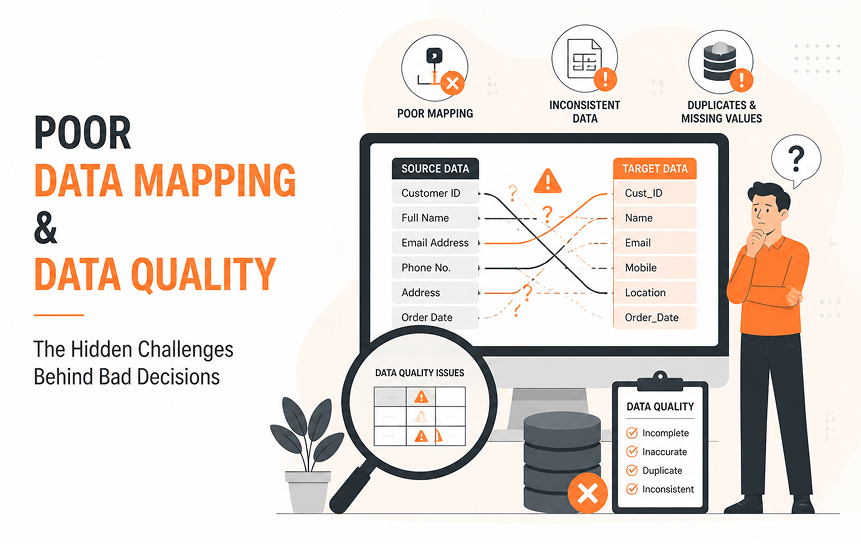
One of the most common Salesforce API integration challenges is poor data mapping. When data structures between Salesforce and other enterprise applications don’t align, errors occur. This leads to duplicate records, missing fields, and inconsistent reporting. Businesses must prioritize Salesforce Data Architecture content to ensure accurate synchronization and prevent integration failures.
Inconsistent Data Structures
Different systems often store customer data in varying formats. For example, one system may use First Name and Last Name, while another combines them into “Full Name.” Without proper mapping, Salesforce connectivity breaks down. Consistent structures across enterprise applications are essential for reliable API data synchronization.
Duplicate Records
Duplicate records are a major CRM integration challenge. They occur when synchronization logic fails to detect existing entries. This not only clutters Salesforce but also reduces trust in reporting. Implementing deduplication rules and middleware platforms can help prevent duplicate update risks and improve data consistency.
Missing Required Fields
Missing required fields often cause integration errors. For instance, Salesforce may require an “Email” field for contacts, but external systems may not provide it. This leads to failed API calls and incomplete records. Businesses should define mandatory fields in their integration architecture to avoid Salesforce integration failures.
Data Standardization Problems
Data standardization ensures consistency across systems. Without it, phone numbers, addresses, or product codes may appear in multiple formats. This complicates reporting and synchronization. Salesforce Integration Solutions pages often emphasize the importance of standardization to improve system communication and streamline information exchange.
Preventing Data Mapping Errors
Preventing mapping errors requires clear documentation and governance. Enterprises should establish integration auditing processes and use middleware platforms like MuleSoft to enforce standards. By applying Salesforce API best practices for businesses, organizations can reduce mapping errors, improve data quality, and support scalable operations.
Challenge #2: Synchronization and Data Consistency Issues
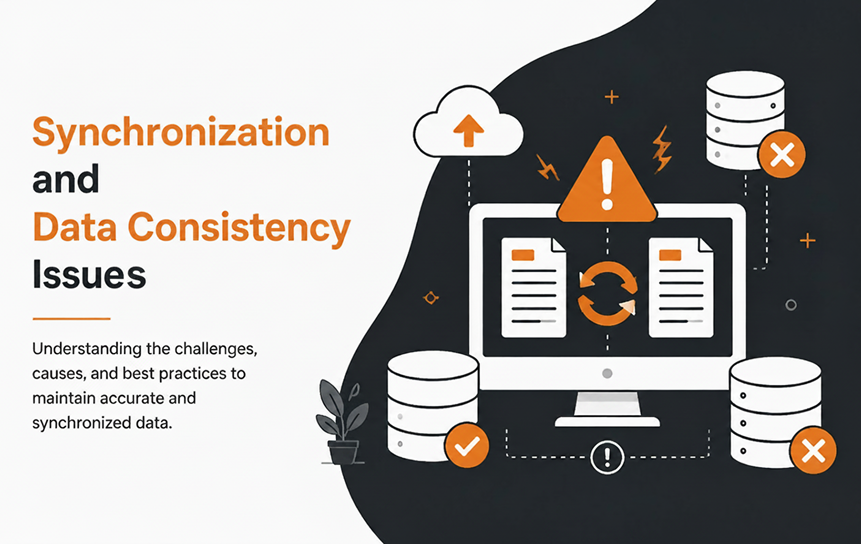
Synchronization problems are another major Salesforce API integration challenge. When data is not consistently updated across systems, businesses face reporting errors, duplicate updates, and customer dissatisfaction. Salesforce Data Architecture content emphasizes the importance of synchronization logic to maintain reliable integrations and prevent CRM integration failures.
Real-Time vs Batch Synchronization
Real-time synchronization ensures instant updates across systems, while batch synchronization processes data in scheduled intervals. Choosing the wrong approach can cause delays or overload APIs. Salesforce REST API supports real-time updates, but enterprises must balance performance with scalability when designing integration architecture.
Handling Data Conflicts
Data conflicts occur when two systems update the same record differently. For example, a customer’s phone number may be changed in Salesforce and in an ERP system at the same time. Without conflict resolution rules, synchronization errors arise. Middleware platforms like MuleSoft can help manage conflicts and improve system communication.
Duplicate Update Risks
Duplicate updates happen when synchronization logic pushes the same change multiple times. This can inflate records and distort reporting. To prevent this, businesses should implement version control and deduplication strategies in their Salesforce Integration Solutions pages.
Version Control Concerns
Version control ensures that the latest data is always prioritized. Without it, outdated information may overwrite newer updates. Enterprises must define synchronization rules that prioritize the most recent changes to maintain data consistency and prevent integration errors.
Monitoring Synchronization Health
Continuous monitoring of synchronization health is critical. By tracking API performance, latency, and error logs, businesses can detect issues early. Salesforce Workflow Automation content often includes monitoring tools that help enterprises maintain reliable integrations and support scalable operations.
Challenge #3: API Limits and Performance Bottlenecks
Salesforce APIs are powerful, but they come with usage limits that can restrict high-volume integrations. When businesses exceed these limits or fail to optimize requests, performance bottlenecks occur. This can slow down Salesforce connectivity, disrupt workflows, and impact enterprise system integration. Understanding these constraints is key to preventing Salesforce integration failures.
Understanding API Usage Limits
Salesforce enforces daily API call limits to protect system performance. If integrations exceed these limits, requests may fail. Businesses must design their Salesforce Data Architecture content to stay within thresholds by consolidating requests and using bulk APIs when possible.
High-Volume Data Exchange Challenges
Large enterprises often need to synchronize millions of records. High-volume exchanges can overwhelm APIs, leading to latency and timeouts. Middleware platforms like MuleSoft help manage these loads by batching requests and improving synchronization logic.
Optimizing Request Frequency
Sending too many requests in a short time creates bottlenecks. Enterprises should optimize request frequency by grouping updates and using scheduled batch jobs. This approach reduces strain on the Salesforce REST API and supports scalable operations.
Reducing Latency Issues
Latency occurs when API responses take too long, slowing down workflows. To reduce latency, businesses should minimize payload sizes, use efficient queries, and leverage caching strategies. This improves system communication and prevents integration errors.
Performance Monitoring Best Practices
Continuous performance monitoring ensures integrations remain reliable. By tracking API performance metrics, error rates, and throughput, businesses can detect bottlenecks early. Salesforce Workflow Automation content often includes monitoring dashboards that support scalable operations and secure API connections.
Challenge #4: Security and Compliance Risks
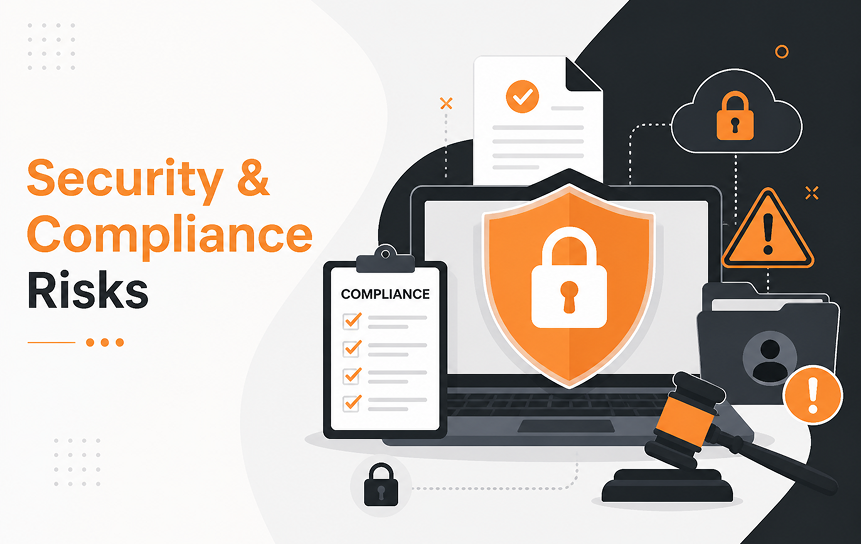
Security is one of the most critical Salesforce API integration challenges. Poor authentication, weak encryption, or mismanaged permissions can expose sensitive customer data. Enterprises must follow Salesforce API security considerations to protect information, comply with regulations, and maintain trust.
Authentication Best Practices
Authentication ensures that only authorized systems access Salesforce. OAuth is the standard for secure API connections, providing token-based authentication. Businesses should avoid hardcoding credentials and instead use secure token management to prevent integration errors and unauthorized access.
Managing Access Permissions
Access permissions define who can view or modify data. Misconfigured permissions can lead to data leaks or unauthorized changes. Enterprises should apply role-based access controls and regularly audit permissions to maintain reliable integrations and support scalable operations.
Data Privacy Considerations
Customer data privacy is a legal and ethical requirement. Salesforce Integration Solutions pages emphasize compliance with privacy laws like GDPR and CCPA. Enterprises must ensure that API data synchronization respects consent rules and avoids exposing personal information unnecessarily.
Encryption Requirements
Encryption protects data during transfer between systems. Salesforce APIs support TLS encryption, which secures communication channels. Businesses should also encrypt sensitive fields, such as financial or health data, to prevent breaches and improve system communication.
Regulatory Compliance Strategies
Compliance with industry regulations is essential for enterprise applications. Whether it’s HIPAA for healthcare or PCI DSS for financial services, Salesforce API integrations must align with regulatory frameworks. Establishing governance frameworks ensures enterprises avoid penalties and maintain trustworthiness.
Challenge #5: Lack of Integration Governance
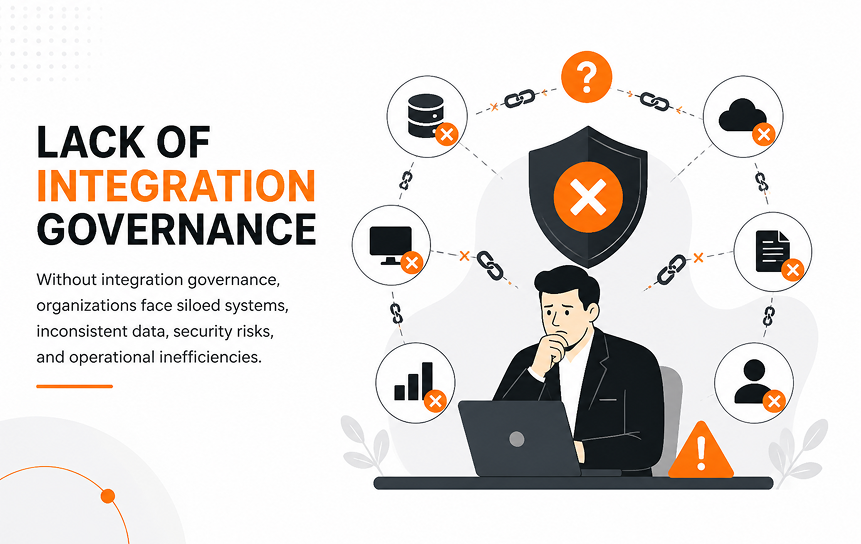
Governance is often overlooked but is vital for long-term success. Without clear ownership, documentation, and auditing, integrations become fragile and prone to failure. Strong governance ensures Salesforce connectivity remains reliable and supports the enterprise API integration strategy.
Defining Ownership
Ownership clarifies who manages integrations. Without it, troubleshooting becomes difficult. Enterprises should assign dedicated teams or roles to oversee Salesforce API integrations and ensure accountability.
Documentation Standards
Documentation provides clarity on integration architecture, data mapping, and synchronization logic. Poor documentation leads to confusion and errors. Salesforce Development Solutions pages often stress the importance of maintaining clear, updated documentation for all integrations.
Change Management Procedures
System changes can break integrations if not managed properly. Enterprises should implement change management procedures that test updates before deployment. This prevents Salesforce integration failures and supports scalable operations.
Integration Auditing Processes
Auditing ensures integrations remain compliant and secure. Regular reviews of API performance, access logs, and synchronization health help detect issues early. This supports enterprise system integration and prevents long-term risks.
Long-Term Maintenance Planning
Integrations require ongoing maintenance. Without planning, APIs may become outdated or incompatible with new systems. Enterprises should establish long-term maintenance strategies, including monitoring, upgrades, and governance frameworks, to maintain reliable integrations.
Best Practices for Successful API Integrations
To overcome Salesforce API integration challenges, businesses must adopt proven best practices. These strategies ensure reliable Salesforce connectivity, secure API connections, and scalable enterprise system integration.
Build a Scalable Architecture
A scalable integration architecture supports growth. Using middleware platforms like MuleSoft allows enterprises to connect multiple business systems without performance bottlenecks. This ensures integrations remain reliable as data volumes increase.
Use Consistent Data Standards
Consistent data standards prevent mapping errors and improve synchronization logic. Enterprises should define formats for customer records, product codes, and addresses across all systems. This reduces data silos and supports Salesforce Data Architecture content.
Monitor Integration Health Continuously
Continuous monitoring helps detect issues early. Tracking API performance, latency, and error logs ensures integrations remain reliable. Salesforce Workflow Automation content often includes monitoring dashboards that support scalable operations.
Test Before Deployment
Testing integrations before deployment prevents failures. Enterprises should simulate high-volume exchanges, synchronization conflicts, and security scenarios. This ensures Salesforce Integration Solutions pages deliver reliable results.
Create Governance Frameworks
Governance frameworks define ownership, documentation, and auditing processes. By establishing clear rules, enterprises can prevent integration errors, maintain compliance, and support long-term maintenance planning.
Future Trends in CRM Integrations
CRM integrations are evolving rapidly. Businesses must prepare for new technologies that improve system communication, reduce integration errors, and support hyperconnected enterprise ecosystems.
AI-Powered Integration Monitoring
Artificial intelligence is transforming integration monitoring. AI tools can predict synchronization failures, detect anomalies, and recommend fixes automatically. This improves data consistency and prevents Salesforce integration failures.
Low-Code Integration Platforms
Low-code platforms simplify enterprise API integration strategy. They allow non-technical users to build workflows and connect applications quickly. This reduces reliance on developers and accelerates Salesforce Migration Solutions page projects.
Event-Driven Architectures
Event-driven architectures are becoming standard. They enable real-time updates across enterprise applications, improving customer engagement. Salesforce REST API and Platform Events support this model, ensuring instant synchronization.
Hyperconnected Enterprise Ecosystems
Future enterprises will rely on hyperconnected ecosystems where all applications communicate seamlessly. Salesforce APIs will play a central role in enabling cloud connectivity, reducing silos, and supporting scalable operations.
Conclusion
Salesforce API integration challenges are common, but they don’t have to derail your CRM strategy. From poor data mapping to synchronization issues, performance bottlenecks, security risks, and governance gaps, each challenge can be addressed with the right approach.
By applying Salesforce API best practices, building scalable integration architecture, and implementing strong governance frameworks, businesses can prevent integration errors, improve data consistency, and support scalable operations.
As CRM ecosystems evolve, adopting AI-powered monitoring, low-code platforms, and event-driven architectures will help enterprises stay ahead. Ultimately, successful Salesforce connectivity ensures reliable data synchronization, secure API connections, and streamlined workflows that drive digital transformation and long-term business growth.
Get in touch with us to achieve the best Salesforce integration for your business and streamline your CRM workflows.
FAQs
-
What are the most common Salesforce API integration challenges?
The most common challenges, often referred to as common Salesforce API integration problems, include poor data mapping, synchronization errors, API limits, security risks, and lack of governance. Each of these can disrupt Salesforce connectivity and reduce data consistency.
-
Why do CRM integrations fail?
CRM integrations often fail due to inconsistent data structures, missing required fields, poor documentation, or exceeding API limits. A clear CRM integration troubleshooting guide is essential because, without proper governance and testing, integrations become fragile and unreliable.
-
How can businesses improve data synchronization?
Businesses can improve synchronization by defining clear rules for conflict resolution, using middleware platforms like MuleSoft, and continuously monitoring system health. Understanding Salesforce data synchronization challenges also helps teams choose between real-time and batch processing effectively.
-
What security risks exist in API integrations?
Security risks include weak authentication, mismanaged access permissions, lack of encryption, and non-compliance with regulations. Following Salesforce API security best practices helps reduce vulnerabilities and helps avoid Salesforce integration failures caused by security gaps.
-
How do API limits affect integrations?
Salesforce enforces daily API call limits. Exceeding these limits can cause requests to fail, leading to incomplete data synchronization. Optimizing request frequency and using bulk APIs helps avoid performance bottlenecks.
-
What are the best practices for maintaining reliable integrations?
Best practices include building scalable architecture, using consistent data standards, testing before deployment, monitoring integration health continuously, and creating governance frameworks. These strategies ensure long-term reliability and help organizations understand how to avoid Salesforce integration failures while supporting scalable operations.


