
As organizations embrace digital transformation, cloud-based collaboration has become essential for improving security, productivity, and business agility. Microsoft SharePoint Online and Microsoft 365 are now among the most trusted platforms for enterprise content management and teamwork. According to Microsoft, more than 200 million monthly active users rely on SharePoint worldwide, highlighting its widespread adoption across organizations.
This growing adoption has increased the demand for SharePoint Online Migration Services, Enterprise SharePoint Migration Services, and SharePoint Migration Consulting Services. Businesses are replacing legacy systems with modern cloud environments to improve collaboration, simplify content management, and strengthen compliance.
In this guide, you’ll learn how to plan and execute a successful SharePoint migration. We’ll cover migration strategies, planning, governance, costs, and leading tools such as SharePoint Migration Tool (SPMT) and ShareGate.
You’ll also discover proven best practices to overcome common migration challenges, reduce downtime, and build a secure, scalable SharePoint environment that supports long-term business growth.
What Is SharePoint Migration?
Definition of SharePoint Migration
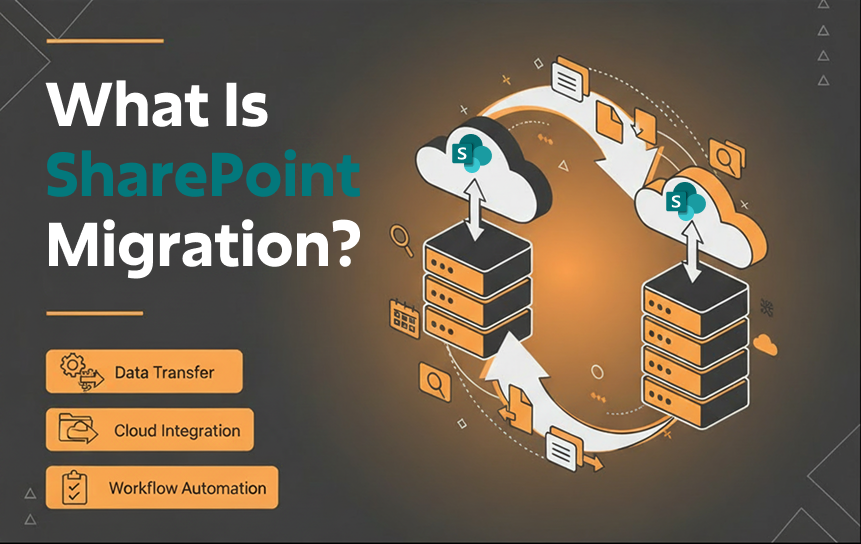
SharePoint Migration refers to the process of moving content, data, configurations, permissions, and workflows from one environment to another, such as from SharePoint Server to Microsoft SharePoint Online. It is a structured process that ensures business continuity while upgrading infrastructure, improving performance, and enabling cloud-based collaboration within the Microsoft ecosystem. It often involves data migration, workflow migration, permissions management, and information architecture alignment.
Why Organizations Migrate to SharePoint
Organizations migrate to SharePoint Online to modernize their digital workplace, reduce infrastructure dependency, and improve collaboration efficiency. Legacy systems often struggle with scalability, security updates, and integration with modern tools like Microsoft Teams integration, Power Automate workflows, Power Apps integration, and Microsoft Entra ID integration.
For example, a global enterprise using outdated SharePoint 2013 environments may face slow document retrieval, limited mobile access, and high maintenance costs. By adopting SharePoint Online Migration Services Provider solutions, organizations gain real-time collaboration, automated workflows, and improved security within Microsoft 365.
Key reasons include:
- Cloud scalability and reduced infrastructure costs through cloud migration
- Better integration with the Microsoft 365 ecosystem and enterprise collaboration tools
- Improved compliance and governance framework with enhanced security model
- Remote workforce enablement across hybrid cloud environments
- Stronger identity management via Microsoft Entra ID integration
Ultimately, SharePoint Migration supports digital transformation by enabling a more agile, connected, and intelligent workplace powered by AI readiness in SharePoint and modern Microsoft ecosystem capabilities.
SharePoint Migration vs SharePoint Upgrade
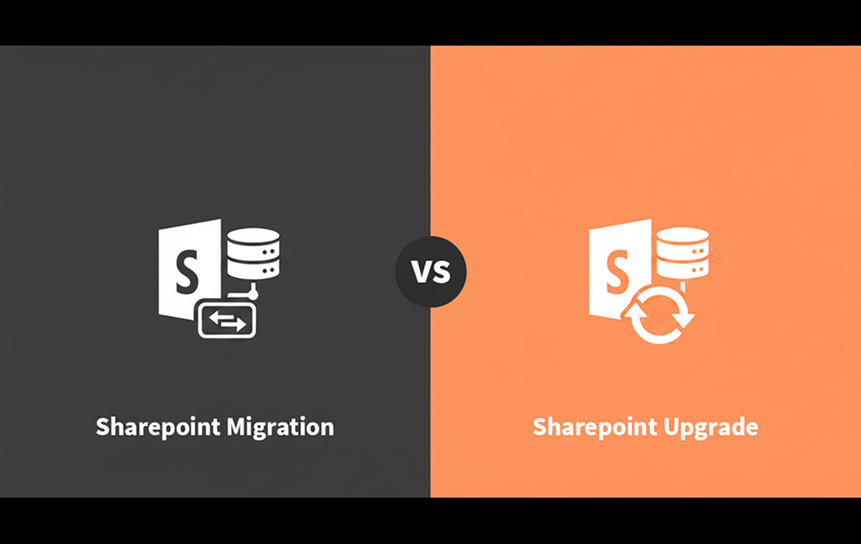
SharePoint migration and upgrade are often confused, but they serve different purposes.
A quick comparison:
| Feature | SharePoint Migration | SharePoint Upgrade |
| Definition | Moving data to a new platform | Updating the existing version |
| Environment Change | Yes | No |
| Cloud Transition | Often included | Not required |
| Complexity | High | Moderate |
| Outcome | New modern environment | Improved the existing system |
SharePoint Migration vs SharePoint Modernization
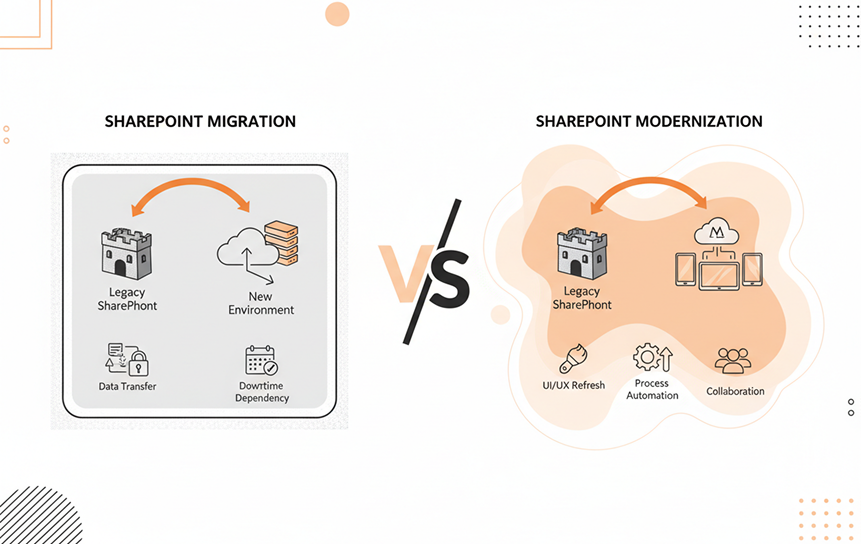
SharePoint Migration focuses on moving data, content, permissions, and workflows from legacy systems such as SharePoint Server or file shares into Microsoft SharePoint Online. In contrast, SharePoint Modernization focuses on improving user experience, functionality, and business processes after migration within the Microsoft 365 ecosystem.
| Feature | Migration | Modernization |
| Focus | Data transfer | UX & functionality improvement |
| Tools | SPMT, ShareGate | Power Apps, Power Automate |
| Goal | Platform shift | Business transformation |
| Scope | Technical | Strategic |
In most enterprise environments, both are connected parts of a broader SharePoint Online Migration Services Provider strategy, where migration lays the foundation and modernization drives long-term value through a digital transformation strategy, enterprise collaboration, and improved information architecture.
Business Benefits of SharePoint Migration
Migrating to SharePoint delivers measurable business value by improving how organizations manage content, workflows, and collaboration within Microsoft 365. A well-executed Enterprise SharePoint Migration Services approach helps reduce operational inefficiencies while strengthening governance and scalability.
Key benefits include:
- Centralized document management across SharePoint Online
- Seamless collaboration using Microsoft 365 and Microsoft Teams integration
- Improved compliance and governance through a structured governance framework
- Lower infrastructure and maintenance costs via cloud migration
- Integration with tools like Power Automate workflows and Power Apps integration
- Enhanced mobility, remote access, and hybrid cloud environment support
By leveraging End-to-End SharePoint Migration Services or working with a SharePoint Migration Service Provider, organizations ensure smoother execution, reduced risks, and long-term scalability in a cloud-first digital workplace.
Understanding SharePoint Environments Before Migration
Before starting any SharePoint Migration, organizations must understand their current environment, whether on-premises, cloud, or hybrid, to design the right migration strategy.
SharePoint On-Premises
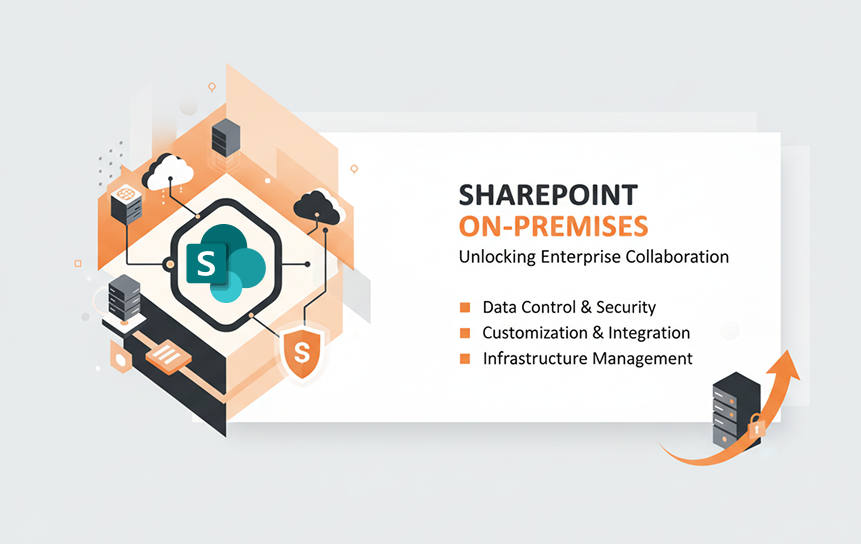
SharePoint On-Premises is hosted within an organization’s internal servers, offering full control over infrastructure, security, and customization. However, it requires significant IT maintenance and hardware investment.
Key characteristics:
- Hosted locally within enterprise data centers
- High customization flexibility
- Requires internal IT management
- Limited scalability compared to the cloud
- Slower upgrade cycles
Many organizations using SharePoint Server face challenges in scalability and integration with modern tools. Migrating to cloud-based systems like Microsoft SharePoint Online enables better performance, reduced costs, and improved collaboration across distributed teams.
SharePoint Online
SharePoint Online is a cloud-based solution within the Microsoft 365 ecosystem. It provides scalable, secure, and modern collaboration capabilities without infrastructure management.
Key features:
- Cloud-based document storage
- Automatic updates and maintenance
- Integration with Teams and OneDrive
- Advanced security and compliance controls
- AI-powered search and productivity tools
Organizations prefer SharePoint Online Migration due to its flexibility and reduced operational burden. It supports modern digital workplace needs, enabling employees to collaborate from anywhere with secure access and real-time document sharing.
Hybrid SharePoint
Hybrid SharePoint combines on-premises SharePoint Server with SharePoint Online, allowing organizations to gradually transition to the cloud. It is ideal for businesses that cannot migrate everything at once due to compliance or technical limitations.
Key features:
- Partial cloud adoption
- Data synchronization between environments
- Flexible migration approach
- Reduced risk during transition
- Supports legacy system integration
Hybrid models are commonly used in enterprise SharePoint migration strategies where downtime must be minimized. It allows organizations to modernize gradually while maintaining business continuity.
Microsoft 365 Ecosystem
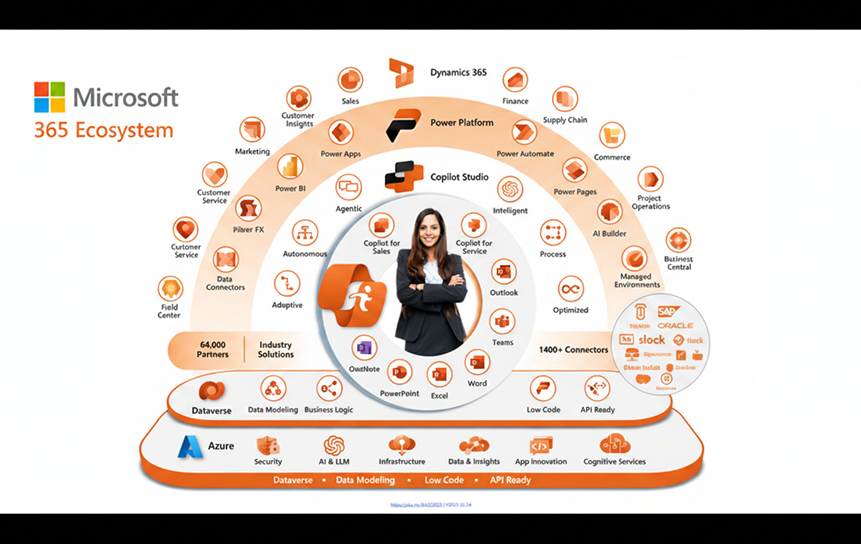
The Microsoft 365 ecosystem integrates SharePoint with tools like Teams, OneDrive, Power Platform, and Outlook under Microsoft. It enables unified communication and collaboration.
Key benefits:
- Seamless app integration
- Centralized identity management via Microsoft Entra ID
- Automated workflows using Power Automate
- Enhanced productivity with AI tools like Copilot
- Secure cloud infrastructure
SharePoint Migration into Microsoft 365 ensures businesses benefit from an interconnected digital workplace where documents, communication, and workflows are unified.
Choosing the Right Deployment Model
Selecting the right deployment model, on-premises, cloud, or hybrid, is critical for successful SharePoint Migration Services planning. Each model has trade-offs in cost, control, and scalability.
Consider:
- Business compliance requirements
- IT infrastructure maturity
- Budget constraints
- Scalability needs
- Security policies
Cloud-first strategies using SharePoint Online are increasingly preferred due to lower maintenance and better integration with modern tools. However, hybrid environments may still be necessary for regulated industries.
Types of SharePoint Migration
SharePoint migration comes in multiple forms depending on source systems, version upgrades, and business needs. Each type requires a different strategy, tools, and planning approach.
SharePoint Server to SharePoint Online
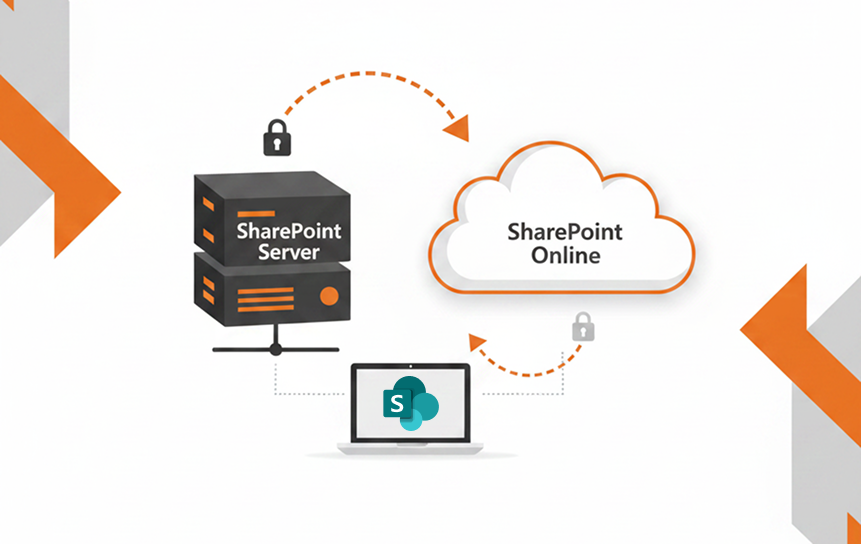
This is the most common SharePoint Migration type, where organizations move from on-premises SharePoint Server to Microsoft SharePoint Online within the Microsoft ecosystem.
Key aspects:
- Full cloud transformation
- Data, permissions, and workflows migration
- Use of tools like SPMT or ShareGate
- Requires governance restructuring
This migration enables organizations to eliminate infrastructure costs while gaining scalability, security, and remote accessibility. It is often part of broader Microsoft 365 migration initiatives and supports long-term digital transformation strategies.
SharePoint 2013 to SharePoint 2019
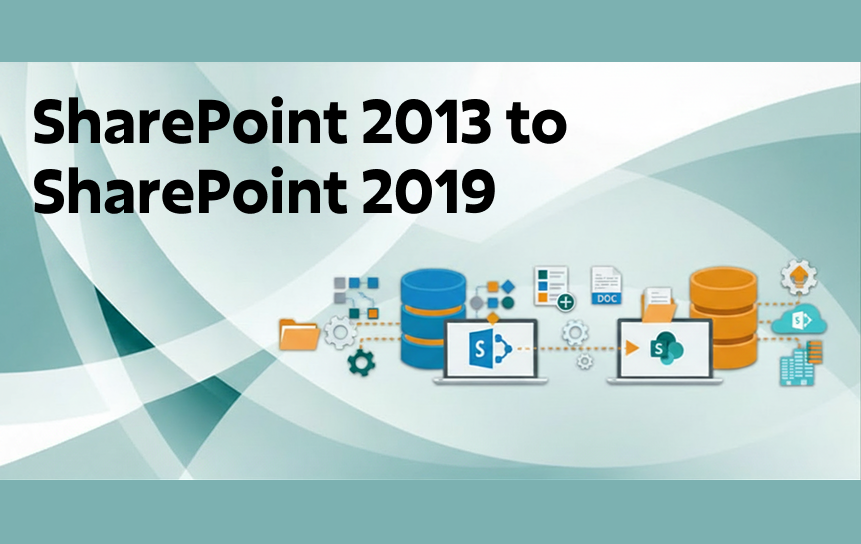
Organizations planning a SharePoint migration from 2013 to 2019 can improve performance, security, and collaboration by following a well-structured upgrade strategy.
Key aspects:
- In-place upgrade or database migration
- Improved UI and hybrid support
- Better performance and scalability
- Enhanced security patches
Organizations choose this path when immediate cloud adoption is not possible. However, many later transition to SharePoint Online Migration for full modernization. It serves as a transitional step toward cloud readiness.
SharePoint 2016 to SharePoint Online
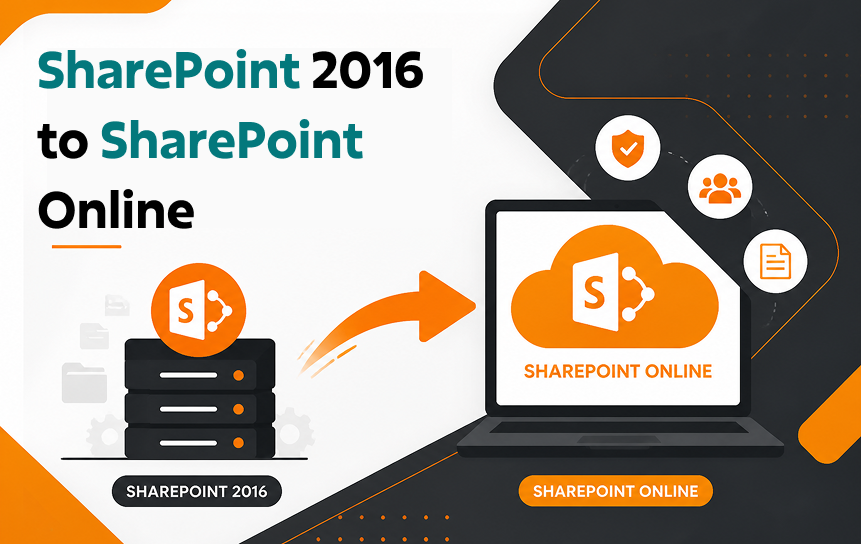
This migration involves moving from SharePoint 2016 on-premises to SharePoint Online in Microsoft 365.
Key aspects:
- Cloud adoption with minimal downtime
- Migration of libraries, sites, and workflows
- Compatibility checks for custom solutions
- Security model redesign
It enables organizations to adopt modern collaboration tools and integrate with Teams and Power Platform. This is a critical step in enterprise SharePoint migration journeys.
SharePoint 2019 to SharePoint Online
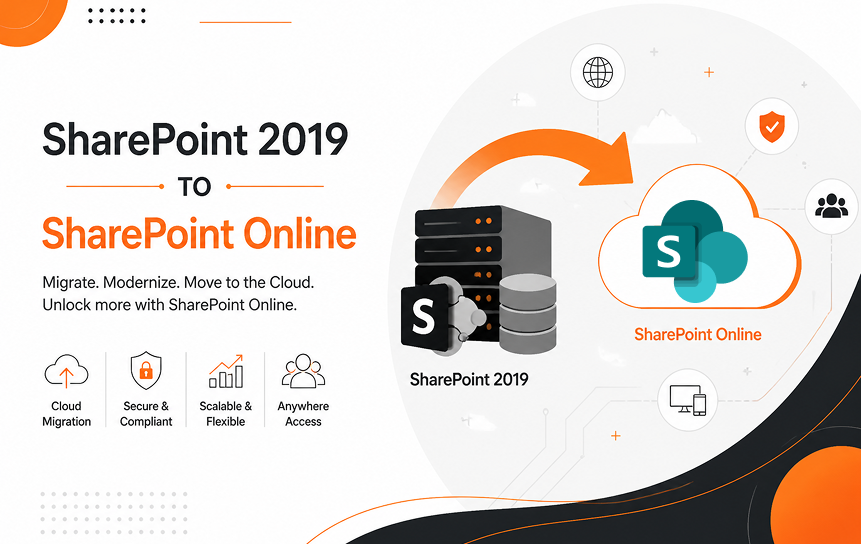
SharePoint 2019 to SharePoint Online migration is a modern transition toward full cloud adoption.
Key aspects:
- High compatibility with modern tools
- Reduced infrastructure dependency
- Easier migration compared to older versions
- Supports hybrid transition if needed
This migration helps businesses unlock AI capabilities, automation, and advanced security features within the Microsoft 365 ecosystem. It is often recommended as a strategic move for digital transformation.
Tenant-to-Tenant Migration
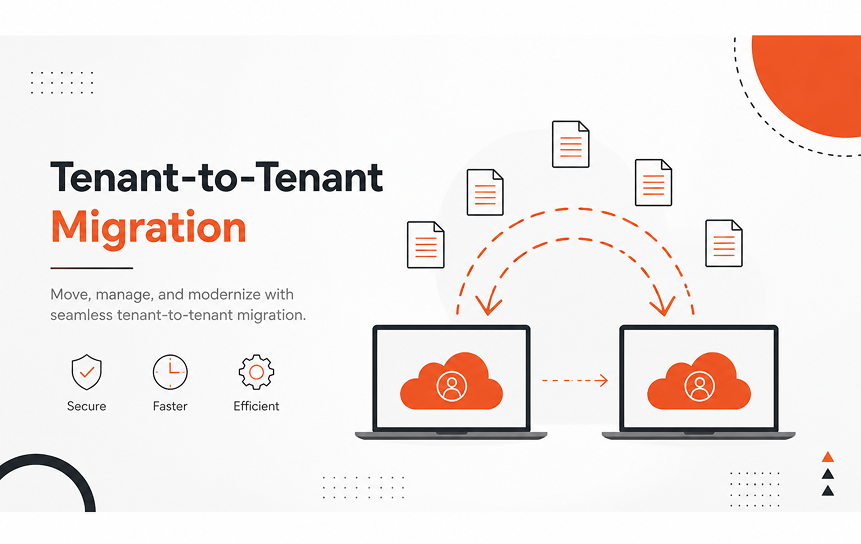
Tenant-to-tenant migration occurs when organizations move SharePoint data between two Microsoft 365 tenants.
Key aspects:
- Common in mergers and acquisitions
- Identity and permission mapping required
- Complex governance alignment
- Requires advanced migration tools
This type of SharePoint Migration Services engagement is highly sensitive due to security and compliance requirements. Careful planning ensures minimal disruption to business operations.
SharePoint Online to SharePoint Online Migration
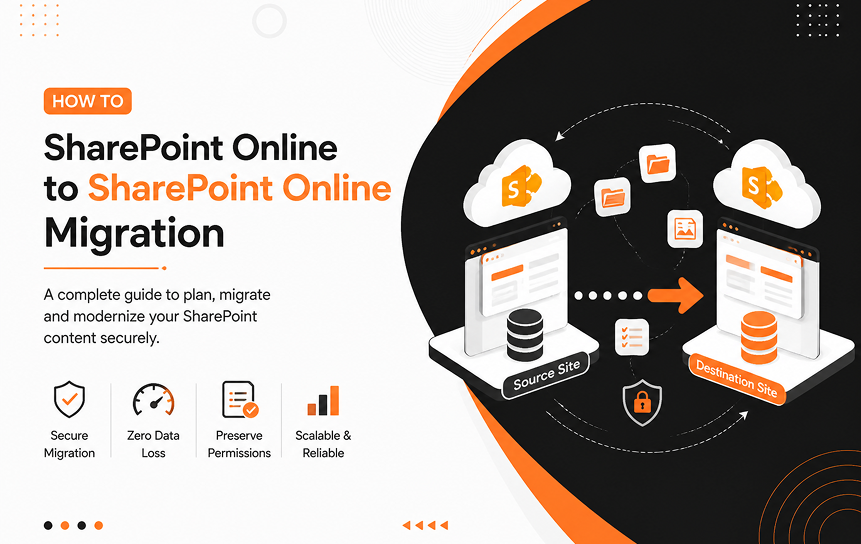
This migration happens within cloud environments, often due to restructuring or tenant consolidation.
Key aspects:
- Cloud-to-cloud data transfer
- Reconfiguration of metadata and permissions
- Migration of sites, libraries, and workflows
- Requires validation and testing
It ensures continuity while optimizing Microsoft 365 architecture. Organizations often hire a SharePoint Migration Consultant for complex scenarios.
File Server to SharePoint Migration
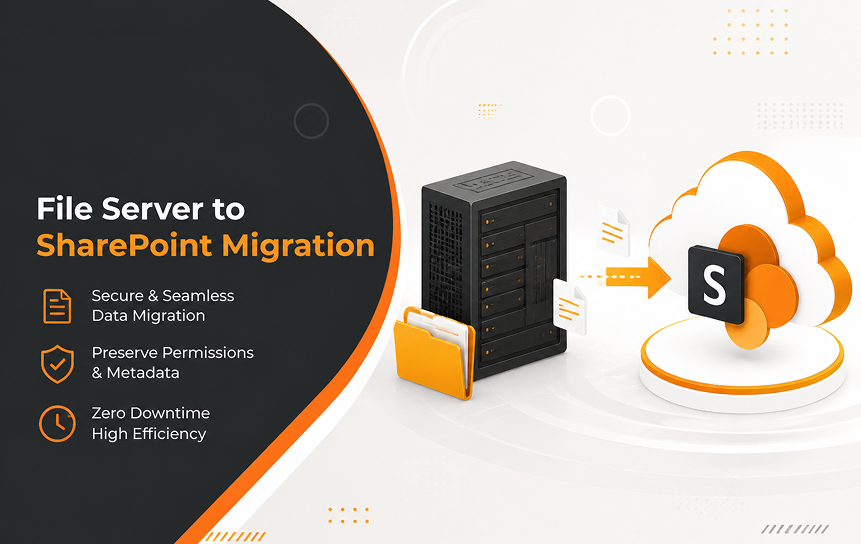
This migration moves files from traditional file servers into SharePoint Online.
Key aspects:
- Structured document management setup
- Metadata and taxonomy design
- Permissions restructuring
- Improved search and collaboration
It transforms unstructured storage into a centralized document management system within the Microsoft 365 ecosystem. This is a key step in modern digital workplace transformation.
Legacy SharePoint Modernization
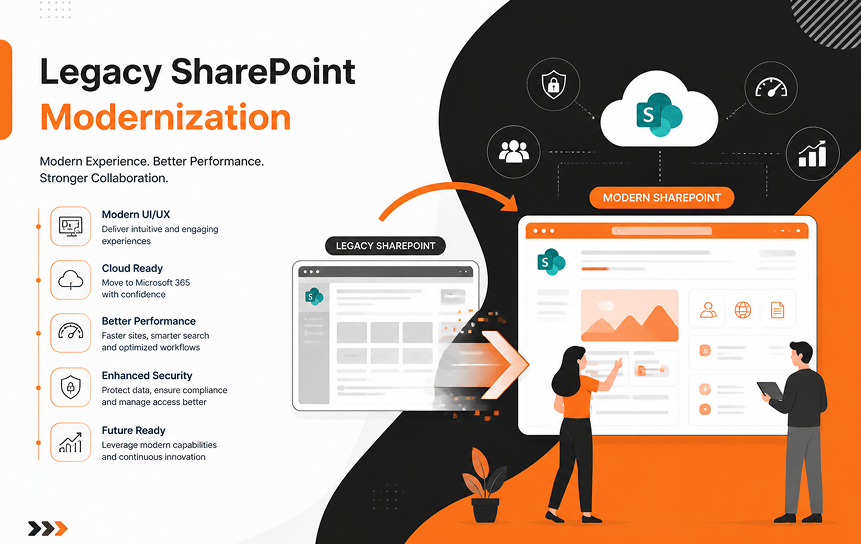
Legacy SharePoint modernization involves upgrading outdated systems to Online environments.
Key aspects:
- UI modernization
- Workflow migration to Power Automate
- Replacement of InfoPath forms
- Improved governance and compliance
This process is not just migration but transformation. It aligns business processes with modern cloud capabilities and enhances user experience.
Hybrid SharePoint Migration
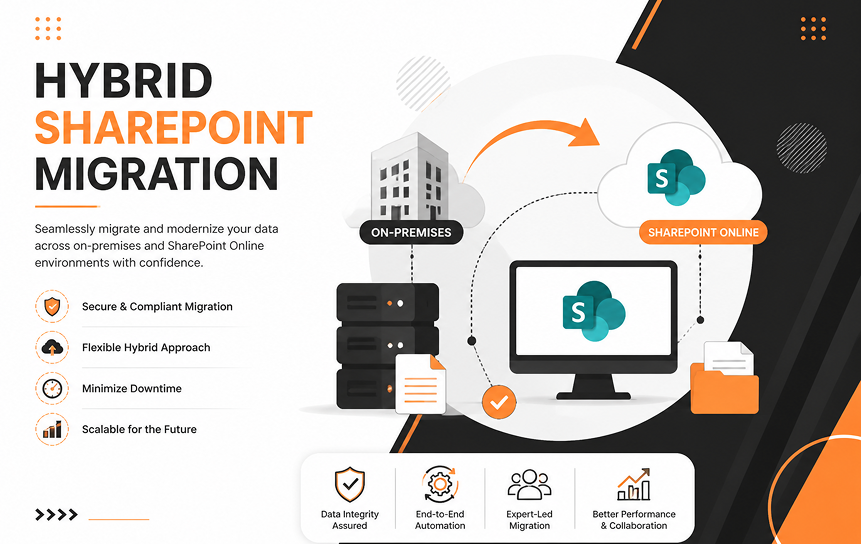
Hybrid SharePoint migration combines on-premises and cloud environments for a gradual transition.
Key aspects:
- Coexistence of SharePoint Server and SharePoint Online
- Gradual data movement
- Reduced migration risk
- Flexibility for regulated industries
It is ideal for organizations that require controlled adoption of cloud services while maintaining legacy systems.
Why Businesses Are Migrating to SharePoint Online
Organizations are increasingly adopting Microsoft SharePoint Online as part of their digital transformation strategy to improve efficiency, reduce operational complexity, and enable modern collaboration. By moving away from on-premises infrastructure, businesses eliminate the need to manage physical servers, perform manual updates, and handle infrastructure maintenance.
Instead, they gain a cloud-based platform that integrates seamlessly with Microsoft 365 tools like Teams, OneDrive, and Power Platform, enabling a more connected and productive digital workplace. This migration is also driven by stronger security requirements, compliance needs, and the rise of hybrid and remote work models.
With built-in AI capabilities and automation support, SharePoint Online further helps organizations improve productivity and decision-making while staying competitive in a cloud-first environment.
Lower Infrastructure Costs
One of the key advantages of SharePoint Online is the significant reduction in infrastructure costs. Organizations no longer need to invest in physical servers, data centers, or expensive hardware upgrades, which removes long-term capital expenditure.
This also reduces the ongoing burden of maintenance, system patching, and infrastructure management from internal IT teams. Instead, Microsoft handles updates, security, and system availability through a subscription-based model.
This predictable cost structure helps businesses better manage budgets while reallocating resources toward innovation and strategic initiatives rather than operational maintenance.
Better Collaboration
SharePoint Online enhances collaboration by providing a centralized platform where teams can work together efficiently from any location. Documents are stored in a shared cloud environment, allowing multiple users to edit files simultaneously without version conflicts.
Real-time co-authoring ensures everyone works on the latest version of a document, improving accuracy and reducing duplication of effort.
Integration with Microsoft Teams further improves communication by connecting conversations directly to relevant files and projects, making collaboration more contextual and efficient.
Version history and secure sharing controls add transparency and protection, ensuring collaboration remains both productive and controlled for internal and external users.
Improved Security
Security is a core strength of SharePoint Online, making it suitable for organizations handling sensitive or regulated data. It uses Microsoft Entra ID for identity and access management, ensuring only authorized users can access specific information.
Data is protected with encryption both in transit and at rest, significantly reducing the risk of unauthorized access or interception.
Advanced threat detection continuously monitors for suspicious activity and potential security risks across the environment.
In addition, SharePoint Online supports global compliance standards, helping organizations meet regulatory requirements across different industries and jurisdictions.
Microsoft 365 Integration
SharePoint Online is tightly integrated with the Microsoft 365 ecosystem, creating a unified productivity environment across tools and services. It works seamlessly with Microsoft Teams, allowing users to access and collaborate on files directly within conversations and channels.
OneDrive supports personal file synchronization across devices while maintaining consistency with shared libraries, ensuring users always have access to the latest files.
Power Automate enables workflow automation for approvals, notifications, and repetitive business processes, reducing manual effort.
Power Apps allows organizations to build custom business applications that connect directly with SharePoint data, extending platform functionality beyond document management.
This integration reduces tool fragmentation and significantly improves workflow efficiency across the organization.
AI and Microsoft 365 Copilot Readiness
SharePoint Online is designed to support AI-driven productivity through Microsoft 365 Copilot and related capabilities. It enables intelligent search that understands context, making it easier to retrieve relevant information quickly.
Users can generate summaries, draft content, and automate routine tasks using AI assistance, reducing manual effort and improving speed.
Workflows can also be optimized based on usage patterns and organizational data insights, helping teams identify inefficiencies and improve processes.
This leads to better decision-making, higher productivity, and faster access to actionable insights across the organization.
Business Continuity
SharePoint Online ensures high availability and strong business continuity through Microsoft’s global cloud infrastructure, which is designed for resilience and fault tolerance. Data is replicated across multiple regions to reduce the risk of service disruption.
Automatic failover mechanisms keep services running even during unexpected outages or infrastructure failures, ensuring minimal downtime.
Regular backups and continuous monitoring further enhance system reliability and reduce operational risks.
Because it is cloud-based, users can access critical files and services from anywhere, ensuring uninterrupted operations even during emergencies or office disruptions.
Scalability
SharePoint Online provides flexible scalability that adapts to organizational growth without requiring infrastructure changes. There are no physical limitations on storage or performance, allowing resources to scale as demand increases.
This makes it particularly suitable for growing businesses or organizations with fluctuating workloads and expanding data requirements.
It also supports global teams by maintaining consistent performance across different regions and locations.
As business needs evolve, the platform automatically adjusts without requiring complex planning, upgrades, or downtime.
Compliance
Compliance is built into SharePoint Online to help organizations meet regulatory and industry requirements more easily. It includes data governance tools for managing retention policies, classification rules, and lifecycle management.
Audit logs provide full visibility into user activity and document changes, improving accountability and transparency across the system.
Microsoft maintains a broad set of compliance certifications across industries such as finance, healthcare, and government.
These capabilities help organizations reduce compliance risks while maintaining strong control over sensitive data.
Disaster Recovery
SharePoint Online includes strong disaster recovery capabilities designed to protect data and ensure operational continuity. Geo-redundant storage ensures that data is replicated across multiple data centers in different geographic regions.
Automated backups allow for quick restoration in case of accidental deletion, corruption, or system failure. Versioning features also enable recovery of previous document states when needed.
This architecture ensures minimal downtime and significantly reduces the risk of permanent data loss in critical situations.
Remote Work Enablement
SharePoint Online supports modern remote and hybrid work environments by enabling secure, cloud-based access to organizational content from any location. Employees can access documents, collaborate on projects, and share updates using any internet-connected device.
The platform is optimized for both mobile and web use, ensuring a consistent experience across devices and operating systems.
This flexibility allows teams to stay productive across different locations and time zones without relying on physical office infrastructure.
Conclusion
SharePoint Migration is a strategic step for organizations moving toward SharePoint Online and Microsoft 365, enabling a more modern and scalable digital workplace. It helps unify content, improve collaboration, and establish a stronger governance framework across enterprise environments.
A successful Enterprise SharePoint Migration Services approach depends on structured planning, including a clear SharePoint migration planning roadmap and a well-defined SharePoint migration checklist for enterprises. These ensure that data, permissions management, and workflow migration are handled smoothly without disrupting business continuity.
Many organizations prefer to work with a SharePoint Migration Service Provider or a Professional SharePoint Migration Services team to reduce risks and manage complexity. This becomes especially important when dealing with large-scale SharePoint Server to SharePoint Online transitions, where accuracy and control are critical.
Beyond migration, continuous post-migration optimization ensures long-term value, helping organizations fully leverage Microsoft 365 for secure, efficient, and future-ready collaboration.
With the right SharePoint Migration Services, migration becomes the foundation for a smarter, more connected digital workplace.
FAQs
-
What is SharePoint Migration?
SharePoint Migration is the process of moving data, documents, workflows, and content from legacy systems such as SharePoint Server or file servers into SharePoint Online within Microsoft 365. It is a core part of cloud migration and helps organizations modernize collaboration, improve security, and streamline content management.
Many organizations choose to work with a SharePoint Migration Service Provider or a Professional SharePoint Migration Services team to ensure a structured and secure transition.
-
How Long Does SharePoint Migration Take?
The duration of a migration depends on the size of the data, the complexity of the environment, and the planning quality.
A typical SharePoint migration timeline for enterprises includes assessment, planning, migration execution, testing, and post-migration optimization. Smaller environments may take weeks, while large enterprise migrations can take several months.
-
How Much Does SharePoint Migration Cost?
Costs vary depending on infrastructure, tools, and consulting requirements. A detailed SharePoint migration cost breakdown usually includes licensing, third-party tools, and consulting services.
Organizations with complex governance or compliance needs often engage Enterprise SharePoint Migration Services or a SharePoint Migration Consulting Services provider, which can increase overall cost but reduce risk.
-
What Is the Best SharePoint Migration Tool?
There is no single best tool for every case. Microsoft SPMT works well for basic migrations, while tools like ShareGate or AvePoint are commonly used in enterprise scenarios.
The choice depends on whether the migration involves simple file transfers or a full-scale enterprise environment with permissions, workflows, and metadata.
-
Can SharePoint Be Migrated Without Downtime?
Yes, it is possible to achieve minimal or near-zero downtime using incremental and delta migration approaches. This ensures users continue working while content is synchronized in the background.
A well-planned SharePoint migration strategy is essential to maintain business continuity during the transition.
-
Can Permissions Be Migrated?
Yes, permissions can be migrated along with content. Migration tools map users, groups, and roles, often integrating with Microsoft Active Directory to maintain security consistency across environments.
Proper planning ensures that the security model remains intact after moving to SharePoint Online.
-
Can Version History Be Preserved?
Yes, most migration tools support version history preservation. However, organizations should review and optimize older versions before migration to improve performance and reduce storage overhead.
-
What Happens to Workflows During Migration?
Older workflows from SharePoint Server environments often do not function in SharePoint Online. These are typically rebuilt using Power Automate and Power Apps within Microsoft 365.
This shift is part of broader workflow modernization and digital transformation efforts.
-
Is SharePoint Migration Secure?
Yes, SharePoint migration is secure when performed using trusted tools and proper governance practices. Microsoft 365 provides enterprise-grade security, encryption, and compliance features that protect data during and after migration.
-
What Are the Biggest Migration Risks?
Common risks include data loss, downtime, permission issues, and content structure mismatches. These risks are typically reduced through careful planning, testing, and validation before final cutover.
-
How Can I Prepare My Organization for SharePoint Migration?
Preparation is one of the most important steps. A strong SharePoint migration checklist for enterprises includes:
- Content cleanup and audit
- Defining information architecture
- Setting up governance and compliance rules
- Planning user training and change management
Good preparation ensures a smoother transition to SharePoint Online.
-
Should I Hire a SharePoint Migration Consultant?
Yes, in most enterprise scenarios, it is beneficial to hire a SharePoint Migration Consultant or engage a SharePoint Migration Services Company. Experienced consultants help reduce risk, improve planning accuracy, and ensure a smoother execution.


