
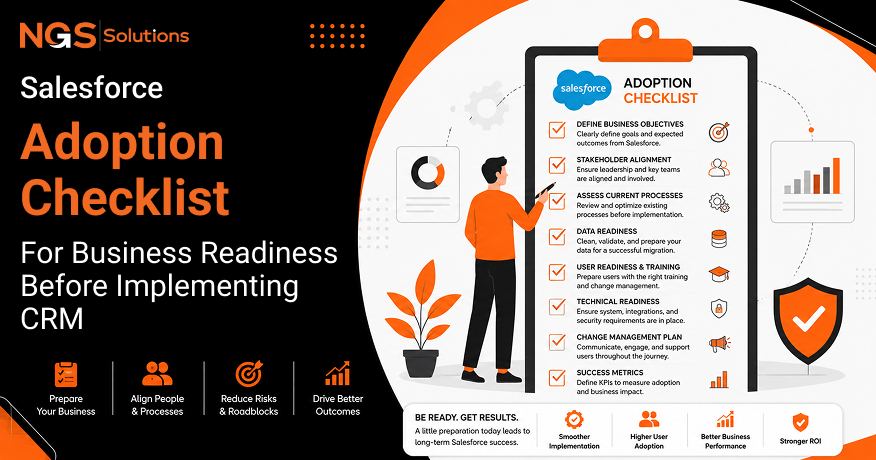
Adopting Salesforce CRM is a major business decision that affects sales, marketing, customer service, operations, and future growth plans. Many companies focus on selecting features and setting up technology, but overlook the preparation required for long-term success.
With about 73% of U.S. businesses using CRM software to improve customer management and operations, having a structured preparation process is becoming increasingly important. A strong foundation helps businesses avoid implementation delays, poor data quality, and low employee adoption.
Before starting the technical work, organizations need a clear understanding of their goals, processes, users, and customer information. A detailed Salesforce adoption checklist helps teams organize essential preparation steps and reduce risks.
This guide explains how businesses can prepare for Salesforce implementation by improving processes, planning data migration, engaging stakeholders, and creating a practical path toward successful CRM adoption.
Why Preparation Matters Before Adopting Salesforce
The Cost of Poor Planning
Poor planning can create serious challenges during a CRM project. When businesses begin implementation without reviewing their workflows, teams often recreate inefficient processes inside Salesforce. This leads to unnecessary customization, higher costs, and confusion among employees. A weak Salesforce project planning approach can also result in missed deadlines because important decisions are made too late.
Companies may also struggle with inaccurate reports when customer data is not prepared correctly. These issues reduce trust in the platform and make users less willing to adopt the system. Effective preparation allows businesses to identify risks early, define clear priorities, and create a smoother transition.
Benefits of a Structured CRM Rollout
A structured CRM rollout gives businesses a clear sequence of actions before, during, and after Salesforce deployment. Instead of making decisions randomly, teams can follow a documented plan that covers goals, processes, data, training, and technical requirements.
A complete CRM implementation checklist helps project teams track responsibilities and measure progress. It ensures that departments understand their role and that important tasks are not ignored. A planned rollout also creates better communication between business leaders, technical teams, and end users.
When companies follow organized preparation steps, they improve CRM readiness and increase the chances of achieving measurable business improvements after launch.
Setting Realistic Expectations
Salesforce is a powerful platform, but it cannot automatically solve unclear processes or organizational problems. Businesses must understand that successful CRM adoption requires ongoing effort, user involvement, and continuous improvement.
Setting realistic expectations helps companies avoid disappointment after deployment. The first phase should focus on creating a stable foundation rather than adding every possible feature immediately. Teams should understand that improvements happen through better processes, accurate information, and consistent system usage.
Preparing for Salesforce requires a balance between business needs and technical possibilities. Companies that set practical goals are more likely to achieve strong user adoption and long-term value.
Define Your Business Goals
Identify Current Business Challenges
Before adopting Salesforce, businesses should clearly identify the problems they want the CRM system to solve. This may include disconnected customer information, slow sales follow-ups, limited visibility into reporting, or inefficient service processes.
A detailed review of current challenges helps teams avoid implementing features that do not support real business needs. Companies should collect feedback from employees who work with customers every day because they understand operational problems better.
This step is a key part of Salesforce implementation planning because it connects technology decisions to business improvement. Clear challenges provide direction for system design, workflow changes, and future success measurements.
Determine CRM Success Metrics
Success metrics allow businesses to measure whether Salesforce is producing valuable results. Without defined measurements, companies may struggle to understand whether the implementation is improving performance.
Useful CRM metrics can include sales cycle time, customer response speed, lead conversion rates, data accuracy, and user activity levels. Each organization should select measurements based on its goals and current challenges.
A strong CRM implementation planning guide should include both technical and business metrics. Tracking these results after launch helps leaders identify areas that need improvement and ensures the platform continues supporting company objectives.
Align CRM Goals with Business Objectives
A CRM system should support the company’s larger business strategy. With proper Salesforce CRM Maintenance, businesses can ensure their platform continues to support priorities such as increasing revenue, improving customer relationships, reducing manual work, and expanding operations.
For example, a company focused on growth may prioritize lead management and sales forecasting, while a service-focused organization may focus more on customer support automation and response times.
Aligning CRM goals with business objectives prevents the platform from becoming just another software tool. Ongoing improvements and regular maintenance help Salesforce adapt to evolving business needs, creating a clear purpose for implementation and helping employees understand how the platform contributes to company success.
Prioritize Short-Term and Long-Term Outcomes
Businesses should separate immediate improvements from future goals when planning Salesforce adoption. Short-term outcomes may include better customer records, improved reporting, and easier team collaboration.
Long-term goals may involve advanced automation, artificial intelligence features, deeper customer insights, and improved decision-making. Trying to complete every goal during the first phase can create unnecessary complexity.
A balanced approach allows companies to create early success while building toward future growth. A clear priority list supports better Salesforce project preparation checklist planning and helps teams manage resources effectively.
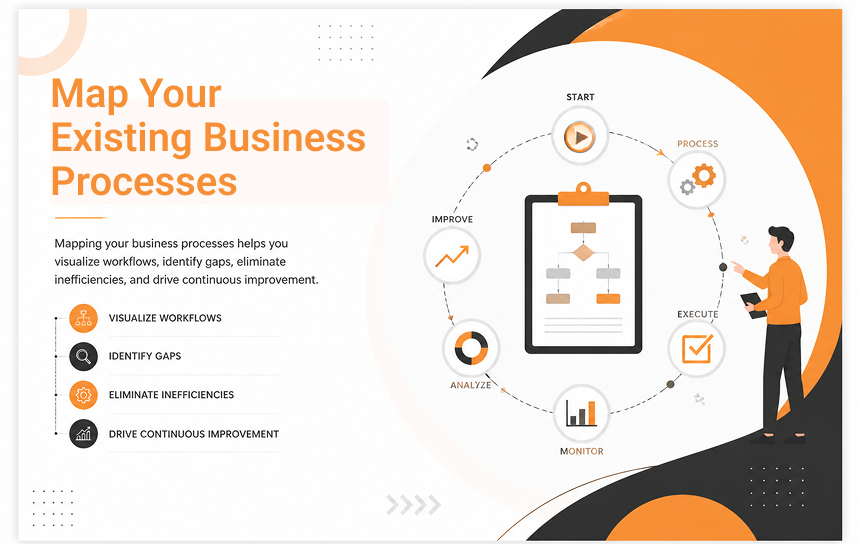
Map Your Existing Business Processes
Review Current Sales Processes
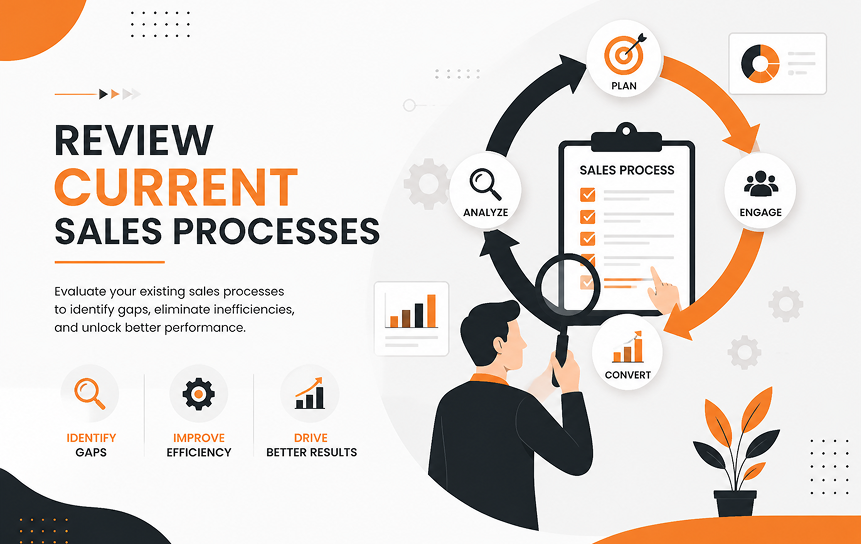
Business process mapping helps companies understand how sales activities currently work before moving them into Salesforce. Teams should review each stage, from lead generation to opportunity management and final customer conversion.
Sales leaders should identify where information is collected, how follow-ups happen, and where delays occur. This review helps determine which activities should be automated and which require improvement.
Documenting current sales processes creates a strong foundation for Salesforce configuration. Instead of forcing employees to follow unfamiliar workflows, businesses can design processes that support existing needs while improving efficiency.
Evaluate Customer Service Workflows
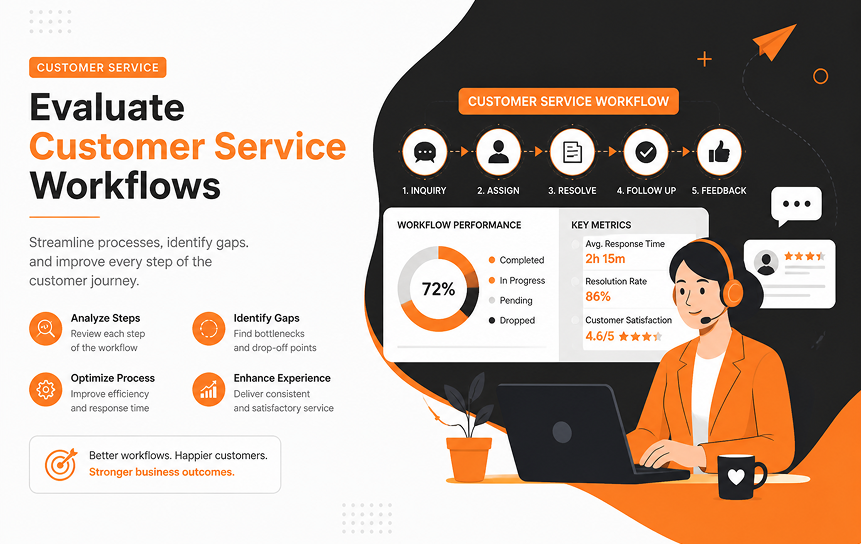
Customer service workflows directly affect customer satisfaction and retention. Before implementation, businesses should review how support requests enter the organization, how cases are assigned, and how resolutions are tracked.
Teams should identify common service issues, communication gaps, and repeated manual tasks. This information helps create better Salesforce workflows for customer support teams.
Clear service processes improve response times and ensure customers receive consistent experiences. Reviewing workflows before deployment also helps companies prepare employees for changes and reduce confusion when the new CRM system becomes available.
Document Marketing Activities
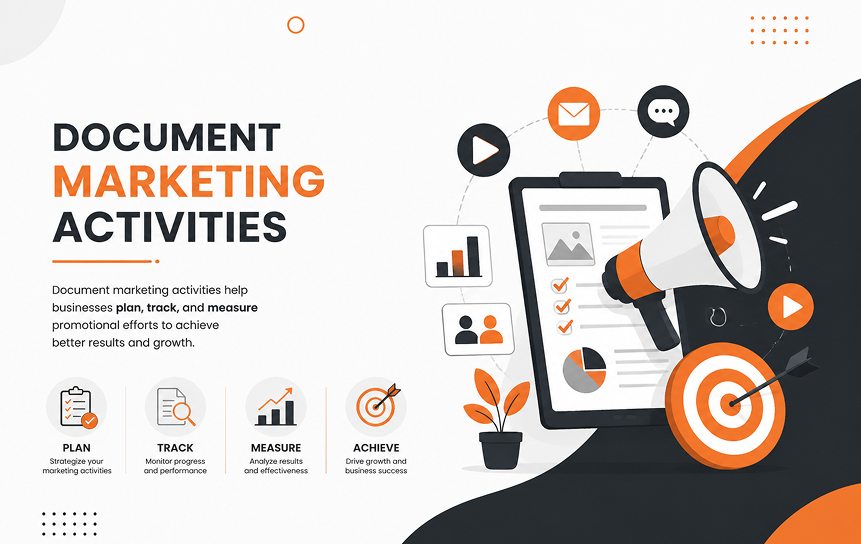
Marketing teams generate important customer information, making their processes essential during Salesforce preparation. Companies should document how campaigns are created, how leads are collected, and how marketing performance is measured.
Understanding current marketing activities helps determine which data should move into Salesforce and which integrations may be required. It also improves collaboration between marketing and sales teams.
Detailed workflow documentation allows businesses to create better lead management processes. This ensures marketing efforts connect smoothly with sales activities and provides clearer visibility into customer journeys.
Identify Process Bottlenecks
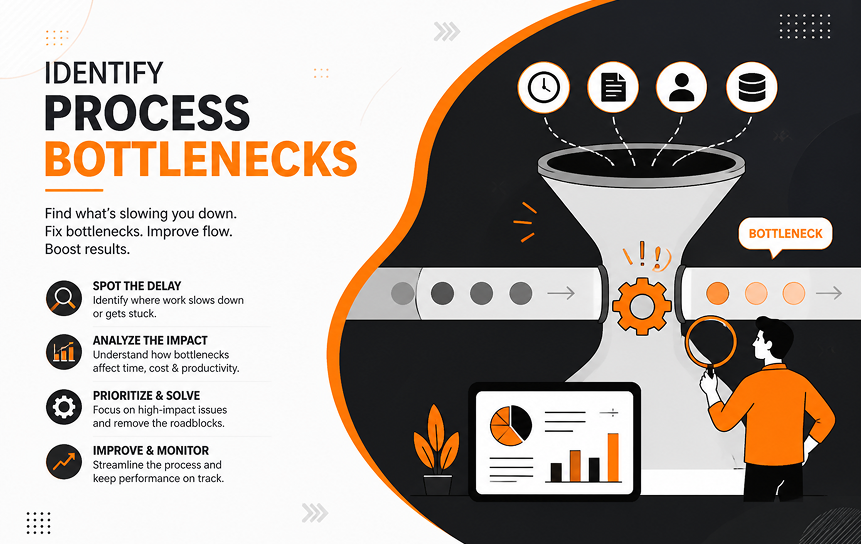
Process bottlenecks are areas where work slows down, information gets lost, or employees spend unnecessary time on manual tasks. Identifying these problems before Salesforce deployment creates opportunities for improvement.
Businesses should examine approval steps, communication delays, reporting challenges, and repeated data entry. These areas often benefit from automation or workflow redesign.
Finding bottlenecks early helps organizations avoid transferring inefficient methods to a new CRM platform. Salesforce should improve business operations, not simply copy existing problems into a digital system.
Audit and Clean Your Customer Data
Identify Duplicate Records
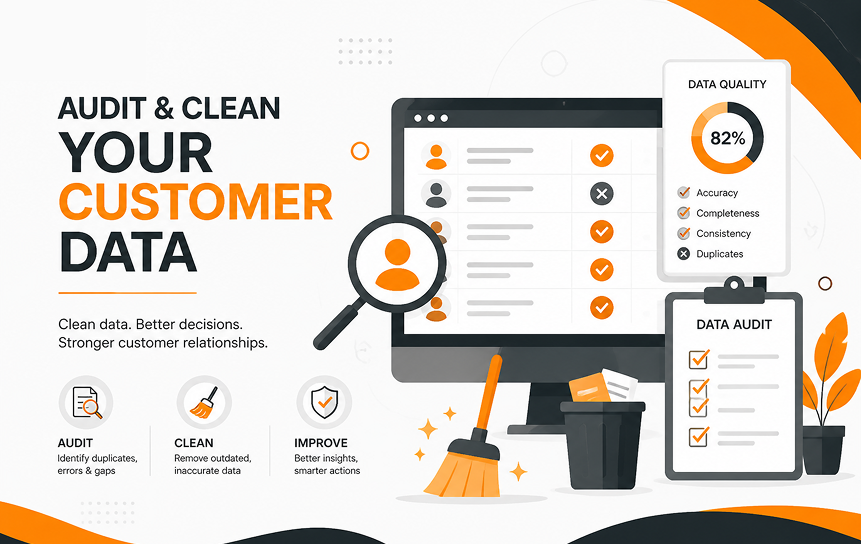
Duplicate customer records are one of the most common problems businesses face before CRM migration. When the same customer appears multiple times, sales and service teams may receive incomplete information or contact customers unnecessarily. This creates confusion and reduces trust in the CRM system.
Before migration, businesses should review existing databases and identify repeated names, email addresses, phone numbers, and account records. Data cleansing tools and manual reviews can help remove unnecessary duplicates.
A proper Salesforce adoption checklist should include duplicate management because accurate customer records improve reporting, automation, and decision-making after implementation. Clean data creates a more reliable foundation for every Salesforce feature.
Remove Outdated Information
Customer databases often contain old contacts, inactive accounts, incorrect details, and records that no longer support business operations. Migrating this information into Salesforce can increase storage usage and reduce the accuracy of reports.
Businesses should review existing records and decide which information should be transferred, archived, or removed. Teams should consider factors such as customer activity, business value, and legal requirements before making decisions.
Removing outdated information is an important part of Salesforce deployment preparation because it ensures employees work with useful and current data. Better data quality improves customer interactions and helps teams make faster decisions.
Standardize Data Formats
Different departments often store customer information in different formats. One team may use abbreviations while another uses complete names. Some records may have inconsistent phone numbers, addresses, or industry categories.
Before Salesforce migration, companies should create common data standards. This includes defining required fields, naming rules, values, and formatting guidelines.
Standardization makes information easier to search, report, and analyze after implementation. It also supports better customer data management because every department follows the same approach when creating or updating records.
A consistent data structure reduces errors and improves the overall reliability of the CRM platform.
Create a Data Governance Plan
Data governance defines how customer information is managed, protected, and maintained over time. Without clear rules, data quality can decline even after a successful Salesforce launch.
Businesses should decide who owns specific data areas, who can update records, and how information quality will be reviewed. Regular audits and clear responsibilities help maintain accurate records.
A strong governance plan supports CRM readiness by creating long-term accountability. It ensures Salesforce remains valuable as the organization grows and customer information becomes more complex.
Identify Key Stakeholders
Executive Sponsors
Executive sponsors provide leadership support throughout the Salesforce journey. Their role is not limited to approving budgets; they also help communicate the importance of the project across the organization.
Strong leadership involvement encourages employee participation and removes barriers that may slow implementation. Executives can help align Salesforce goals with company strategy and ensure teams receive the resources they need.
A successful Salesforce adoption checklist should include executive involvement because leadership support directly influences organizational readiness. When employees see that leaders support the change, they are more likely to accept and use the new system.
Sales Teams
Sales teams are among the most important Salesforce users because they manage customer relationships, opportunities, and revenue activities. Their feedback helps identify practical needs and workflow improvements.
Sales representatives should be involved early in planning discussions. They can explain current challenges, reporting needs, and tasks that consume too much time.
Including sales users improves the design of Salesforce processes and increases user adoption after launch. A CRM system built without sales input may fail to support the daily activities of the people who depend on it most.
Marketing Teams
Marketing teams play a key role in customer acquisition and lead management. Their involvement helps businesses create better connections between campaigns, customer data, and sales activities.
Marketing teams can provide information about lead sources, campaign tracking, customer segments, and communication strategies. This helps determine which Salesforce features and integrations are needed.
Including marketing early improves collaboration and creates a complete view of the customer journey. It also supports better reporting because teams can understand how marketing activities contribute to business growth.
Customer Support Teams
Customer support teams provide valuable insight into customer expectations and service operations. They understand common questions, complaints, and areas where customers need faster responses.
Their feedback helps businesses design service workflows that improve efficiency and customer satisfaction. Support teams can identify important information that should be available during customer interactions.
Involving support employees during planning increases adoption because the system reflects their actual work. It also helps create better customer experiences by ensuring service processes are practical and easy to follow.
IT Department
The IT department supports technical decisions, security requirements, integrations, and ongoing system management. Their involvement ensures Salesforce works correctly with existing technology.
IT teams should participate in discussions about data migration, user access, compliance, and system performance. Their expertise helps identify technical risks before they affect the project.
Strong collaboration between business teams and IT creates a smoother Salesforce implementation. It allows companies to balance user needs with security and technical requirements.
Define User Roles and Permissions
Role-Based Access
Role-based access ensures employees can view and manage the information they need while limiting unnecessary access. Sales representatives, managers, executives, and administrators often require different levels of visibility.
Before implementation, businesses should define each user group and determine what information they need to perform their responsibilities. This improves efficiency and protects sensitive customer information.
A clear access structure supports better CRM readiness because users receive a system that matches their daily tasks. Proper role planning also reduces confusion and prevents accidental data changes.
Permission Management
Permission management controls what users can create, edit, delete, or view within Salesforce. Poor permission settings can create security risks or prevent employees from completing important tasks.
Businesses should carefully review user responsibilities before assigning permissions. The goal is to provide enough access for productivity without exposing unnecessary information.
Well-planned permissions improve user experience because employees can quickly access the tools and data they need. This creates a smoother adoption process and reduces support issues after launch.
Data Security Considerations
Customer information requires strong protection. Businesses should consider security settings, access controls, monitoring, and internal policies before Salesforce deployment.
Security planning should include how sensitive information is stored and who can access specific records. Companies should also review industry requirements that affect customer data handling.
A secure Salesforce environment builds trust among employees and customers. Data protection should be included from the beginning rather than added after problems occur.
Compliance Requirements
Many businesses must follow regulations related to customer information, privacy, and record management. Compliance planning ensures Salesforce supports these obligations.
Organizations should review legal requirements and create processes for managing customer data correctly. This may include retention policies, access reviews, and reporting procedures.
Addressing compliance early reduces risk and creates a stronger Salesforce foundation. It also helps businesses maintain responsible data practices as they expand.
Plan Your Data Migration Strategy
What Data Should Be Migrated?
Not all existing data needs to move into Salesforce. Businesses should identify which records provide value and support current objectives.
Important information may include active customers, sales opportunities, contacts, service history, and valuable business records. Older information may be archived instead of migrated.
A focused migration reduces complexity and improves system performance. Companies should avoid moving unnecessary data simply because it exists.
Data Validation Before Migration
Before migration begins, businesses should test the accuracy and completeness of their data. Validation helps identify missing fields, incorrect information, and formatting issues.
Teams should review sample records and confirm that important details are accurate. This prevents problems from appearing after users begin working in Salesforce.
Data validation is a critical step in how to prepare for Salesforce implementation because it protects the quality of the new CRM environment.
Migration Testing
Migration testing allows businesses to identify technical and data problems before the final transfer. A test migration shows how information will appear inside Salesforce.
Teams should review records, relationships, reports, and workflows after testing. Any issues should be corrected before moving production data.
Testing reduces risk and creates confidence among stakeholders. It is an important part of Salesforce deployment preparation.
Post-Migration Verification
After migration, businesses should confirm that all important data has transferred correctly. Teams should check customer records, account relationships, reports, and automated processes.
Verification ensures users start with accurate information and prevents disruptions after launch.
A successful migration is not complete until the business confirms that Salesforce supports daily operations as expected.
Prepare Employees for CRM Adoption
Communicate the Benefits
Employee understanding is one of the most important factors in successful CRM adoption. People are more willing to use a new system when they understand how it improves their daily work. Businesses should explain how Salesforce can reduce manual tasks, improve customer visibility, and make information easier to access.
Communication should begin before implementation and continue after launch. Leaders should explain the reasons behind the change, expected improvements, and how different teams will benefit.
A strong CRM adoption strategy focuses on people, not only technology. When employees understand the purpose of Salesforce, they are more likely to participate and build confidence with the platform.
Develop a Training Plan
Training should be designed around employee roles and daily responsibilities. A sales representative does not need the same training as an administrator or customer support specialist.
Businesses should create practical sessions that include real examples, demonstrations, and hands-on activities. Training materials should be easy to access so employees can review information when needed.
A detailed training plan supports user adoption by reducing confusion and improving confidence. Companies should also provide ongoing learning opportunities because Salesforce features, business needs, and user skills can change over time.
Address User Concerns
Employees may have concerns about CRM adoption, especially if they believe the new system will increase their workload or change familiar processes. Ignoring these concerns can create resistance and reduce system usage.
Businesses should create opportunities for employees to ask questions and share feedback. Managers should listen to concerns and explain how Salesforce will support better results.
Addressing concerns early creates trust and improves acceptance. Employees who feel involved in the process are more likely to support the transition and use the platform effectively.
Encourage Continuous Learning
Salesforce adoption does not end after the initial launch. Employees need continued support to improve their skills and discover new ways to use the platform.
Businesses can provide refresher training, internal guides, user communities, and regular feedback sessions. These activities help employees stay engaged and improve their understanding.
Continuous learning supports long-term CRM success because users become more comfortable with advanced features. It also helps organizations adjust the system as business needs change.
Plan Integrations in Advance
Email Platforms

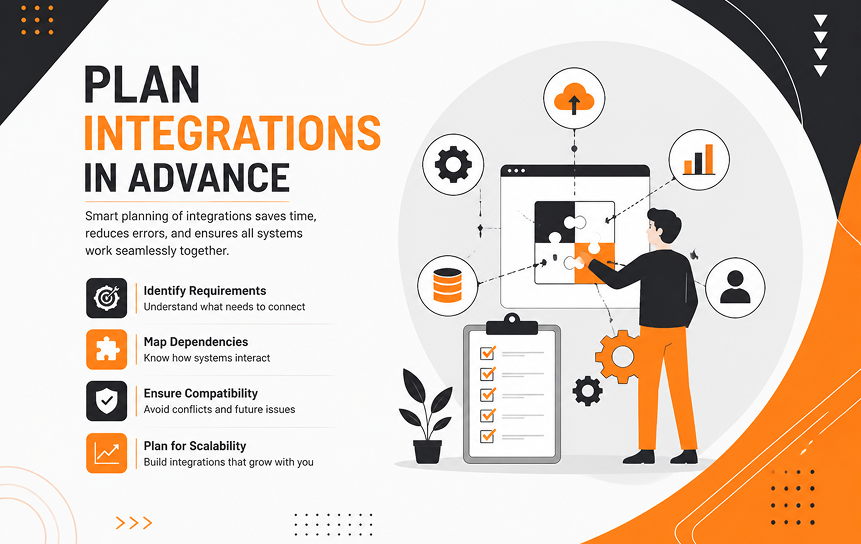
Email integration connects customer communication with Salesforce records. This allows teams to track conversations, follow up on opportunities, and maintain a complete customer history.
Before implementation, businesses should review how employees currently use email and identify what information should be synchronized.
A planned email connection improves productivity by reducing manual updates. It also gives sales and service teams better visibility into customer interactions.
ERP Systems
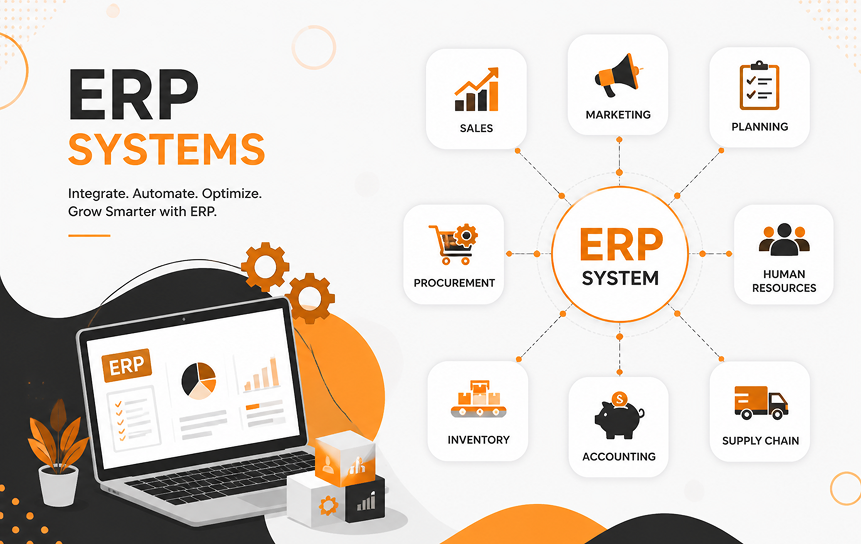
ERP systems manage important business operations such as inventory, finance, and supply chain activities. Connecting ERP platforms with Salesforce can create better information flow between departments.
Businesses should define which data needs to move between systems and how frequently updates should occur.
Proper integration planning prevents disconnected information and improves decision-making. Teams can access more complete customer and operational insights without switching between multiple systems.
Accounting Software

Accounting software integration helps connect customer activities with financial information. This can improve visibility into payments, invoices, and account history.
Businesses should evaluate whether sales and finance teams need shared access to specific information.
A planned connection reduces manual data entry and helps departments work with consistent information. It supports better customer management by giving teams a clearer understanding of customer relationships.
Marketing Automation Tools
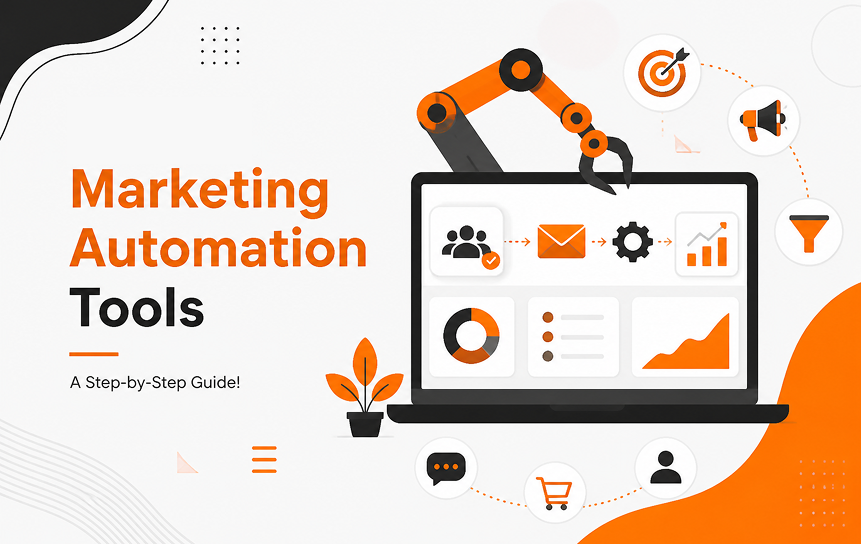
Marketing automation tools help businesses manage campaigns, lead nurturing, and customer communication. Connecting these tools with Salesforce creates better alignment between marketing and sales.
Companies should identify which campaign data, leads, and customer activities should be shared.
This integration supports more accurate reporting and helps teams understand how marketing efforts influence sales results.
Third-Party Applications
Many businesses use specialized applications for different operations. Before Salesforce deployment, companies should review all existing tools that may need integration.
This includes identifying technical requirements, data connections, and security considerations.
Planning third-party applications early prevents unexpected challenges after launch. It also helps create a more connected technology environment that supports business growth.
Establish Success Metrics
User Adoption Rate
User adoption measures how consistently employees use Salesforce in their daily activities. High adoption shows that the system is supporting business needs and that employees understand its value.
Companies can track login activity, record updates, completed tasks, and feature usage.
Monitoring adoption helps identify teams that need additional support. It also provides insight into whether training and change management efforts are working effectively.
Sales Productivity
Sales productivity measures whether Salesforce helps sales teams work more efficiently. Businesses can review metrics such as opportunity management speed, follow-up time, and pipeline visibility.
A successful CRM should reduce unnecessary administrative work and allow sales professionals to focus more on customer relationships.
Tracking productivity improvements helps leaders understand the practical impact of Salesforce on revenue operations.
Customer Satisfaction
Customer satisfaction shows whether Salesforce improves the customer experience. Businesses can measure response times, service resolution speed, customer feedback, and retention levels.
A CRM system should help teams provide faster and more personalized service.
Monitoring customer satisfaction ensures that Salesforce improvements are connected to real customer outcomes rather than only internal efficiency.
Lead Conversion Rate
Lead conversion rate measures how effectively businesses turn potential customers into paying customers. Salesforce can improve this process by organizing leads and supporting better follow-up.
Companies should track conversion changes before and after implementation.
This metric helps determine whether sales and marketing processes are becoming more effective.
Reporting Accuracy
Accurate reporting depends on reliable data and consistent system usage. Salesforce reports help leaders make decisions, but only when information is complete and correct.
Businesses should monitor data quality, missing fields, and reporting consistency.
Strong reporting accuracy allows organizations to identify trends, measure performance, and improve future strategies.
Salesforce Readiness Checklist
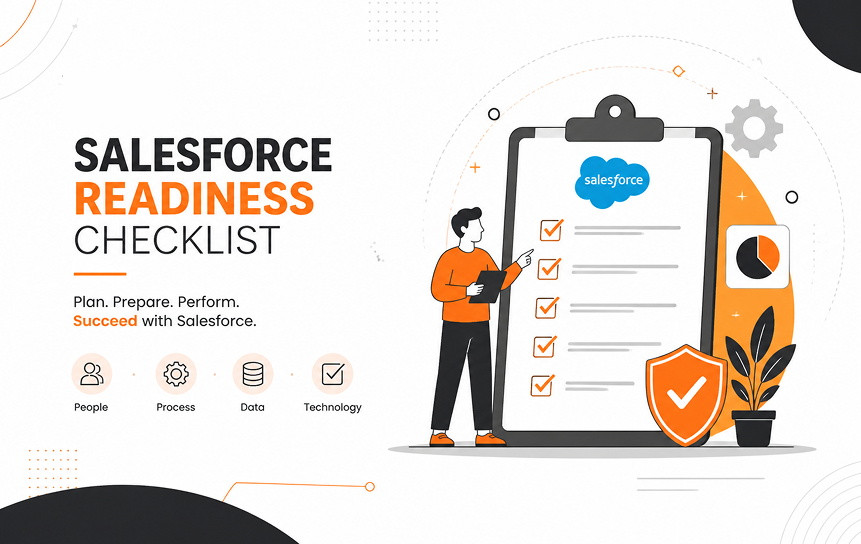
A Salesforce readiness checklist for businesses helps organizations confirm they have completed important preparation steps before starting implementation. It provides a clear review of business, technical, and employee readiness.
| Preparation Area | Key Requirement |
| Business goals defined | Clear objectives, priorities, and expected outcomes documented |
| Processes documented | Sales, service, and marketing workflows reviewed |
| Customer data cleaned | Duplicate and outdated information removed |
| Stakeholders assigned | Business and technical owners identified |
| Training plan ready | Users prepared through role-based education |
| Migration strategy prepared | Data transfer process tested and approved |
| Integrations identified | Required systems reviewed before deployment |
| KPIs established | Success measurements selected and tracked |
Using this Salesforce adoption checklist before implementation helps businesses identify missing tasks and reduce project risks. It creates a structured approach for Salesforce project preparation checklist activities and improves organizational readiness.
Common Mistakes to Avoid Before Adopting Salesforce
Skipping Process Documentation
Many businesses move directly into Salesforce setup without reviewing their existing processes. This can create problems because outdated workflows may be copied into the new system.
Process documentation helps companies understand what should change and what should remain. It also allows teams to design Salesforce around improved operations rather than existing limitations.
Taking time for business process mapping before implementation reduces unnecessary customization and improves system effectiveness.
Migrating Poor-Quality Data
Poor-quality data creates problems that continue after Salesforce goes live. Incorrect records, missing information, and duplicate customers can damage trust in reports and customer interactions.
Businesses should complete data cleanup before migration. This includes reviewing records, standardizing information, and creating quality rules.
Clean data improves decision-making and ensures employees can rely on Salesforce information.
Ignoring Employee Training
A CRM system cannot deliver results if employees do not understand how to use it. Some organizations focus heavily on technical setup but provide limited training.
Without proper education, users may avoid Salesforce or create inconsistent data.
Training should be treated as a key project activity. Well-prepared employees are more confident and more likely to support successful adoption.
Over-Customizing Too Early
Salesforce offers many customization options, but adding too many changes during the beginning stages of Salesforce CRM Customization can create unnecessary complexity.
Businesses should first focus on essential processes and user needs before expanding their CRM setup. Additional features can be introduced after users become comfortable with the platform and understand which customizations provide the most value.
A simpler starting point makes maintenance easier and allows the CRM environment to grow naturally while supporting long-term business goals.
Not Defining Success Metrics
Without clear success measurements, businesses cannot determine whether Salesforce is delivering value.
Companies should define goals before implementation and track progress after launch.
Metrics provide visibility into adoption, productivity, customer experience, and business results. They also help teams identify opportunities for improvement.
Final Thoughts
Preparing for Salesforce adoption requires more than choosing a CRM platform. Successful implementation depends on careful planning, clean customer data, clear processes, employee readiness, and measurable goals. Businesses that invest time before deployment create stronger foundations for long-term success.
A complete Salesforce adoption checklist helps organizations review important areas before moving forward. From stakeholder engagement to data governance and training, each step contributes to better outcomes.
Salesforce can support digital transformation and improve customer relationships, but only when the organization is prepared to use it effectively. Companies should focus on creating practical processes, supporting users, and measuring progress after launch. By following a structured preparation approach, businesses can reduce risks and maximize the value of their Salesforce investment.
FAQs
-
What should businesses do before adopting Salesforce CRM?
Before adopting Salesforce CRM, businesses should define their goals, review existing processes, clean customer data, involve stakeholders, prepare employees, and create a clear implementation plan. Following the right Steps before adopting Salesforce CRM helps organizations ensure the platform supports real business needs and delivers long-term value.
-
Why is data cleanup important before Salesforce migration?
Data cleanup improves the accuracy and reliability of customer information. Preparing data for Salesforce migration involves removing duplicates, correcting errors, and standardizing records so employees have trustworthy data and a stronger foundation for decision-making after migration.
-
How can companies improve Salesforce user adoption?
Companies can improve user adoption by providing clear communication, role-based training, employee involvement, ongoing support, and regular system improvements based on feedback. Following Salesforce adoption best practices helps teams understand the platform better and encourages consistent usage across departments.
-
What departments should be involved in Salesforce planning?
Sales, marketing, customer support, IT, and executive leadership should participate in Salesforce planning. Each department provides important insights about workflows, customer needs, technical requirements, and business goals. A collaborative approach helps create a practical CRM roadmap that supports both current operations and future growth.
-
What are the most common Salesforce implementation mistakes?
Common mistakes include poor preparation, unclear goals, weak data quality, insufficient employee training, excessive customization, and failure to track success metrics. Addressing these challenges early improves business readiness and helps organizations avoid issues during implementation.
-
How do you know if your business is ready for Salesforce?
A business is ready for Salesforce when it has clear objectives, documented processes, clean data, committed stakeholders, trained employees, defined security rules, and measurable success goals. Strong Business readiness for Salesforce ensures the implementation aligns with company priorities and creates a foundation for long-term CRM success.


