
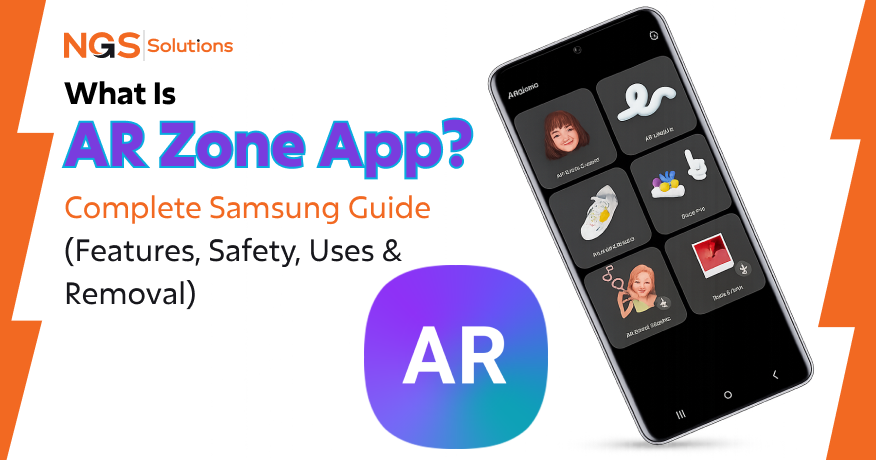
If you’ve ever picked up a Samsung Galaxy device and noticed a mysterious app called AR Zone, you’re not alone in asking what is AR Zone app is and why it exists on your phone. Many users search for what is an AR zone app on my phone right after a software update or when they accidentally tap its colorful icon inside the camera interface.
At its core, the AR Zone app is Samsung’s built-in augmented reality hub. It’s part of the broader Samsung augmented reality app ecosystem and is deeply integrated into Samsung Galaxy devices running One UI. It allows users to create playful AR emojis, apply interactive camera effects, and interact with virtual objects in real time using their smartphone camera.
But here’s what confuses most users:
- Why is it installed?
- Is it safe?
- Is it necessary?
- Can it be removed?
We’ll answer all of that in detail.
The short version: it’s safe, pre-installed, and optional, but not essential for core phone usage.
In this guide, you’ll learn:
- What AR Zone actually does
- Why does Samsung include it
- Whether it affects privacy or battery
- How its AR features work
- Whether you should keep or remove it
What Is the AR Zone App?
The AR Zone is Samsung’s built-in augmented reality control center on Galaxy phones. Instead of scattering AR features across different apps, Samsung bundles them into this single system app inside One UI. It mainly connects your camera with AR tools like emoji creation, stickers, drawing effects, and, in some devices, measurement utilities.
In simple terms, it turns your phone’s camera into a live AR workspace. Everything happens in real time using your front or rear camera, so digital objects react as you move. Unlike normal camera filters, these effects are tracked to your face or environment, which is why they feel more interactive and “alive” instead of static overlays.
The app relies on your camera feed along with device sensors such as facial tracking, motion detection, and (on supported models) depth sensing. That combination allows the system to read expressions, recognize movement, and place virtual elements accurately in your real surroundings. So when you create an AR Emoji, it isn’t just a sticker; it actually mirrors your facial movements like blinking, smiling, or tilting your head.
AR Zone is not a standalone download from the Play Store. It comes pre-installed on supported Samsung Galaxy devices and is tied directly to the camera system. You’ll usually find it on phones like the Galaxy S series, Galaxy A series (select models), older Note devices, and foldables such as the Galaxy Z Flip and Z Fold. The exact features depend heavily on the hardware and the One UI version your phone is running.
Why Is the AR Zone App on My Phone?
Many Samsung users notice the AR Zone and wonder why it’s suddenly on their device. The short answer: you didn’t install it yourself. AR Zone comes pre-installed as part of Samsung’s software package and is tightly integrated with the One UI camera system. From the moment you set up your phone or after a system update, it’s already there, ready to power AR features without any extra downloads.
Being a pre-loaded system app means AR Zone is part of Samsung’s ecosystem design. It works seamlessly with native camera tools, powering AR Emojis, AR Doodles, and other built-in effects. Unlike third-party AR apps, it doesn’t require separate installation or setup. Its presence is intentional, not accidental.
Sometimes users are surprised to see AR Zone after a system update. That’s because Samsung occasionally re-enables hidden system apps or reorganizes camera features. After updates, AR tools that were previously scattered across the interface may be grouped under AR Zone, making it suddenly visible, even though it was already on your device all along. It’s essentially Samsung consolidating its AR capabilities into a single, consistent hub.
What Is the AR Zone App Used For?
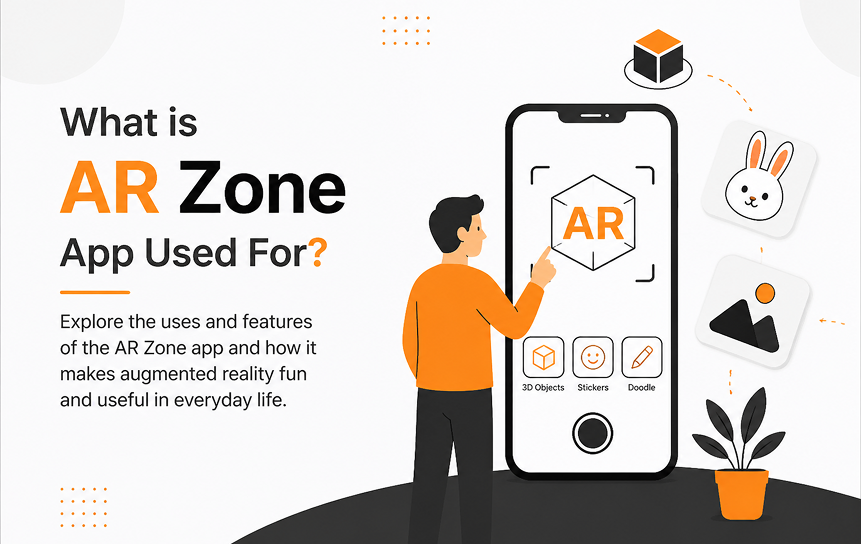
The AR Zone is mainly used to add fun and interactive effects to your camera. It lets you turn simple photos and videos into something more creative without needing any extra apps.
In everyday use, it’s mostly for things like making animated emojis that copy your face, adding stickers or effects while taking selfies, and drawing on your camera screen in a way that stays on top of real objects. So instead of a normal picture, you get something more playful and personalized.
It can also be used for basic practical things on some phones, like measuring small objects or distances using the camera. But for most people, it’s simply a built-in tool for camera effects and creative selfies.
In short, AR Zone is there to make your camera more fun and a bit more interactive, not something you need for regular phone use.
AR Emoji
AR Emoji lets you create a 3D avatar that mimics your facial expressions. It turns your face into a digital character you can use in messages, stickers, or social media.
The app works by scanning your facial features using the camera and generating a 3D avatar that moves as you do. This makes the emoji respond in real time to your expressions, like smiling or winking.
| Feature | AR Emoji |
| Purpose | Creates a personalized animated avatar based on your face |
| How it works | Uses facial recognition to scan facial features and generate a 3D avatar |
| Use cases | Sending animated emojis in messages, personalized stickers, and social media reactions |
Example
You smile → your emoji smiles back in real time.
AR Emoji Studio
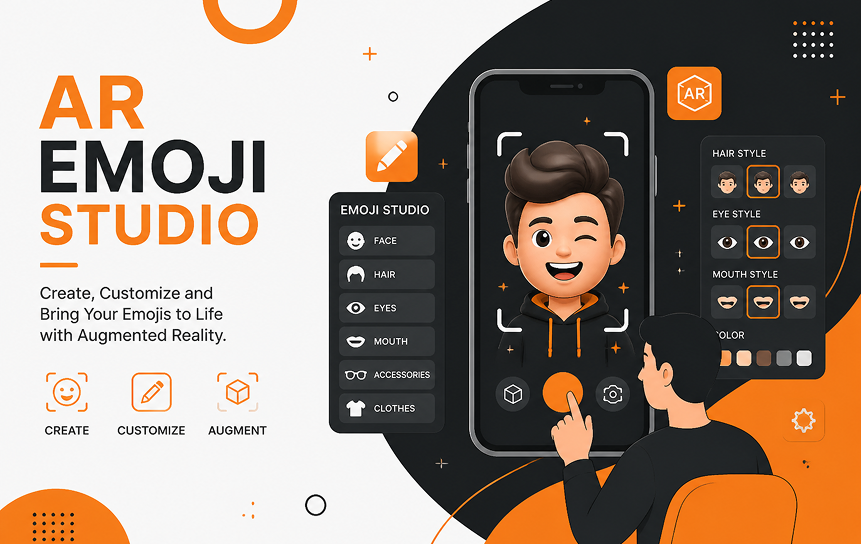
AR Emoji Studio lets you customize your AR avatars to make them look exactly the way you want. You can adjust hairstyles, facial features, outfits, and even add accessories, giving your digital avatar a unique personality.
This feature is mainly used for creating a digital identity in messaging apps, social media, or anywhere you want to use your AR avatar. It’s especially popular among younger Samsung users who enjoy personalizing their digital presence.
| Feature | AR Emoji Studio |
| Purpose | Let users customize their AR avatars |
| Features | Change hairstyles, adjust facial features, modify outfits, add accessories |
| Use case | Creating a digital identity for messaging apps is popular for personalization |
AR Doodle
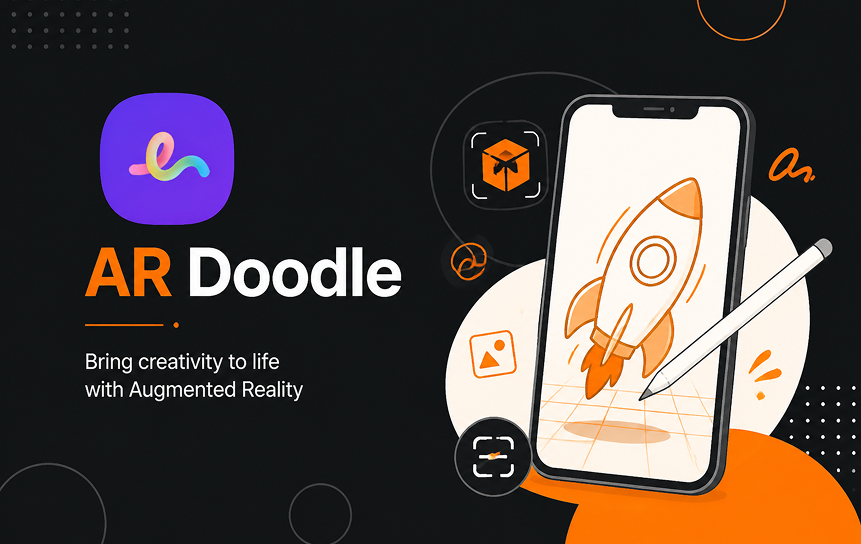
AR Doodle lets you draw virtual sketches that stay anchored to real-world objects. Your drawings appear to “stick” in space, so they move naturally as the camera or objects move.
The feature works by using motion tracking and surface detection. It can recognize faces and other objects, keeping your doodles in place even as you move the camera around.
AR Doodle is useful for writing messages in the air, adding drawings to faces in videos, or creating playful and creative content for social media.
| Feature | AR Doodle |
| Purpose | Draw virtual sketches that stick to real-world objects |
| How it works | Uses motion tracking, detects surfaces and faces, and keeps drawings anchored in space |
| Use cases | Writing messages in the air, drawing on faces in videos, creative social media content |
Deco Pic
Deco Pic adds real-time stickers and effects to photos and videos. It allows you to see the effects live through the camera before capturing, making every shot more playful and creative.
The feature includes virtual stickers, animated overlays, and live camera filters that move naturally with your camera or subject. This ensures your enhancements stay in place whether you’re taking a photo or recording a video.
Deco Pic is mainly used for fun selfies, social media content, and quick video enhancements that don’t require post-editing.
| Feature | Deco Pic |
| Purpose | Adds real-time stickers and effects to photos and videos |
| Features | Virtual stickers, animated overlays, live camera filters |
| Use cases | Fun selfies, social media content creation, video enhancement |
Quick Measure

Quick Measure in the AR Zone is used to measure real-world objects using your phone’s camera. It turns your screen into a simple measuring tool without needing a physical tape measure.
It works by using your phone’s sensors and, on supported devices, depth detection to estimate distance between points. You just point your camera at an object, select two points, and it calculates the measurement in real time.
Quick Measure is mainly used for checking furniture sizes, estimating room dimensions, or getting quick measurements when you don’t have tools nearby.
| Feature | Quick Measure |
| Purpose | Uses AR to measure objects in real life |
| How it works | Uses depth sensors (on supported devices), calculates distance between points |
| Use cases | Measuring furniture, estimating room dimensions, quick on-the-go measurements |
AR Stickers
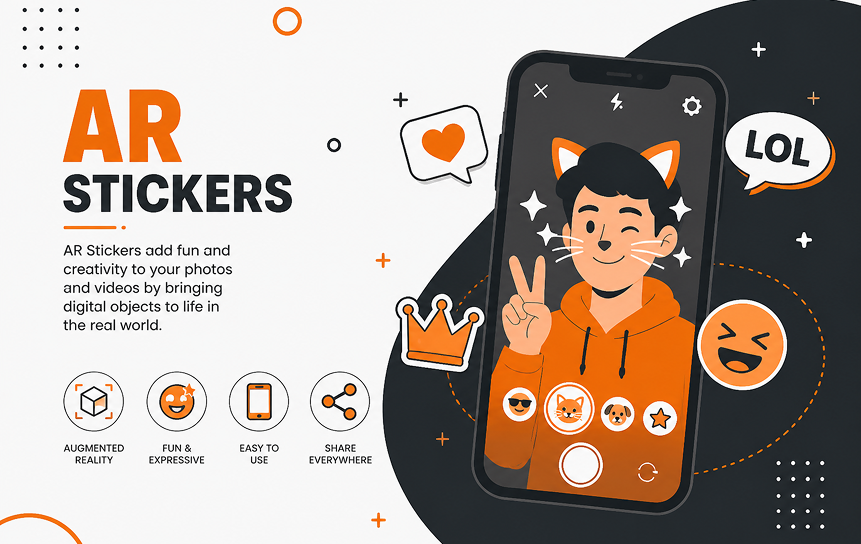
AR Stickers in the AR Zone let you place digital stickers into your live camera view. These stickers aren’t just static images; they react to your face and surroundings while you’re using the camera.
The feature works by tracking your face and the environment, so stickers can stick to your head, move with your expressions, or stay placed in a specific spot in the background. This makes the effects feel more natural and interactive while you record or take photos.
AR Stickers are mainly used for fun selfies, short videos, and creative messages where you want to add playful or expressive effects in real time.
| Feature | AR Stickers |
| Purpose | Adds interactive stickers into real-world camera view |
| Features | Animated stickers, face-tracking stickers, environment-based placement |
| Use cases | Fun selfies, short videos, creative messaging |
Key Features of AR Zone App
Beyond individual tools, the AR Zone app features combine to create a unified AR experience.
Real-Time AR Effects
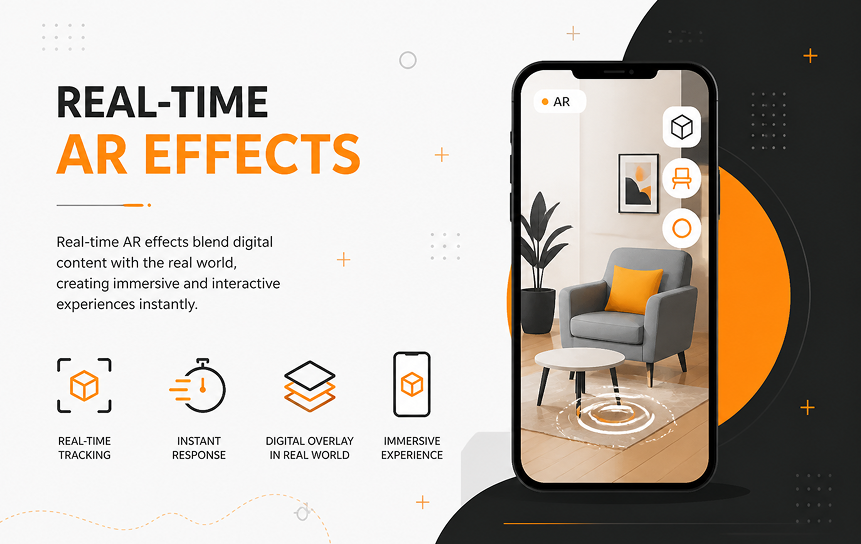
AR Zone reacts instantly while you’re using the camera. It doesn’t feel like editing after the photo; it happens live.
What it does:
- Tracks your face and expressions
- Responds to movement in real time
- Applies effects as you record or take photos
Where it’s useful:
- Selfies that react when you smile or move
- Videos with live stickers or effects
- Casual social media content without editing apps
3D Avatar Creation (AR Emoji)
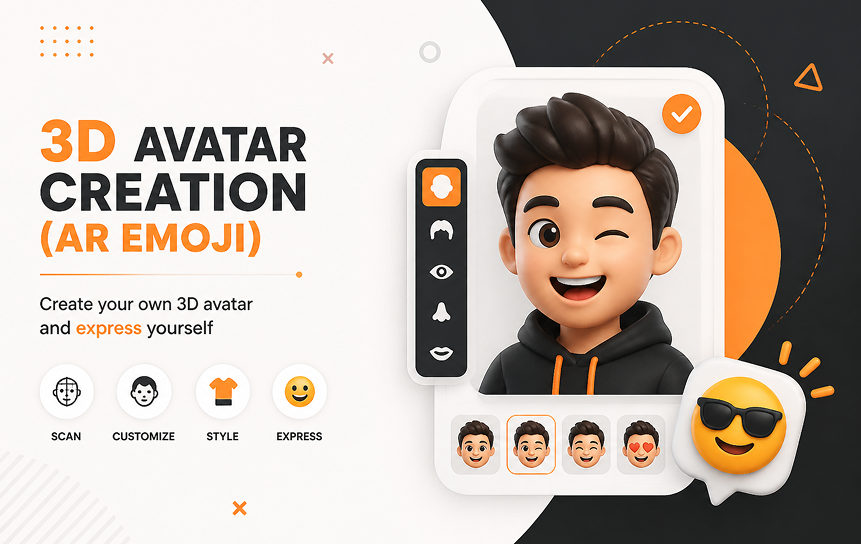
This is where AR Zone feels most personal. It can turn your face into a moving digital character.
What happens:
- Your face is scanned through the camera
- A 3D avatar is created based on your features
- The avatar copies your expressions, like blinking or smiling
You can use it for:
- Sending animated emojis in chats
- Creating custom stickers
- Building a personal digital identity
| Feature | AR Emoji |
| What it is | A 3D version of your face |
| How it works | Scans your face and copies expressions |
| Main use | Messaging, stickers, fun avatars |
Camera Integration
One of the main reasons AR Zone feels smooth is because it’s built into Samsung’s camera system.
What this means in simple terms:
- You don’t need to open a separate app
- AR tools are available inside the camera itself
- Everything works together with One UI
Why it matters:
- Faster access to AR tools
- No switching between apps
- More stable performance compared to third-party apps
Interactive AR Experiences
This is where AR Zone goes beyond simple filters. It lets you interact with your surroundings.
Main tools included:
- AR Doodle: Draw in the air or on faces in videos
- Deco Pic: Add live stickers and effects while recording
- AR Stickers: Place objects that follow your face or space
- Quick Measure: Measure objects using your camera (on supported devices)
Simple idea:
It’s not just about adding effects; it’s about placing digital things into the real world through your camera.
| Tool | What it does | Example use |
| AR Doodle | Draw in real space | Fun messages, videos |
| Deco Pic | Live stickers/effects | Selfies, reels |
| AR Stickers | Tracking stickers | Moving face effects |
| Quick Measure | Measures objects | Furniture or room size |
A few things worth knowing
- AR Zone is safe; it’s part of Samsung’s system apps and uses standard camera permissions
- It may use more battery if you use AR features heavily
- You usually can’t fully uninstall it, but you can disable it if you don’t need it
- It sometimes appears after updates because Samsung reorganizes camera features
Real-Life Example
A Samsung user recording a birthday video might:
- Add AR balloons using Deco Pic
- Insert animated AR emojis
- Draw “Happy Birthday” in AR Doodle
- Capture everything in real time
This is where Samsung’s AR ecosystem stands out compared to basic filters.
Is AR Zone App Safe?
If you’re using a Samsung Galaxy phone and asking is AR Zone app safe? or is Samsung AR Zone app safe to use?, the answer is yes. The AR Zone app Samsung provides is a pre-installed system application designed to enhance your camera with augmented reality (AR) tools. It is part of the One UI camera ecosystem, not a third-party app, and does not have access to private messages or contacts.
While some users worry about security and data privacy, AR Zone is built to work locally on your device, making it generally safe for everyday use.
Permissions Required

The AR Zone app permissions are limited to what it needs to function as an AR and camera tool. Here’s a breakdown: Unlike many third-party apps, the AR Zone app’s Android permissions do not include access to your contacts, messages, or personal data. This ensures that all AR experiences, like AR Emoji or AR Stickers, run securely on your device.
Does AR Zone Collect Data?
A common question is does AR Zone app collect data? Most of the app’s processing happens on your phone:
- Facial recognition for AR Emoji and AR Doodle is processed locally, not uploaded automatically.
- AR creations, photos, and videos are stored on your device unless you choose to sync them.
- Optional analytics may be sent only if you are signed into a Samsung account or use Samsung Cloud, but this is entirely user-controlled.
In other words, the AR Zone app Samsung is designed to keep your AR experiences private. It does not transmit your face scans or AR creations to Samsung servers by default.
Privacy & Security Concerns
When evaluating “is AR Zone app safe?”, these are the main points:
- Built-in Samsung software: It is a pre-installed system application that follows Samsung and Android security rules.
- Local processing: Sensitive data, like facial tracking for AR Emoji, is handled on-device.
- Optional cloud sync: Any data sent to Samsung Cloud is controlled by the user and can be turned off.
- No hidden data access: AR Zone does not read personal messages, contacts, or files.
Other considerations:
- Some users notice the AR Zone app battery drain when using AR features extensively. This is normal because the camera and sensors are actively working.
- If you don’t use AR features, you can disable the app through settings, though it cannot usually be fully uninstalled on Samsung Galaxy devices.
AR Zone App Permissions Explained
The AR Zone is a built-in Samsung system app used for camera-based AR features like AR Emoji, AR Doodle, Deco Pic, and Quick Measure. Since it works directly with your camera and media tools, it needs a few permissions to function. These permissions are normal for any AR or camera app and are not unusual or hidden.
What matters is not just what permissions it asks for, but how and when it uses them. AR Zone only activates these permissions when you open and use its features.
Camera Permission
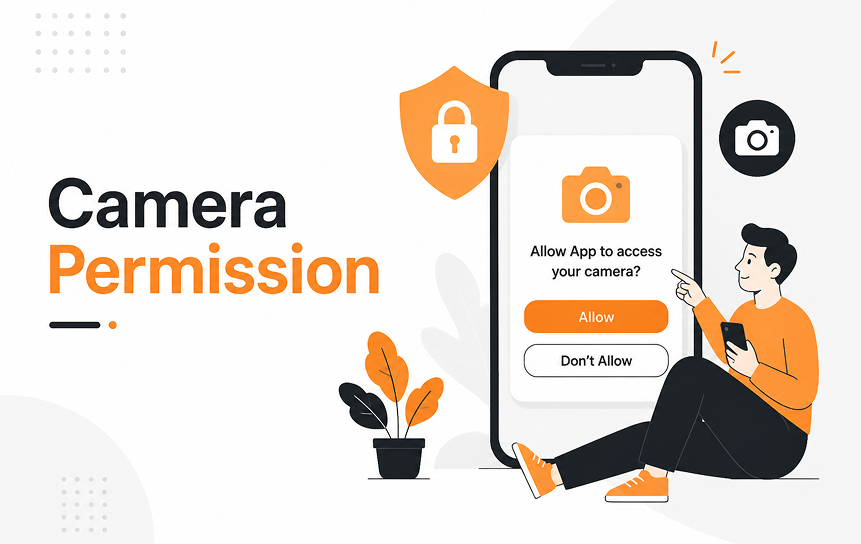
This is the most important permission for AR Zone.
Why it’s needed:
- To capture live video from your front or rear camera
- To place AR effects like emojis, stickers, and drawings on your face or surroundings
- To track movement and expressions in real time
How it works in practice:
When you open AR Emoji or AR Doodle, the camera feed becomes the base layer. The app reads your face or environment and places digital objects on top of it.
Privacy point:
- The camera is only active when you are using AR Zone
- The processing (like face tracking for AR Emoji) happens on your phone
- It does not secretly record or send camera data in the background
Storage Access
Storage permission allows AR Zone to save and manage what you create.
Why it’s needed:
- Saves AR Emoji characters you create
- Stores photos and videos from Deco Pic and AR Doodle
- Let you access saved AR content later in your gallery
How it works in practice:
If you record a video using AR effects, it is saved directly to your phone storage just like a normal camera photo or video.
Privacy point:
- AR Zone only accesses files it creates or saves
- It does not scan your personal folders or unrelated files
- Nothing is shared outside your phone unless you choose to upload or sync it
Microphone Access
This permission is optional and only used in specific cases.
Why it’s needed:
- To record sound when you make AR videos
- Used in features like AR Doodle video recording or Deco Pic clips
How it works in practice:
If you record a video with AR effects, the microphone captures audio at the same time as the camera.
Privacy point:
- The microphone is active only while recording
- It does not run or listen in the background
- You can deny this permission if you only want silent AR content
Do You Need AR Zone App?
The AR Zone app Samsung is a pre-installed system application found on most Samsung Galaxy devices, including Galaxy S, Note, A, Fold, and Flip series. It is part of Samsung’s One UI camera ecosystem, providing a variety of AR experiences such as AR Emoji, AR Doodle, Deco Pic, Quick Measure, and AR Stickers. While it is not necessary for the phone’s core functions, it serves as a hub for AR creativity, interactive camera effects, and practical measurement tools.
Deciding whether to keep, disable, or remove the app depends on your priorities: creativity, device performance, or simplicity.
Reasons to Keep It
- Centralized AR Tools
- All major AR Zone app features are combined in one app, eliminating the need for multiple AR apps.
- Provides AR Emoji Studio, AR Doodle, Deco Pic, Quick Measure, and AR Stickers in one accessible place.
- Interactive Camera Experiences
- Works seamlessly with the Samsung smartphone camera for real-time effects.
- AR Emoji can mimic your expressions through facial recognition, while AR Stickers attach to faces or objects.
- Creative and Social Media Content
- Enables personalized 3D avatars, animated emojis, and virtual stickers for messages or social media.
- Deco Pic adds live filters and animated overlays for photos and short videos.
- Practical Measurement Tools
- Quick Measure uses depth sensing on supported devices to calculate object size, distances, and room dimensions.
- Useful for DIY projects, furniture shopping, or estimating space without carrying a tape measure.
- Safe and Local Data Processing
- Most AR processing happens on-device, including AR Emoji creation and facial tracking.
- Optional cloud sync via Samsung Cloud only uploads metadata if enabled.
- The app does not access contacts, messages, or private files, unlike many third-party AR apps.
Reasons to Disable It
- Battery Consumption
- AR features require an active camera and motion sensors, which can lead to faster battery drain.
- Storage Usage
- Saving AR videos, Deco Pic images, and AR Emoji avatars consumes internal storage.
- Unused Features
- If you do not use AR tools regularly, the app adds little value but remains active in the system.
- Simplifying One UI
- Disabling the app reduces the number of system processes without affecting standard camera functions or phone performance.
Can You Delete or Uninstall AR Zone App?
The AR Zone is part of Samsung’s system software, so it behaves differently from regular apps you install from the Play Store. It’s tied to camera-based features like AR Emoji, AR Doodle, Deco Pic, and Quick Measure, which is why removal options are limited.
Can It Be Removed Completely?
On most Samsung Galaxy devices, full removal is not allowed through normal settings.
- It is pre-installed as part of One UI
- The standard uninstall option is not available
- It is classified as a system application, so Samsung keeps it protected
There is a technical workaround using ADB tools, but it is not recommended for regular users because:
- It requires developer-level access
- It can break or limit AR-related camera features
- It may cause issues after software updates or resets
What Happens If You Disable It?
Disabling AR Zone is the safer option and does not affect core phone functions.
When disabled:
- The app disappears from the app list
- Background activity stops completely
- No notifications or updates from the app
- A small amount of storage used by updates is freed
What remains unchanged:
- The camera still works normally for photos and videos
- Samsung phone functions are unaffected
- One UI continues to run without issues
How to Disable AR Zone App on Samsung
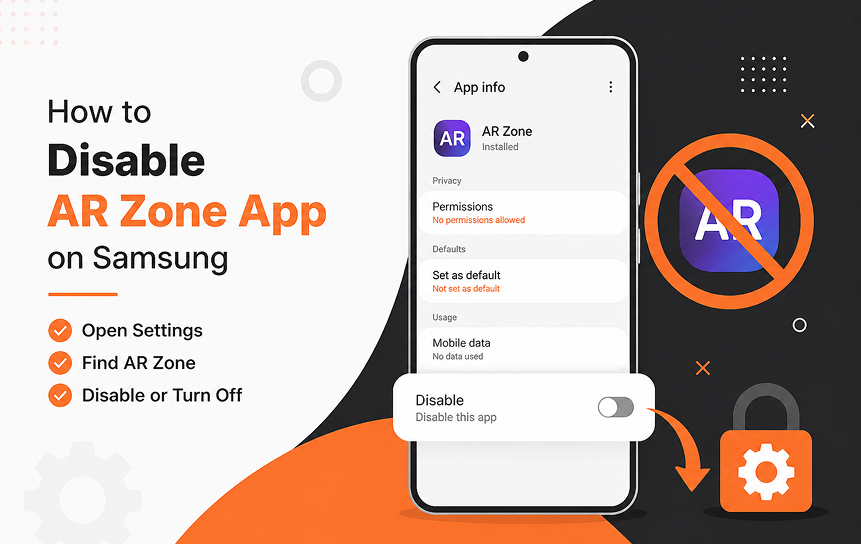
The AR Zone can be turned off directly from your phone settings. Disabling it removes it from view and stops it from running, while keeping the rest of your phone and camera working normally.
Step-by-Step Method (Settings)
- Open Settings on your Samsung device
- Go to Apps
- Use the search bar and type AR Zone
- Tap on AR Zone from the list
- Select Disable
- Confirm when prompted
Once done, the app will no longer appear in your app drawer and will stop running in the background.
Quick Method (App Icon)
- Find AR Zone in the app drawer
- Press and hold the icon
- Tap App info
- Select Disable
This is a faster way to reach the same option without going through settings.
What Changes After Disabling
- The app disappears from the app list
- It no longer runs or uses system resources
- No background activity or updates from AR Zone
- Slight reduction in storage used by system updates
What stays the same:
- The camera works normally
- Phone performance is unaffected
- Other Samsung apps continue working as usual
Does AR Zone App Drain Battery or Use Storage?
Battery Consumption
AR Zone can impact the battery only when actively used:
- AR Emoji or Doodle consumes processor power during recording.
- Deco Pic filters and Quick Measure may briefly engage the camera and sensors.
- Background idle usage is minimal after disabling sync and notifications.
Storage Requirements
- The app itself takes ~50–100 MB.
- AR creations (videos, images, AR Emoji) consume gallery storage.
- Disabling the app stops new data generation.
Optimization tips
- Disable the app if unused.
- Clear the cache occasionally.
- Delete unnecessary AR creations.
AR Zone App Not Working? Common Fixes
On Samsung Galaxy devices, the AR Zone app may occasionally stop working, freeze, or have missing features. These issues are usually minor and can be fixed with simple troubleshooting steps.
1. Clear Cache
- Go to Settings → Apps → AR Zone → Storage
- Tap Clear Cache
- This removes temporary files that may cause glitches
- Tip: Restart your phone afterward to refresh the system
2. Restart Your Phone
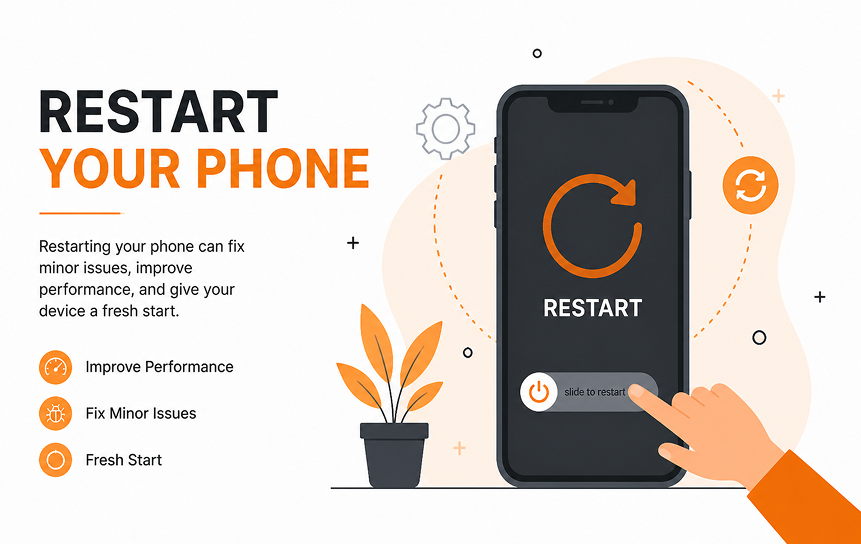
- Sometimes a simple restart resolves app performance issues
- This clears temporary memory and reloads all system apps, including AR Zone
3. Update One UI
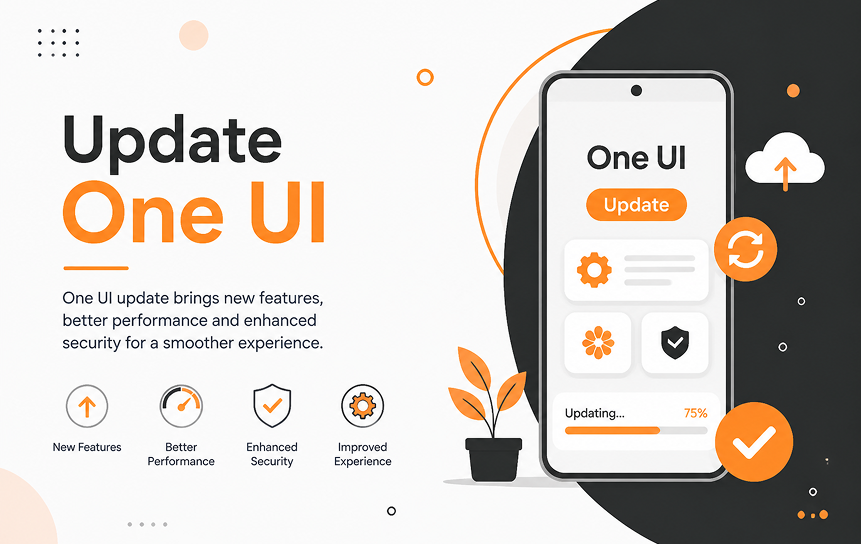
- Outdated software can cause AR Zone features to malfunction
- Go to Settings → Software Update → Download & Install
- Installing the latest One UI version ensures all AR tools are compatible
4. Reset App Preferences
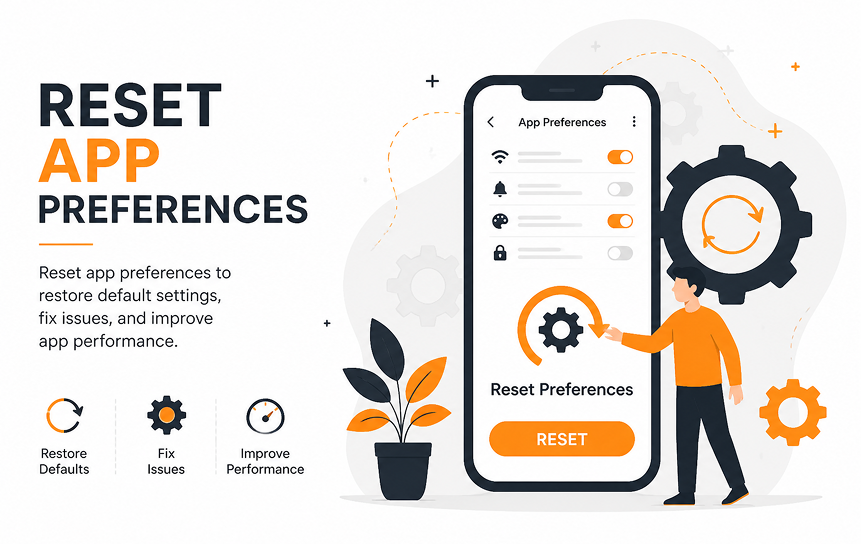
- Navigate to Settings → Apps → Reset app preferences
- This restores default permissions and visibility for all apps
- Useful if AR Zone features are missing or some functions won’t open
5. Reinstall Updates
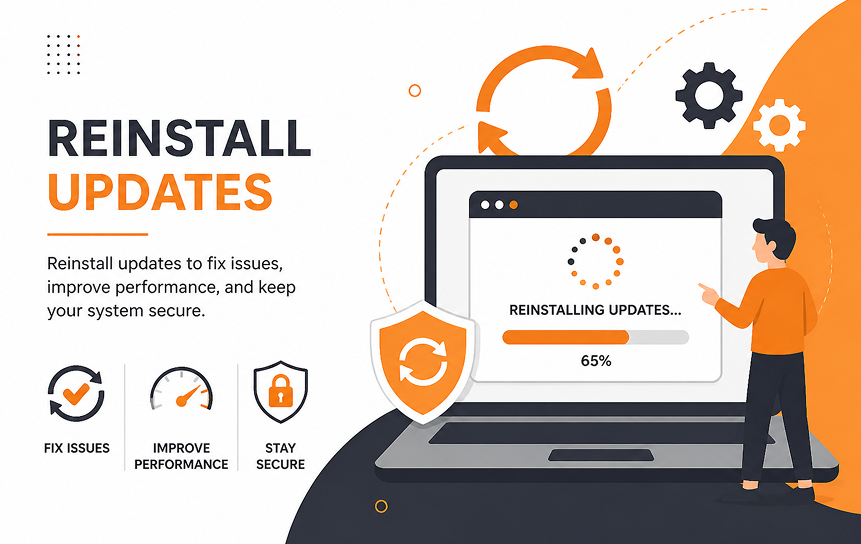
- Go to Settings → Apps → AR Zone → Uninstall Updates
- Then reinstall the latest update from Samsung
- This can fix bugs introduced in older versions of the AR Zone app
Tip
After each step, restart your phone to make sure changes take effect.
Why Is AR Zone App Missing?
Some Samsung Galaxy users notice that the AR Zone app disappears from the app drawer or is not showing in the camera after a system update. While this can be alarming, it usually has logical reasons tied to One UI, device support, or software behavior. Understanding why it happens helps you restore access or know whether it’s intentional.
1. Unsupported Device
- Hardware limitations: Some older Galaxy devices or lower-end models (like select Galaxy A series) lack the sensors required for AR tools. Features like AR Emoji, Quick Measure, and AR Stickers rely on depth sensing, facial recognition, or motion tracking, which may not be present.
- Non-Samsung devices: AR Zone is a Samsung system app and is not available on other Android phones. Attempting to download it from third-party sources won’t work and can pose security risks.
Tip: Check your device’s One UI version and model specifications to confirm if AR Zone should be available.
2. Software Update Issue
- During updates, One UI sometimes temporarily hides system apps like AR Zone to avoid conflicts during the installation process.
- The app might not appear immediately after updating, especially if the device cache or system indexing is still being rebuilt.
- Restarting the device usually restores the AR Zone icon and all associated features.
Tip: After updating One UI, give your phone a few minutes and a restart before worrying about missing apps.
3. Camera Integration Changes
- In newer versions of One UI, AR Zone features may not have a separate app icon.
- Some tools, such as AR Emoji, AR Doodle, Deco Pic, and AR Stickers, are now accessible directly from the Camera app → More → AR Zone.
- This is part of Samsung’s effort to streamline AR features into the camera interface rather than having a standalone app.
Tip: If AR Zone is missing from the app drawer, check the camera’s “More” menu, all AR features may still be available there.
4. Disabled or Hidden App
- Sometimes, AR Zone may have been disabled accidentally in the app settings.
- Go to Settings → Apps → AR Zone and check if the Enable button is visible. If so, the app was disabled and can be re-enabled.
- Certain system optimizations or “Device Care” settings may hide unused apps to reduce clutter.
5. Corrupted Cache or Update Glitches
- A corrupted cache or incomplete update can make AR Zone appear missing.
- Fixes include:
- Clearing cache: Settings → Apps → AR Zone → Storage → Clear Cache
- Restarting the phone after updates
- Reinstalling updates: Settings → Apps → AR Zone → Uninstall updates → Reinstall latest update
AR Zone vs Snapchat Filters
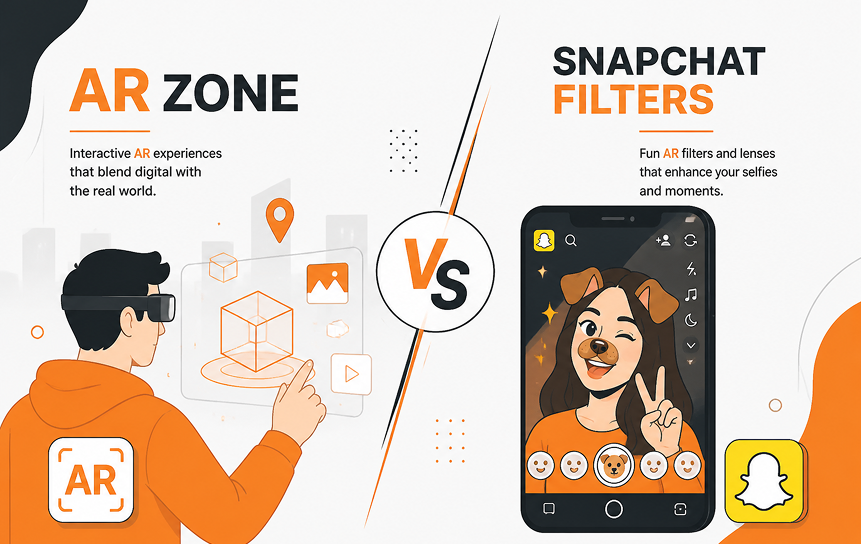
Many users wonder ar zone app vs snapchat filters, are they the same? Let’s break it down in a detailed comparison table.
| Feature | AR Zone App | Snapchat Filters |
| Platform | Built into Samsung One UI | Third-party app on Android/iOS |
| AR Features | AR Emoji, AR Doodle, Deco Pic, Quick Measure, AR Stickers | Face filters, AR lenses, Bitmoji avatars |
| Ease of Use | Integrated with Samsung Camera | Requires the Snapchat app |
| Privacy | Local processing; optional cloud sync | Data collected via Snapchat servers |
| Device Compatibility | Samsung Galaxy devices only | Android & iOS devices |
| Effects Quality | Smooth, device-optimized | High-quality, constantly updated by Snapchat |
| Offline Use | Fully offline for AR creations | Most filters require internet |
| Customization | High: AR Emoji Studio, Quick Measure | Moderate: Bitmoji & lenses only |
| Battery Usage | Moderate when used | High during prolonged AR recording |
Best Alternatives to AR Zone
If you want similar AR features but don’t use AR Zone, consider:
| App | Features | Advantages | Disadvantages |
| Snapchat | Filters, AR lenses, Bitmoji | Cross-platform, constantly updated | Requires account, data collection |
| Instagram Filters | AR effects, face filters, camera overlays | Integrated with social media | Limited 3D avatar creation |
| TikTok Effects | AR stickers, live video filters | Trendy, creative video options | Uses significant battery and storage |
| Google Playground | AR Stickers, environment AR | Free, easy to use | Limited to AR Sticker fun, not emojis |
| Third-party AR apps (e.g., Zepeto, Wombo AI) | AR avatars, AR games | Highly creative, social | Some require accounts, ads |
Tip: Use alternatives if you want more social features or if your Samsung device doesn’t support certain AR Zone features.
Pros and Cons of AR Zone App
Here’s a clear table summarizing the AR zone app pros and cons.
| Pros | Cons |
| Built-in Samsung AR app | Cannot be fully uninstalled without ADB |
| High-quality AR Emoji and Doodle | Uses minor storage and battery |
| Real-time AR effects | Limited to Samsung devices |
| Quick Measure for practical tasks | Features may seem unnecessary for casual users |
| Safe and private (local processing) | Some users rarely use it, considering it bloatware |
| Integrated with One UI camera | Advanced features require One UI version updates |
Final Verdict
The AR Zone app is Samsung’s built-in augmented reality platform that adds creative and interactive features to compatible Galaxy devices. If you’ve ever wondered what AR Zone is and how it works, the app combines tools like AR Emoji, AR Doodle, Deco Pic, and Quick Measure into a single hub that integrates with the Samsung Camera app. It uses your phone’s camera and sensors to create augmented reality experiences while keeping most processing on the device for better privacy and performance.
Although AR Zone offers several useful and entertaining features, it is not essential for the everyday operation of your phone. This is why many users ask questions such as Why do I have AR Zone app on my phone? or Can I delete AR Zone app? Samsung includes it as a pre-installed feature on many Galaxy devices, but whether you use it regularly depends on your personal preferences.
For users who enjoy augmented reality effects, creative camera tools, and practical features like Quick Measure, keeping AR Zone enabled can enhance the overall smartphone experience. However, if you never use these features, you may prefer to disable the app to reduce unnecessary background activity and free up a small amount of storage space.
Overall, AR Zone is safe to keep on your device and does not interfere with normal phone functionality. If you’re considering whether you can uninstall AR Zone app or remove it from your Samsung device, disabling it is usually the safest and most practical option. The right choice ultimately depends on whether you find value in its augmented reality features.
FAQs
-
What Is AR Zone App?
AR Zone is Samsung’s augmented reality platform that brings together multiple AR-powered tools in one application. It allows users to create AR emojis, draw virtual objects in real-world environments, apply camera effects, and use measurement tools through their device’s camera.
-
How Does AR Zone App Work?
AR Zone works by using your phone’s camera, motion sensors, and software-based AR technology to overlay digital objects onto the real world. Most processing happens directly on the device, helping maintain privacy while delivering smooth performance.
-
Why Do I Have AR Zone App on My Phone?
Samsung pre-installs AR Zone on many Galaxy devices as part of its camera and entertainment ecosystem. Even if you have never used its features, the app may appear after setting up your phone or installing a software update.
-
Can I Delete or Uninstall AR Zone App?
Many users ask whether they can delete or uninstall AR Zone. In most cases, the app cannot be completely removed through standard settings because it is integrated into Samsung’s software. However, it can usually be disabled if you do not use its features. Advanced users may be able to remove it through specialized tools, but this is generally unnecessary.
-
How to Remove AR Zone App?
For most users, disabling the app is the recommended approach. This prevents it from running in the background and removes access to its features without affecting core Samsung functions.
-
Does AR Zone App Use Battery?
Like any app that relies on the camera and sensors, AR Zone can use additional battery power when features are actively running. However, the impact is usually minimal when the app is not being used.
-
What Happens If AR Zone App Keeps Stopping?
If AR Zone keeps stopping, the issue is often related to outdated software, corrupted app data, or temporary system glitches. Updating your device, clearing the app cache, or reinstalling app updates can usually resolve the problem.
-
Why Is AR Zone Not Showing in the Camera?
Some users notice that AR Zone is not showing in the Camera app after an update. This can happen when Samsung changes the camera interface, disables certain features, or moves AR tools to a separate section. Checking for software updates and enabling AR features in camera settings can often restore access.
-
What If AR Zone Is Missing After an Update?
If AR Zone appears to be missing after a software update, it may have been disabled, hidden, or moved within the system. Updating Samsung apps through the Galaxy Store and checking app settings can help restore the feature.
-
Is AR Zone Necessary?
No, AR Zone is not required for the core functionality of your Samsung phone. It is an optional feature designed for users who enjoy augmented reality experiences. If you never use AR tools, disabling the app is perfectly safe, while users who enjoy creative camera effects may find it worthwhile to keep enabled.


