
Organizations rarely operate exactly the way a standard CRM is designed to function. While Salesforce provides powerful standard objects such as Accounts, Contacts, Leads, Opportunities, and Cases, many businesses need additional ways to organize data, track specialized processes, and manage information unique to their industry.
This is where Salesforce custom objects become valuable.
Custom objects in Salesforce allow organizations to create tailored data structures that reflect how their business actually operates. Whether a company needs to manage projects, track assets, oversee vendor relationships, administer memberships, or store industry-specific information, custom objects provide the flexibility required to build an effective CRM data structure.
When designed correctly, custom objects improve data organization, support business scalability, enhance reporting capabilities, and create a more accurate representation of real-world business processes.
What Are Custom Objects in Salesforce?
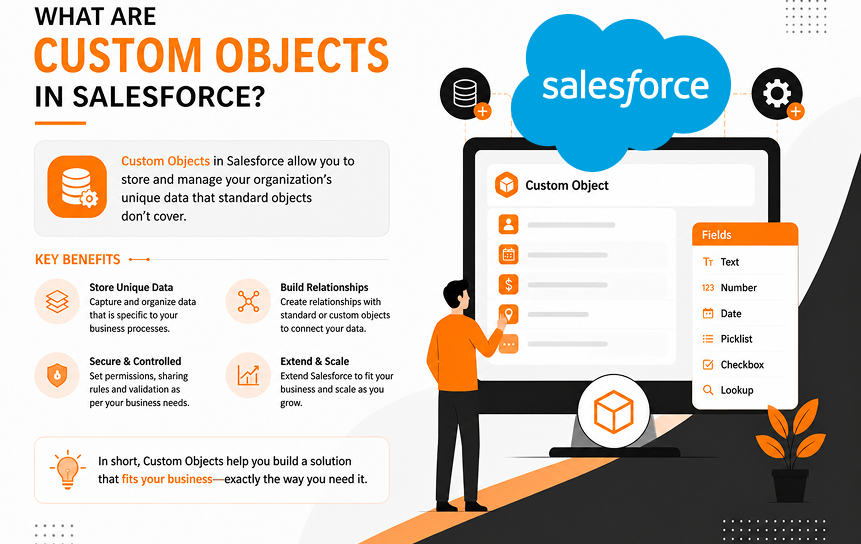
Custom objects in Salesforce are user-created database structures that store information not covered by standard Salesforce objects. They enable organizations to manage unique business entities, create specialized workflows, and build CRM processes tailored to their operational requirements.
Unlike standard objects that come preconfigured within Salesforce, custom objects are designed and managed by administrators or developers to address specific business needs. They become part of the overall Salesforce data model and function similarly to standard objects, with support for fields, relationships, automation, security settings, reports, and dashboards.
For many organizations, custom objects serve as the foundation for modeling business processes that extend beyond traditional sales and customer relationship management activities.
Definition of Custom Objects
A custom object is a custom-built data container within Salesforce that stores records unique to a business process, department, or industry.
Think of an object as a table in a relational database. Each object contains records, and each record contains fields that store specific pieces of information.
For example, a manufacturing company may create a custom object called Equipment to track machinery, while a consulting firm may create a Project object to manage client engagements.
These records become Salesforce custom records that can be searched, reported on, automated, and related to other data across the platform.
How Custom Objects Extend Salesforce Functionality
Salesforce is designed to be highly customizable. Custom objects extend Salesforce functionality by enabling organizations to capture information that standard objects were not designed to manage.
Businesses use custom objects to:
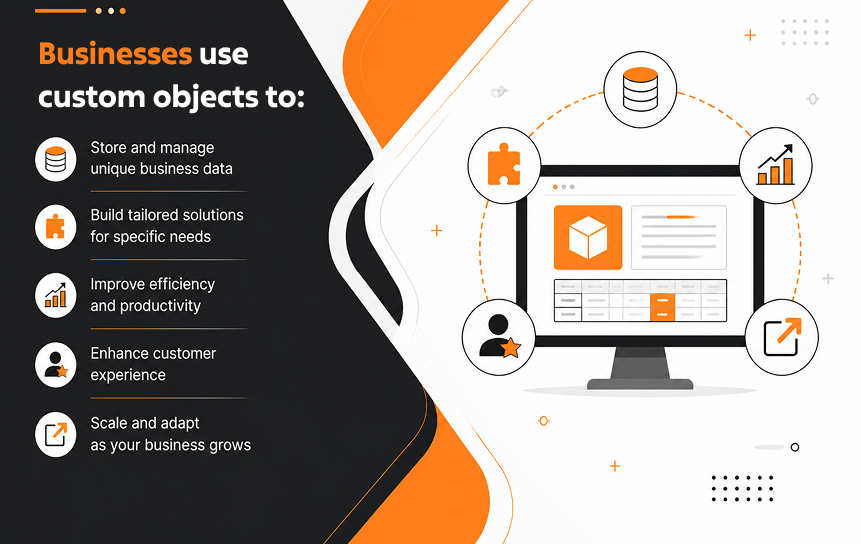
- Track specialized business information
- Model unique business processes
- Create custom CRM structures
- Support department-specific operations
- Build industry-specific applications
- Improve reporting capabilities
Rather than forcing a business process into an existing object, organizations can create a structure that accurately reflects their operational reality.
Relationship Between Custom and Standard Objects
Custom objects in Salesforce customization Solutions work alongside standard objects rather than replacing them. A business may continue using Accounts and Contacts for customer management while creating custom objects for projects, contracts, memberships, certifications, assets, or inspections.
For example:
| Standard Object | Related Custom Object |
| Account | Project |
| Contact | Certification |
| Opportunity | Installation |
| Case | Service Inspection |
This approach allows businesses to extend CRM functionality while preserving Salesforce’s core architecture.
Why Businesses Create Custom Objects
Organizations create custom objects when standard Salesforce functionality cannot fully support their processes.
Common reasons include:
- Tracking industry-specific records
- Managing operational workflows
- Supporting compliance requirements
- Organizing specialized business data
- Building custom reporting structures
- Creating scalable CRM architectures
The goal is to create a CRM structure that reflects how the organization actually operates rather than adapting operations to fit predefined software limitations.
Core Components of a Custom Object
Every custom object includes several important elements that define how data is stored and managed.
These components typically include:
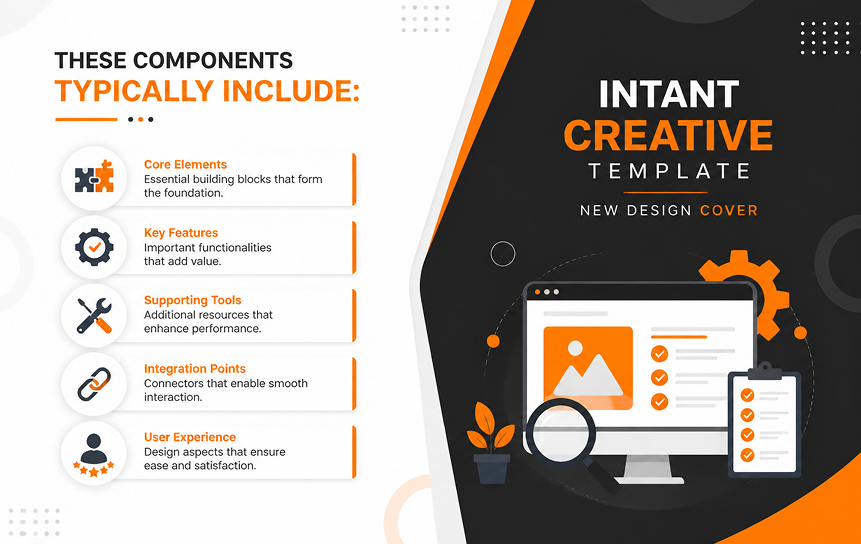
- Object name
- API name
- Custom fields
- Record types
- Page layouts
- Validation rules
- Security permissions
- Automation processes
- Object relationships
Together, these elements form the foundation of a scalable Salesforce object architecture.
Understanding Standard Objects vs Custom Objects
Standard objects provide Salesforce’s built-in CRM functionality, while custom objects allow organizations to create entirely new data structures tailored to unique business requirements. Understanding the distinction helps businesses make better data modeling decisions.
Purpose of Standard Objects
Standard objects are prebuilt components that support common customer relationship management activities.
Examples include:
- Accounts
- Contacts
- Leads
- Opportunities
- Cases
- Campaigns
These objects provide the foundation for sales, marketing, and service operations without requiring custom development.
Because they are included by default, organizations can begin managing customer relationships immediately after implementation.
Limitations of Standard Data Models
Although standard objects are powerful, they cannot represent every business process.
Organizations frequently encounter challenges such as:
- Industry-specific requirements
- Complex operational workflows
- Specialized compliance tracking
- Unique reporting needs
- Custom record management
When businesses attempt to force specialized processes into standard objects, the result is often poor data organization and reduced reporting accuracy.
Flexibility Offered by Custom Objects
Custom objects provide virtually unlimited flexibility for creating custom CRM structures.
Organizations can design objects that reflect:
- Business entities
- Department workflows
- Operational processes
- Industry requirements
- Compliance programs
- Internal management systems
This flexibility allows Salesforce to function as more than a CRM platform. It becomes a comprehensive business management solution.
Comparing Use Cases
The choice between standard and custom objects depends on the information being managed.
| Business Requirement | Standard Object | Custom Object |
| Customer Accounts | Yes | No |
| Sales Opportunities | Yes | No |
| Asset Management | Limited | Yes |
| Membership Tracking | Limited | Yes |
| Compliance Records | No | Yes |
| Project Management | Limited | Yes |
| Industry-Specific Data | Limited | Yes |
Understanding these distinctions helps organizations build a more effective Salesforce schema design.
Choosing the Right Object Structure
Before creating a new object, organizations should evaluate whether an existing structure can support the requirement.
Key questions include:
- Does a standard object already support this process?
- Is the information a unique business entity?
- Will specialized reporting be required?
- Does the process justify its own object?
The best Salesforce data models balance simplicity with flexibility, avoiding unnecessary complexity while supporting future growth.
Common Business Scenarios That Use Custom Objects
Custom objects are most valuable when businesses need to track information that does not naturally fit within Salesforce standard objects. They allow organizations to create structures that accurately represent operations, improve data organization, and support specialized reporting requirements.
Project Management Data
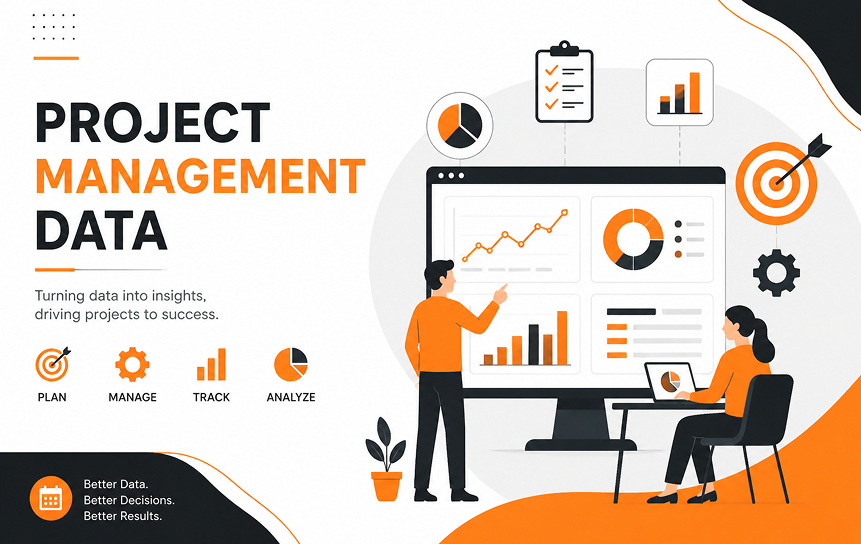
Many organizations use custom objects to manage projects from initiation through completion. While Opportunities can track sales activities, they are not designed to handle project execution.
A Project custom object may include:
- Project status
- Start and end dates
- Budget information
- Resource assignments
- Milestone tracking
- Risk assessments
Projects can then be linked to Accounts, Contacts, and Opportunities, creating a complete view of customer engagements.
This approach helps businesses organize project-related information without overloading standard CRM records.
Asset Tracking Requirements
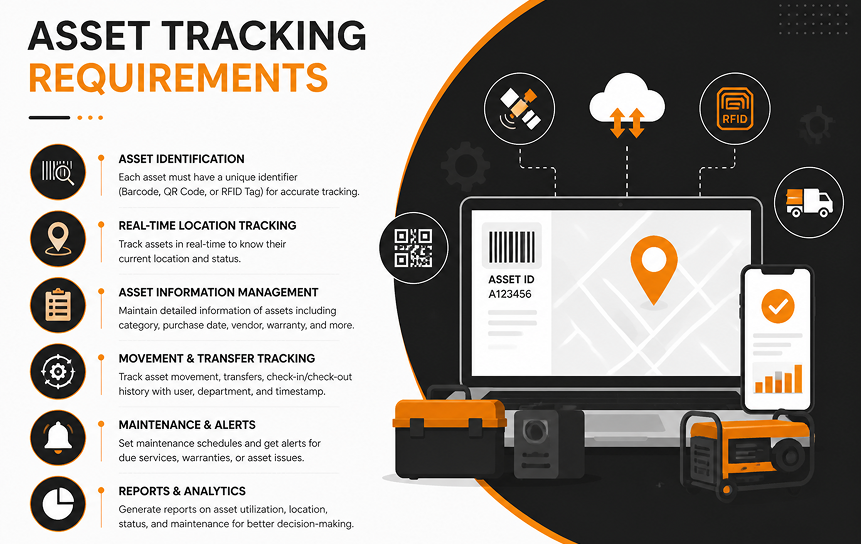
Businesses that manage physical assets often require dedicated structures for tracking equipment, inventory, vehicles, devices, or machinery.
Custom objects can store:
- Asset serial numbers
- Ownership records
- Maintenance schedules
- Warranty details
- Inspection histories
- Asset locations
Because assets often have relationships with customers, vendors, and service records, custom objects provide a scalable way to manage complex asset lifecycles.
Membership and Subscription Data
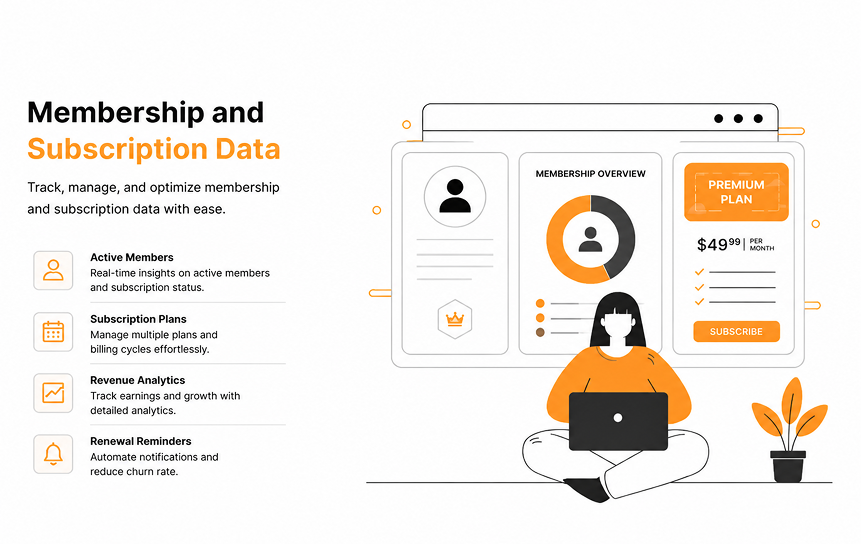
Associations, nonprofits, educational institutions, and subscription-based businesses frequently use custom objects to manage memberships.
Typical membership data includes:
- Membership levels
- Renewal dates
- Payment history
- Benefits eligibility
- Participation records
- Subscription status
Custom objects allow organizations to maintain detailed records while supporting automated renewal processes and reporting.
Vendor and Partner Management

Many businesses work with vendors, suppliers, distributors, and strategic partners that do not fit traditional customer classifications.
A Vendor custom object can help track:
- Vendor agreements
- Performance metrics
- Certifications
- Contract terms
- Risk assessments
- Contact information
This creates a centralized repository for managing important third-party relationships.
Industry-Specific Record Management
One of the most common reasons organizations create custom objects is to support industry-specific processes.
Examples include:
Healthcare:

- Patient programs
- Medical equipment
- Provider certifications
Manufacturing:
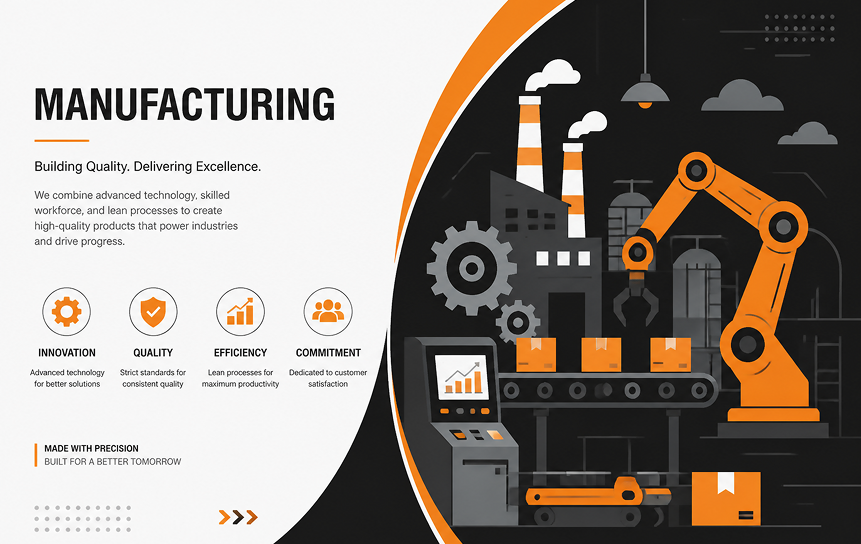
- Production runs
- Quality inspections
- Equipment maintenance
Education:

- Courses
- Academic programs
- Student certifications
Financial Services:

- Investment portfolios
- Regulatory reviews
- Compliance documentation
These Salesforce custom object examples demonstrate how organizations can model unique business processes without compromising CRM functionality.
How Custom Objects Support Business Process Management
Custom objects play a critical role in business process management because they allow organizations to structure data around actual workflows rather than forcing processes into generic CRM models. This creates greater operational efficiency, improved visibility, and more accurate reporting.
Capturing Unique Business Data
Every organization manages information that is specific to its industry, services, or internal operations.
Custom objects help capture:
- Compliance records
- Internal requests
- Service schedules
- Project deliverables
- Inspection results
- Contract milestones
By storing this information in structured formats, businesses improve consistency and reduce reliance on spreadsheets and disconnected systems.
Supporting Department-Specific Workflows
Different departments often have unique operational requirements.
Examples include:
Operations teams:
- Work orders
- Service visits
- Equipment installations
Human Resources:
- Certifications
- Employee development plans
- Compliance tracking
Finance departments:
- Contract approvals
- Budget reviews
- Vendor assessments
Custom objects provide departments with specialized tools while maintaining a unified CRM structure.
Improving Data Visibility
Data scattered across spreadsheets, emails, and disconnected applications creates operational inefficiencies.
Custom objects centralize information, making it easier for employees to:
- Find records quickly
- Collaborate across teams
- Monitor process status
- Identify bottlenecks
- Make informed decisions
Improved visibility often leads to higher productivity and better customer experiences.
Enhancing Reporting Accuracy
Reporting quality depends heavily on data structure.
When businesses use custom objects designed around their processes, they gain access to more meaningful analytics.
Benefits include:
- Improved data consistency
- Better KPI tracking
- More accurate dashboards
- Reduced manual reporting
- Stronger decision-making
Organizations that invest in proper Salesforce schema design often experience significant improvements in reporting capabilities.
Streamlining Operational Processes
Custom objects help automate workflows and eliminate unnecessary manual work.
Organizations can:
- Trigger automated approvals
- Assign tasks automatically
- Generate alerts and notifications
- Enforce business rules
- Track process completion
As workflows become more efficient, businesses reduce administrative overhead and improve operational performance.
Understanding Object Relationships in Salesforce
Object relationships are the foundation of a well-designed Salesforce data model. They connect records and create relational data structures that reflect real-world business relationships.
Lookup Relationships
Lookup relationships establish flexible connections between two objects.
In a lookup relationship:
- Parent records can exist independently
- Child records can exist independently
- Relationships are optional in many cases
For example, a Project object may contain a lookup relationship to an Account object.
If the Account record changes, the Project record remains intact.
Lookup relationships are ideal when businesses require flexibility and less restrictive dependencies.
Master-Detail Relationships
Master-detail relationships create stronger relationships between objects.
In this structure:
- Child records depend on parent records
- Ownership is inherited
- Security settings are inherited
- Roll-up summary fields become available
For example:
Project (Master)
Project Task (Detail)
If the Project is deleted, associated Project Tasks are also removed.
Master-detail relationships are useful when child records should not exist independently.
Junction Objects
Junction objects solve many-to-many relationship requirements.
A common example involves students and courses.
One student can enroll in multiple courses.
One course can have multiple students.
A junction object called Enrollment connects the two.
Junction objects are widely used in Salesforce object relationships because they allow businesses to model complex relational data structures accurately.
Relationship Design Considerations
Choosing the right relationship type is an important part of Salesforce object architecture.
Key considerations include:
- Security requirements
- Reporting needs
- Record ownership
- Scalability
- Automation requirements
- Data retention policies
Poor relationship planning can create long-term challenges that are difficult to correct later.
Data Integrity Benefits
Well-designed relationships provide several important benefits.
These include:
- Improved data accuracy
- Reduced duplication
- Better reporting
- Stronger governance
- Enhanced automation
- More consistent business processes
Strong relationship design is one of the most important aspects of effective Salesforce data modeling.
Best Practices for Designing Custom Objects
Successful Salesforce custom objects begin with thoughtful planning. Organizations that focus on business requirements, scalability, and simplicity are far more likely to build sustainable CRM structures.
Start With Business Requirements
The most effective custom objects are designed around business needs rather than technical preferences.
Before creating a new object, ask:
- What problem are we solving?
- What information needs to be stored?
- Who uses this data?
- What reports are required?
- How will the process evolve?
A clear understanding of requirements helps prevent unnecessary customization.
Avoid Overcomplicating Data Models
Complex data models often create maintenance challenges and reduce user adoption.
Common signs of overengineering include:
- Excessive custom objects
- Redundant fields
- Too many relationships
- Duplicate business processes
A simpler CRM structure is usually easier to maintain, scale, and understand.
Create Meaningful Naming Conventions
Consistent naming conventions improve system usability and administration.
Best practices include:
- Use business-friendly terminology
- Avoid abbreviations when possible
- Establish naming standards
- Apply naming rules consistently
Examples:
Good:
- Project
- Vendor
- Certification
Poor:
- Obj01
- DataTracker
- Custom_Record
Clear naming improves adoption and reduces confusion.
Design for Future Growth
Business requirements change over time.
A scalable Salesforce data model should accommodate:
- Additional users
- New departments
- Increased record volumes
- Expanded reporting requirements
- New automation processes
Building for growth helps avoid costly redesigns later.
Document Object Structures
Documentation is often overlooked but remains essential for long-term success.
Documentation should include:
- Object purpose
- Field descriptions
- Relationship diagrams
- Security settings
- Automation logic
- Reporting requirements
Well-documented systems are easier to maintain, troubleshoot, and scale.
Common Mistakes to Avoid When Using Custom Objects
Custom objects provide tremendous flexibility, but poor planning can lead to data quality issues, reporting challenges, and long-term maintenance problems. Understanding common design mistakes helps organizations build cleaner, more scalable Salesforce environments.
Creating Unnecessary Objects
One of the most common mistakes is creating a custom object when an existing standard object or custom field would accomplish the same goal.
Organizations sometimes create new objects simply because customization is available, not because it is required.
Before creating a new object, evaluate whether:
- A standard object already supports the process
- Custom fields can solve the requirement
- Record types can differentiate business processes
- Existing structures can be extended
Adding unnecessary objects increases system complexity and administrative overhead.
Poor Relationship Planning
Object relationships determine how data connects throughout the CRM.
Poor planning often results in:
- Data silos
- Inaccurate reporting
- Security complications
- Difficult automation requirements
- User confusion
For example, using lookup relationships where master-detail relationships are more appropriate may reduce data integrity and reporting capabilities.
Careful relationship design should always be part of Salesforce schema design planning.
Duplicate Data Structures
As organizations grow, different teams may create similar objects for related purposes.
Examples include:
- Multiple vendor objects
- Duplicate project tracking systems
- Separate asset management structures
- Overlapping customer-related records
Duplicate structures create inconsistencies and make reporting more difficult.
A centralized governance process helps prevent duplication and maintain a clean CRM data structure.
Ignoring Reporting Needs
Many organizations focus heavily on data capture but fail to consider how information will be analyzed later.
Before creating custom objects, ask:
- What reports will users need?
- Which metrics matter most?
- What dashboards will be required?
- How should data be grouped?
Building reporting requirements into the design process helps improve reporting capabilities and reduces future redesign efforts.
Lack of Governance Standards
Without governance standards, Salesforce environments can become difficult to manage.
Common governance issues include:
- Inconsistent naming conventions
- Duplicate fields
- Unclear ownership
- Poor documentation
- Uncontrolled customization
Establishing governance policies ensures consistency and supports long-term business scalability.
Future of Data Modeling in Salesforce
The future of Salesforce data modeling is becoming increasingly intelligent, scalable, and business-focused. Emerging technologies are helping organizations design more efficient CRM architectures while reducing complexity and improving data quality.
AI-Assisted Data Architecture
Artificial intelligence is beginning to influence how organizations design Salesforce environments.
AI-assisted tools can help identify:
- Relationship recommendations
- Data quality issues
- Duplicate structures
- Optimization opportunities
- Reporting improvements
As AI capabilities mature, organizations may receive real-time guidance when building custom CRM structures.
This shift has the potential to reduce design errors and improve overall CRM performance.
Industry-Specific Data Models
Businesses increasingly expect CRM platforms to support industry-specific requirements out of the box.
Salesforce has expanded industry-focused solutions for sectors such as:
- Healthcare
- Financial Services
- Manufacturing
- Education
- Nonprofit organizations
- Public sector agencies
These specialized data models provide predefined structures that reduce implementation time while maintaining flexibility.
Intelligent CRM Structures
Future Salesforce environments will likely include more intelligent CRM structures that adapt to changing business requirements.
Potential innovations include:
- Automated relationship recommendations
- Dynamic data categorization
- Predictive schema optimization
- AI-driven metadata management
- Smart reporting configurations
These capabilities can help organizations optimize CRM architecture with less manual effort.
Scalable Business Data Design
As businesses generate larger volumes of data, scalability becomes increasingly important.
Future-ready Salesforce object architecture should support:
- High record volumes
- Complex reporting requirements
- Advanced automation
- Cross-functional collaboration
- Evolving business models
Organizations that invest in strong Salesforce data model best practices today will be better positioned to support future growth and digital transformation initiatives.
Conclusion
Salesforce custom objects are one of the platform’s most valuable customization features because they allow organizations to create data structures that reflect their actual business operations. Rather than forcing unique processes into predefined CRM frameworks, businesses can build solutions that support their specific workflows, reporting requirements, and operational goals.
By leveraging custom objects in Salesforce, organizations can organize business data in Salesforce more effectively, improve visibility across teams, and create scalable systems that evolve alongside changing business needs. Whether the goal is managing projects, tracking assets, handling memberships, or supporting industry-specific processes, custom objects provide the flexibility needed to build a more accurate CRM data model.
Successful implementation starts with thoughtful planning. Organizations should clearly define business requirements, design appropriate object relationships, follow Salesforce data model best practices, and establish governance standards that support consistency and long-term growth.
When evaluating custom objects vs standard objects in Salesforce, the right choice depends on the business process being supported. Standard objects work well for common CRM activities, while custom objects provide the flexibility needed for specialized business requirements.
As Salesforce continues to evolve through artificial intelligence, industry-specific solutions, and intelligent data modeling tools, organizations that invest in strong object architecture today will be better positioned to scale, innovate, and adapt in the future.
For organizations looking to build scalable Salesforce solutions, partnering with experienced Salesforce consultants ensures your custom object architecture aligns with current and future business needs.
FAQs
-
What are custom objects in Salesforce?
Salesforce custom objects are user-created database structures that store information not covered by standard Salesforce objects. They enable organizations to manage unique business entities, track specialized records, support custom workflows, and build CRM solutions tailored to their operational requirements.
-
How are custom objects different from standard objects?
The primary difference between custom objects vs standard objects in Salesforce is flexibility. Standard objects are built into the platform and support common CRM functions such as managing customers, leads, opportunities, and service cases. Custom objects are created to support unique business processes, specialized data requirements, and industry-specific workflows.
-
When should businesses create custom objects?
Businesses should create custom objects when standard Salesforce objects cannot effectively support a process, business entity, reporting requirement, or operational workflow. If you’re wondering when you should use custom objects in Salesforce, the answer is typically when unique business data or processes require their own dedicated structure within the Salesforce data model.
-
What are object relationships in Salesforce?
Object relationships connect records across different objects and create a structured framework for managing relational data. Common relationship types include lookup relationships, master-detail relationships, and junction objects, allowing businesses to model real-world relationships between records.
-
Can custom objects improve reporting?
Yes. Well-designed Salesforce custom objects can significantly improve reporting by organizing data around actual business processes. This enables organizations to generate more accurate dashboards, performance metrics, operational reports, and business insights.
-
What are common custom object design mistakes?
Common mistakes include creating unnecessary objects, poor relationship planning, duplicate data structures, insufficient documentation, ignoring reporting requirements, and failing to establish governance standards that support long-term scalability.


