
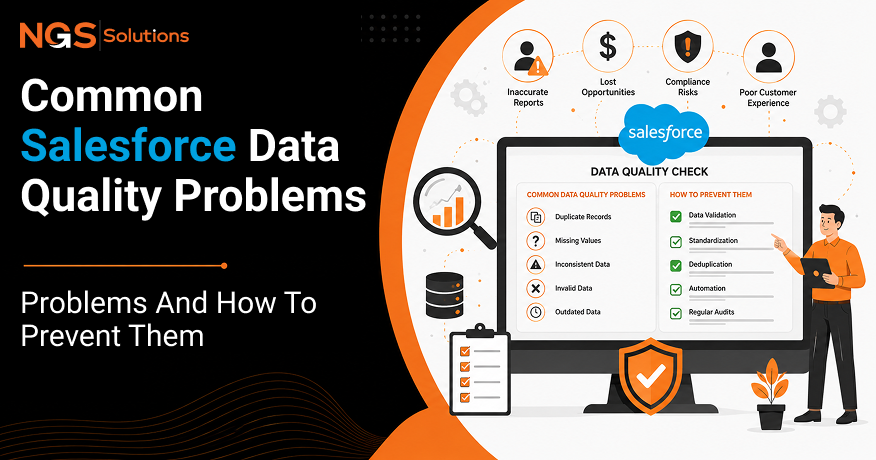
For many businesses, Salesforce is where everything comes together. It stores customer conversations, tracks sales opportunities, and keeps important business data in one place. But even the best CRM can only do its job if the information inside it is accurate. When your Salesforce data is outdated, incomplete, or full of mistakes, it becomes harder to predict sales, slows down your team, and leads to costly errors.
Keeping your Salesforce data clean isn’t just about staying organized. It helps teams make better decisions, work faster, and trust the information they use every day. Regular CRM maintenance and ongoing support also help prevent small data issues from turning into bigger business problems, so you get the most value from your Salesforce investment.
This Salesforce data quality guide will teach you about the most common issues, their business impact, and simple, practical ways to maintain an accurate and reliable CRM.
Why Data Quality Matters in Salesforce
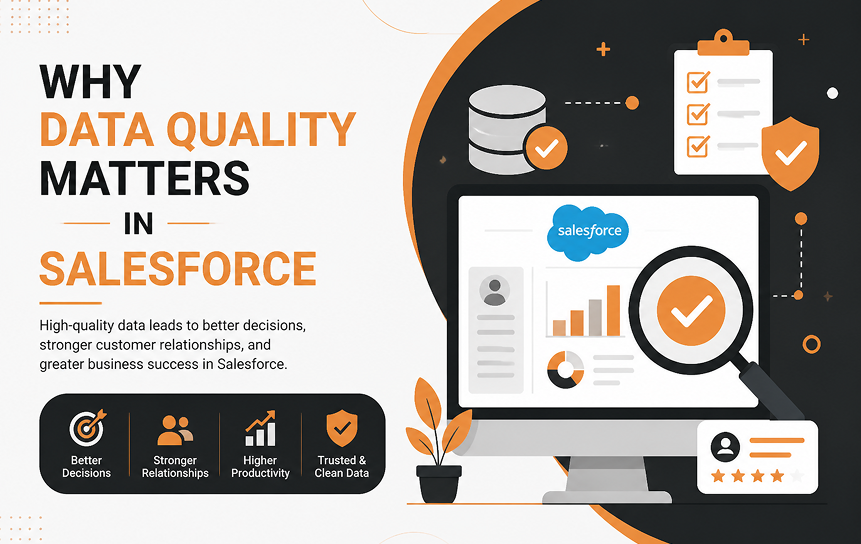
High-quality data serves as the foundation for operational efficiency. When customer records are accurate and complete, every department operates with greater confidence and speed.
Better Reporting
Executive leadership relies on dashboards to gauge pipeline health and revenue trajectories. When underlying records contain errors, reports produce misleading metrics. Clean Salesforce data accuracy ensures that executive reports reflect reality rather than speculation.
Improved Sales Decisions
Account executives make strategic decisions based on activity logs, contact histories, and deal stages. Accurate CRM data quality helps reps prioritize leads effectively, target the right stakeholders, and move deals through the pipeline without wasting time on dead ends.
Customer Experience
Customers expect seamless interactions across sales, support, and marketing channels. If a rep contacts a client using outdated contact details or is unaware of an open support ticket, trust erodes immediately. Clean data delivers a personalized, frictionless customer journey.
Automation Accuracy
Modern Salesforce setups rely heavily on automated flows, lead assignment rules, and trigger-based emails. If input data is incorrect, automation fails, sending messages to the wrong recipients or assigning high-value leads to inactive reps.
Most Common Salesforce Data Quality Problems
Data issues rarely appear overnight. Instead, they accumulate subtly through day-to-day operations, manual entries, and third-party integrations.
| Data Issue | Primary Cause | Operational Impact |
| Duplicates | Multiple entry points, bulk imports | Split activity history, wasted sales effort |
| Missing Info | Rushed reps, non-required fields | Blind spots in reporting, broken automation |
| Inconsistent Formatting | Free-form text fields | Segmenting issues, failed integrations |
| Outdated Records | Job changes, company rebranding | Bounced emails, wasted outreach |
| Incorrect Ownership | Employee turnover, bad routing | Unattended leads, missed revenue opportunities |
Duplicate Records
Salesforce duplicate records occur when sales reps manually create accounts or contacts without searching the system first, or when web forms import leads without deduplication checks.
Missing Information
When key fields like industry, job title, or phone number are left blank, lead scoring and routing models fall apart. Incomplete records limit your team’s ability to qualify prospects efficiently.
Inconsistent Formatting
Formatting inconsistencies, such as entering state names as “CA”, “California”, or “Calif” complicate data filtering. Unstandardized values make accurate segmentation nearly impossible.
Outdated Records
People change jobs, phone numbers update, and companies restructure. Without routine Salesforce data maintenance, static contact details turn into dead ends within months.
Incorrect Ownership
When sales reps leave a company or change territories, their assigned records often sit idle. Unassigned or improperly owned accounts prevent active reps from pursuing valuable opportunities.
How Duplicate Records Affect CRM Performance
Among all common CRM data quality issues, duplicate records remain one of the most persistent operational challenges. When the same customer or company exists in multiple records, teams work with inconsistent information, resulting in inefficiencies, poor customer experiences, and unreliable business insights.
Sales Impact
Duplicate records often result in conflicting sales outreach. Two or more sales representatives may unknowingly contact the same prospect or account, creating confusion and leaving an unprofessional impression. Duplicates can also fragment customer information across multiple records, making it difficult for sales teams to view the complete interaction history, prioritize opportunities, and accurately manage the sales pipeline.
Marketing Impact
Duplicate contacts distort marketing campaign performance by inflating audience sizes, reducing the accuracy of engagement metrics, and increasing costs for email marketing and CRM platforms that charge based on contact volume. Prospects who receive the same promotional email multiple times are more likely to unsubscribe, ignore future communications, or report messages as spam, negatively affecting sender reputation.
Customer Support Impact
Effective customer support depends on having a complete view of each customer’s history. When support information is split across duplicate records, agents may miss previous cases, purchase history, or important notes. This often leads to customers repeating information, longer resolution times, inconsistent service, and reduced customer satisfaction.
Reporting Errors
Duplicate records significantly reduce the accuracy of CRM reporting by inflating lead counts, pipeline values, customer totals, and conversion rates. As a result, management may make strategic decisions based on misleading data, leading to inaccurate sales forecasts, ineffective resource allocation, and poor business planning. Regular duplicate detection and record merging help ensure reports reflect actual business performance.
Best Practices for Maintaining Clean Salesforce Data
Establishing Salesforce data cleansing best practices requires blending system restrictions with team habit changes.
Here are core practices to maintain clean Salesforce data over time:
Validation Rules
Set up Salesforce data validation tips and rules to enforce specific criteria before a user saves a record. For instance, require a standard 10-digit format for phone numbers or mandate an email address for lead creation.
Required Fields
Identify the essential fields needed for business processes and mark them as required at the field or page-layout level. Avoid making too many fields mandatory, as this encourages reps to input dummy text just to bypass the system.
Duplicate Rules
Activate native Salesforce duplicate record prevention tools. Configure matching and duplicate rules to alert users when they attempt to create a record that matches an existing entry.
[User Creates Lead] ➔ [Matching Rule Triggers] ➔ [Alert / Block Duplicate] ➔ [Clean Database]
Regular Audits
Schedule routine audits to evaluate overall CRM hygiene. Use automated reports to flag records with missing data, invalid email addresses, or zero account activity over extended periods.
Standard Naming Conventions
Establish uniform formatting guidelines across your team. Standardize how account names, opportunity titles, and campaign tags are structured to keep records organized and searchable.
Building a Salesforce Data Governance Strategy
A successful Salesforce data governance guide establishes clear policies, designated roles, and ongoing processes for managing record quality across the entire enterprise.
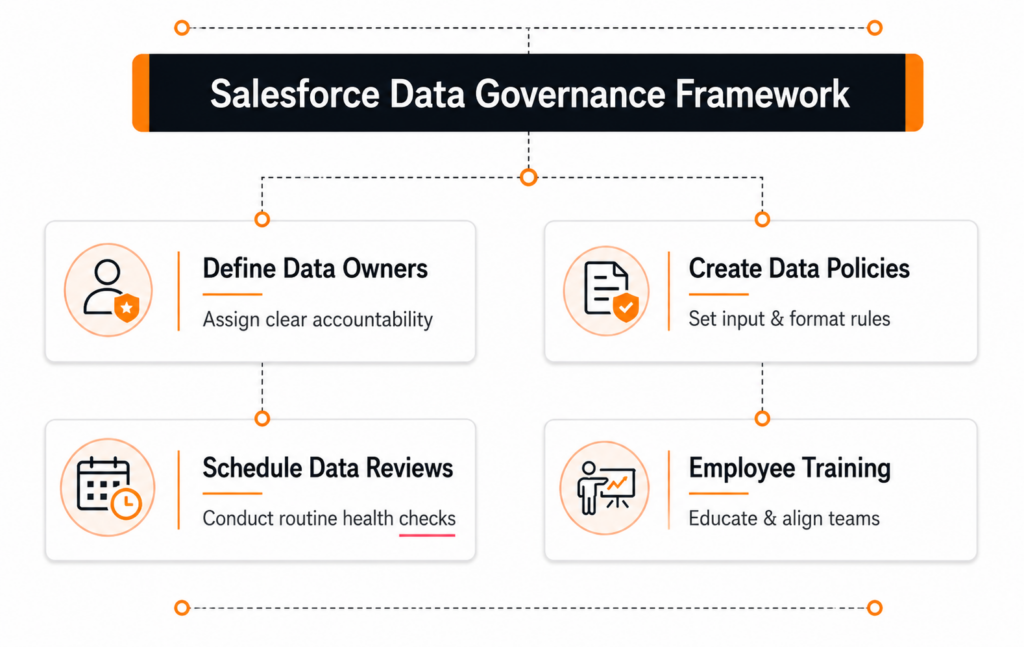
Define Data Owners
Assign specific team members responsibility for distinct data objects. For example, assign marketing leadership ownership over lead fields, while sales operations oversees account and opportunity structures.
Create Data Policies
Draft documented guidelines that define standard entry procedures, field definitions, and approval hierarchies. Clear policies eliminate confusion about how data should be handled.
Schedule Data Reviews
Data governance is an ongoing effort, not a one-time project. Schedule quarterly reviews to assess data health metrics, clean up inactive records, and refine system validation rules.
Employee Training
Tool configuration alone cannot replace comprehensive user training. Educate team members on why clean data matters and how proper entry techniques make their daily workflows easier.
Tools That Help Improve Salesforce Data Quality
Leveraging the right tools simplifies Salesforce data management, reduces manual effort, and automates recurring cleanup tasks, helping organizations maintain accurate and reliable CRM data over time.
Native Salesforce Features

Salesforce includes powerful built-in tools for maintaining data quality, such as Duplicate Management to detect and prevent duplicate records, Mass Transfer tools to reassign records efficiently, and Data Loader for secure bulk imports, exports, and updates. Validation Rules and Required Fields also help ensure users enter complete and accurate information at the point of data entry.
Reports & Dashboards
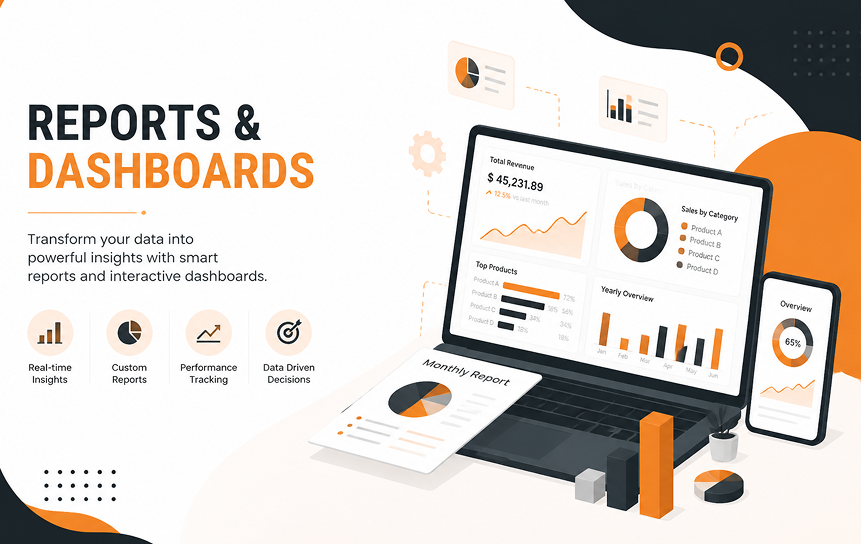
Create dedicated data quality reports and dashboards to monitor key health metrics in real time. Track indicators such as the percentage of complete records, duplicate alerts, missing required fields, inactive accounts, stale opportunities, and unassigned leads. Regular visibility into these metrics helps administrators identify issues before they affect business processes.
Import Controls

Limit bulk import permissions to trained administrators or designated data stewards to reduce the risk of inconsistent data. Use Salesforce’s Import Wizard or Data Loader with standardized templates and validation checks. Before importing, compare incoming CSV files against existing records to identify duplicates, incorrect formatting, or missing required information.
Automation Monitoring
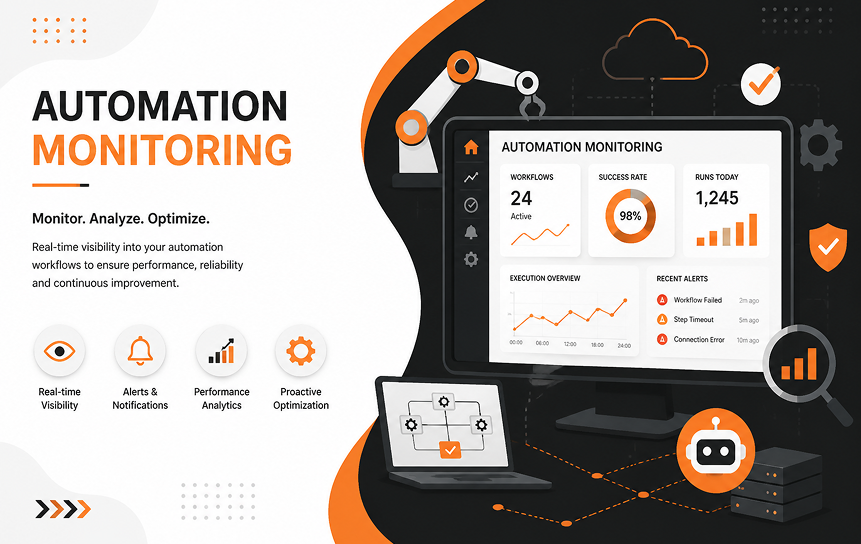
Regularly monitor Salesforce Flow error logs, Apex exception emails, and scheduled job failures to ensure automated processes are running correctly. Detecting automation errors early prevents incomplete updates, failed record creations, or corrupted data from spreading throughout the CRM. Periodic reviews of automation performance also help identify opportunities to optimize workflows and improve overall data quality.
Conclusion
Maintaining high Salesforce data quality isn’t a one-time task; it requires ongoing attention and the right balance of people, processes, and technology. Clear data entry standards, well-defined workflows, and strong validation rules help ensure that only accurate and complete information enters your CRM. Regular data reviews, duplicate checks, and routine cleanup also prevent small issues from turning into larger problems that affect reporting, sales performance, and customer relationships.
Strong data governance is equally important. When teams follow consistent standards and understand how information should be managed, they create a reliable master data foundation that everyone can trust. This not only helps with improving CRM data accuracy but also strengthens lead quality and account quality, giving sales, marketing, and customer support teams the confidence to make better decisions.
To keep your CRM performing at its best, many organizations also invest in Salesforce CRM Optimization & Health Checks. Regular health checks uncover hidden data issues, identify process gaps, and highlight opportunities to improve system performance before they impact the business. By combining ongoing optimization with good data management practices, you can get more value from Salesforce, improve productivity across teams, and deliver a more consistent customer experience as your business grows.
FAQs
-
What is Salesforce data quality?
Salesforce data quality refers to the accuracy, completeness, consistency, and reliability of the records stored within the Salesforce CRM platform.
-
Why are duplicate records a problem?
Duplicate records split interaction histories, cause redundant marketing and sales outreach, warp executive reporting, and waste platform storage space.
-
How can validation rules improve CRM data?
Validation rules enforce business standards by preventing users from saving records unless the entered data meets specific format and completeness criteria.
-
How often should Salesforce data be cleaned?
While automated rules prevent daily errors, comprehensive Salesforce data cleansing and audits should occur at least once every quarter.
-
What is Salesforce data governance?
Salesforce data governance is the overall strategy, set of policies, and assignment of responsibilities that dictate how an organization manages its CRM data assets.
-
Which Salesforce features help maintain clean data?
Key native features include Duplicate Rules, Matching Rules, Validation Rules, Required Fields, and built-in Report and Dashboard capabilities.


