
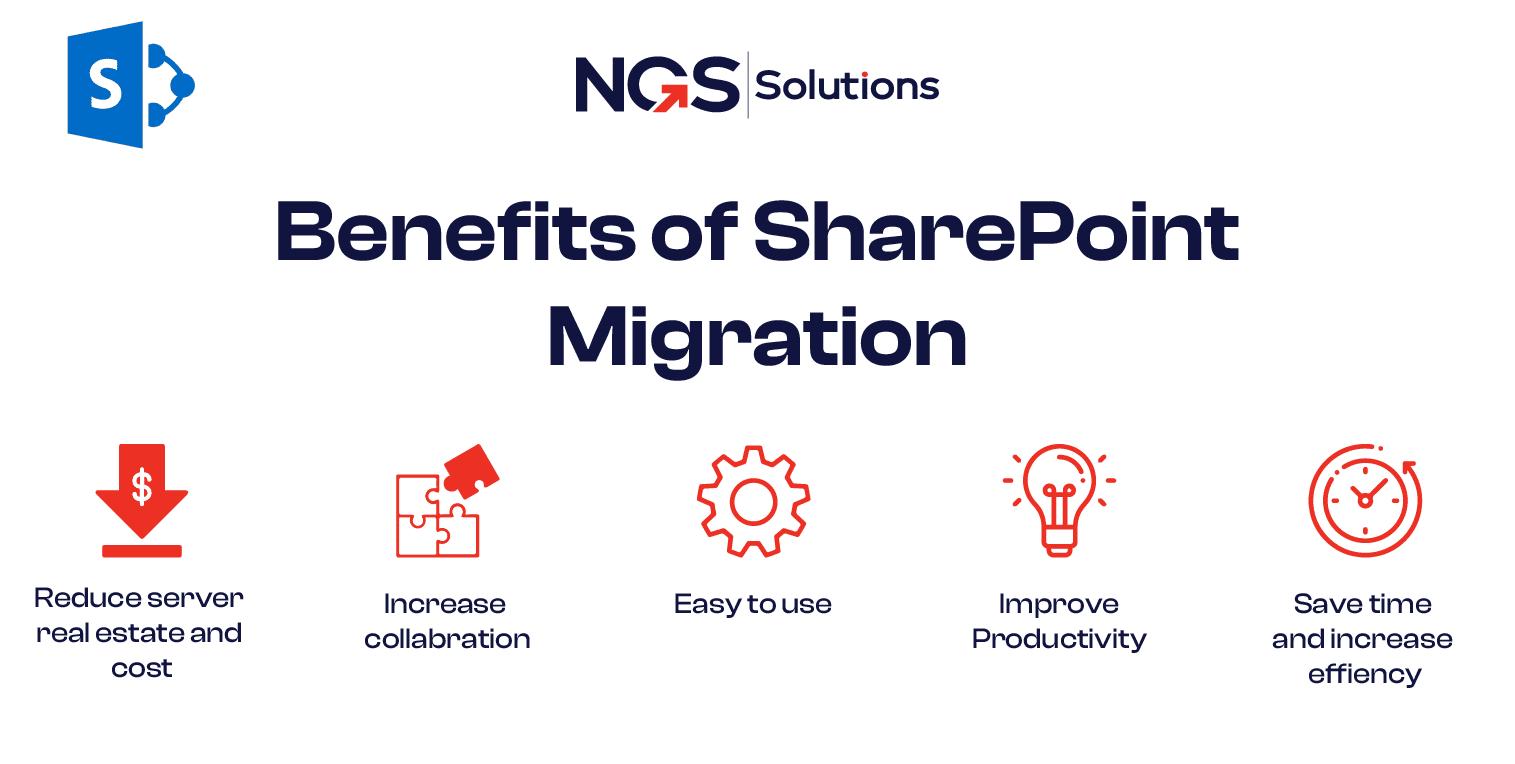
SharePoint has been a cornerstone for enterprise collaboration for over a decade. Organizations rely on SharePoint for document management, team collaboration, workflow automation, and secure data storage. However, with evolving business needs, technological advancements, and increasing data volumes, migrating from older SharePoint versions or from on-premises to cloud environments, has become essential.
SharePoint migration is not just a technical upgrade; it is a strategic move that brings measurable business benefits. This article explores the key benefits of SharePoint migration, providing practical insights for organizations considering this transition.
1. Enhanced Security and Compliance
Modern Security Features
Older SharePoint versions may not support the latest security standards. Migrating allows organizations to leverage:
- Advanced authentication methods like multi-factor authentication
- Encryption of data both in transit and at rest
- Modern permission management
This ensures sensitive corporate data is protected against internal and external threats.
Compliance Management
SharePoint migration helps enterprises comply with:
- GDPR (General Data Protection Regulation)
- HIPAA (Health Insurance Portability and Accountability Act)
- ISO standards and other industry-specific regulations
Migration ensures retention policies, audit logs, and document governance rules are preserved and aligned with regulatory requirements.
2. Improved Collaboration and Productivity
Modern Collaboration Tools
Migrating to newer SharePoint versions or SharePoint Online provides:
- Modern document libraries with improved search and filtering
- Communication sites for team announcements and knowledge sharing
- Integration with Microsoft Teams for real-time collaboration
Teams can collaborate seamlessly, reducing email dependency and accelerating project timelines.
Streamlined Document Management
- Automated workflows streamline repetitive tasks like approvals and notifications
- Version control ensures team members are always working with the latest documents
- Centralized document storage reduces confusion and duplication
Faster Access and Search
Modern SharePoint includes advanced indexing, search refinements, and AI-driven content suggestions. Employees spend less time searching for files, improving overall productivity.
3. Operational Efficiency and Cost Reduction
Simplified IT Infrastructure
Migration consolidates disparate systems and servers into a single platform:
- Reduces the number of servers and maintenance overhead
- Minimizes software patching and monitoring requirements
- Supports centralized administration for easier governance
Reduced Operational Costs
- Licensing costs are optimized when migrating from multiple older servers
- Storage is better utilized with fewer duplicates and archival processes
- IT teams can focus on strategic projects rather than managing outdated systems
Automation of Manual Tasks
Migrated SharePoint environments support workflow automation that replaces manual processes, reducing errors and saving valuable time.
4. Scalability and Future-Proofing
Support for Growing Data
Modern SharePoint versions and SharePoint Online are designed to handle:
- Large volumes of documents and sites
- Increasing numbers of users without performance degradation
Future Integration
Migrating prepares enterprises for seamless integration with:
- Microsoft 365 ecosystem (Teams, OneDrive, Power Automate)
- AI-driven analytics and insights
- Cloud-based collaboration tools
Future-proofing ensures the platform remains adaptable to evolving business needs.
5. Enhanced User Experience
Intuitive Interface
Newer SharePoint versions provide:
- Modern, responsive interfaces compatible with desktops and mobile devices
- Simplified navigation and search functionality
- Rich media support for enhanced engagement
Personalized Experiences
- Customizable dashboards for teams and individuals
- Targeted content delivery for relevant users
- AI-powered recommendations for documents and sites
A user-friendly interface reduces the learning curve and encourages adoption.
6. Business Continuity and Risk Mitigation
Reliable Data Backup
Migration processes include structured backup and recovery plans:
- Protects against accidental data loss
- Maintains document version history
- Ensures business-critical workflows continue uninterrupted
Disaster Recovery Support
Modern SharePoint environments provide disaster recovery features:
- Redundant storage and failover systems
- Geo-redundant data storage in cloud environments
- Quick recovery options during outages or incidents
Reduced Downtime
With proper planning, migrations can be performed with minimal or zero downtime, ensuring business operations remain uninterrupted.
7. Centralized Governance and Knowledge Management
Unified Document Repository
Migration consolidates data from multiple sources into a single platform:
- Reduces duplicate content
- Centralizes critical business knowledge
- Enhances searchability and information discovery
Streamlined Compliance and Audit
Centralization makes tracking, auditing, and reporting easier. Administrators can enforce:
- Retention policies
- Access controls
- Audit logs
This reduces compliance risks and improves organizational accountability.
8. Analytics and Business Insights
Data-Driven Decision Making
Modern SharePoint platforms integrate analytics tools:
- Track document usage and collaboration trends
- Identify bottlenecks in workflows
- Optimize content structure and governance
AI and Automation
AI-driven features such as content classification, intelligent search, and workflow suggestions help enterprises make informed decisions and improve operational efficiency.
9. Supports Modern Work Culture
Remote Work Enablement
SharePoint migration supports:
- Cloud access for remote teams
- Secure collaboration across geographies
- Mobile-friendly access for field employees
Agile and Flexible Collaboration
- Enables dynamic team creation and communication
- Streamlined document sharing and co-authoring
- Reduces dependency on email for task coordination
Modern SharePoint aligns with today’s hybrid work environments, enhancing team agility and flexibility.
10. ROI and Long-Term Value
Cost Savings
- Reduced IT infrastructure costs
- Lower maintenance and support expenses
- Minimized downtime and productivity loss
Increased Productivity
- Improved search and collaboration speeds
- Automated workflows reduce manual effort
- Faster onboarding and training for new users
Strategic Advantage
- Modernized platform allows quicker adoption of new tools
- Supports innovation with AI, cloud, and automation integration
- Provides a competitive edge by enabling better information management
Conclusion
The benefits of SharePoint migration extend far beyond simply upgrading software. Enterprises that plan and execute migrations strategically gain:
- Improved security and compliance
- Enhanced collaboration and productivity
- Reduced operational costs and IT complexity
- Future-ready, scalable platforms
- Better user experiences and adoption
- Centralized knowledge management
- Valuable business insights and analytics
Migrating SharePoint is not just a technical necessity it is a strategic investment that empowers organizations to work smarter, collaborate better, and make informed decisions. By leveraging the modern features of SharePoint, enterprises can transform their digital workplace, optimize workflows, and ensure that critical business data is secure, accessible, and ready for future challenges.
FAQs
- Why should businesses migrate to a newer SharePoint version?
Migration enhances security, collaboration, scalability, and compliance while providing a modern user experience and future-proof platform.
- How does migration improve productivity?
By consolidating content, streamlining workflows, improving search, and enabling real-time collaboration.
- Does migration reduce IT costs?
Yes. Modern SharePoint requires less infrastructure, lower maintenance, and simplifies governance, reducing overall IT expenses.
- Can migration help with compliance?
Absolutely. Modern SharePoint preserves retention policies, audit logs, and access controls, ensuring adherence to regulations.
- Is user training necessary after migration?
Training helps users adapt to modern features, ensuring they leverage SharePoint’s full capabilities for collaboration and efficiency.


